2D CAD Software
for 2D drawing & drafting
Intelligent and efficient 2D CAD to help you get more work done faster using unique drawing toolsets.

Why BricsCAD?
Unique 2D CAD toolset
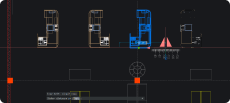
BricsCAD delivers a seamless 2D drafting experience. Fully compatible with the industry-standard DWG format, BricsCAD delivers a familiar and seamless 2D drafting experience from the outset. With intelligent, AI-driven CAD tools, and high-performance, BricsCAD accelerates your drafting and designing workflows, reducing manual work and increasing accuracy and efficiency.

DWG-based CAD Software

AI-driven productivity tools

High-performance CAD
Discover BricsCAD
CAD Software to Suit Your Design Needs
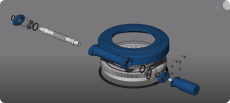
BricsCAD allows experts to create more accurate design representations, replacing manual drafting and enabling better development, alteration, and optimization. Engineers can craft more detailed designs and manipulate them virtually, as the CAD software calculates how multiple materials relate.
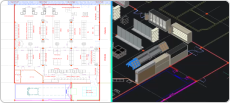
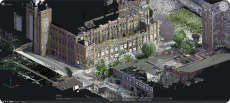
BricsCAD offers the ultimate suite of tools designed to meet your design needs. From the earliest stages of 2D drafting to the finalized 3D models utilized for manufacturing or building, our robust set of products makes it easy to create a streamlined workflow.





What's in BricsCAD for You?
High-Performance 2D Drawing and Drafting Software
When it comes to fast and efficient drafting, having access to the highest-performing 2D drafting software is a must. As the cornerstone of numerous building and manufacturing projects, those responsible for drafting 2D models must work with large amounts of information to transpose details into designs. This is where 2D computer-aided design software, or 2D CAD software, has become a game-changer. 2D CAD allows drafters to work with specialized technology to increase accuracy while decreasing manual labor.
When it comes to 2D drafting software, Bricsys has continually led the way in the industry. BricsCAD Lite offers optimal toolsets in a user-friendly and highly compatible format. BricsCAD Lite makes it easy to sync on projects while decreasing the tedious, manual labor involved in the drafting process.
Create 2D CAD Models for Your Industry
What is 2D CAD Software Used for?
What is the Difference Between 2D and 3D CAD Software?
High-Performance Modeling
TOOLS
Familiar & Compatible
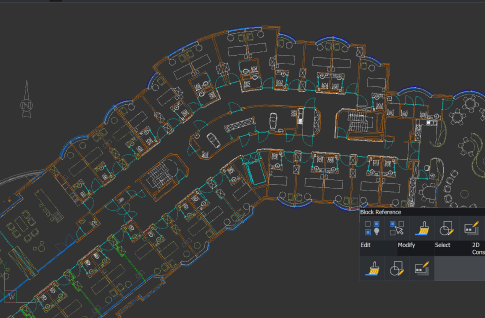
BricsCAD products offer the ultimate toolset for 2D drawing, including the following industry-leading tools.
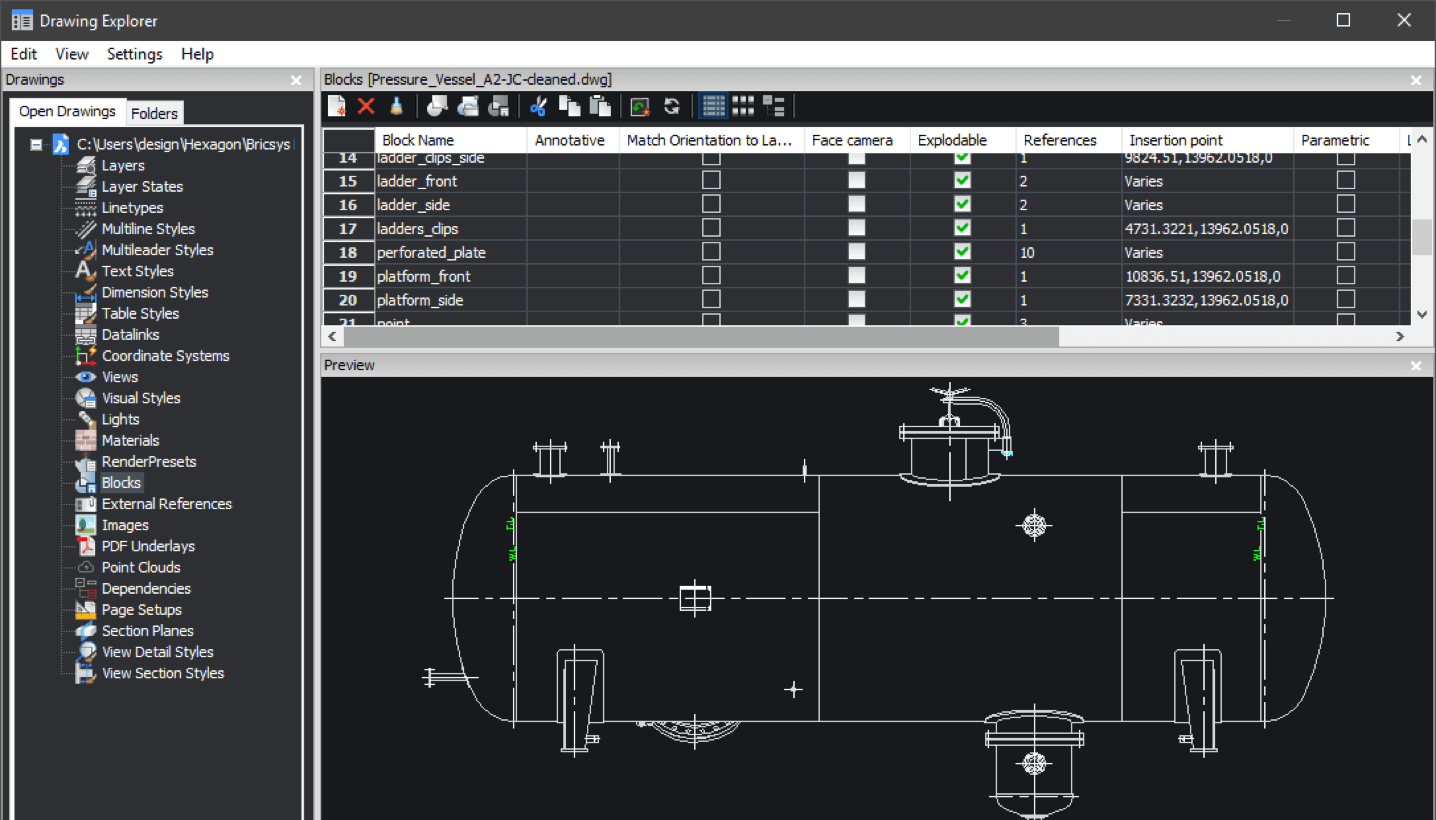
User-friendly Drawing Explorer
Offering improved control over all drawing elements
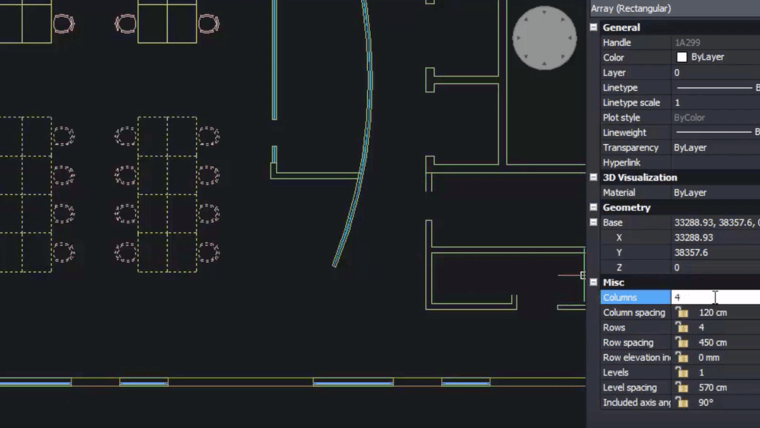
BLOCKIFY
Allowing for the automatic block definition and replacement of all matching sets of entities with block references throughout an entire drawing
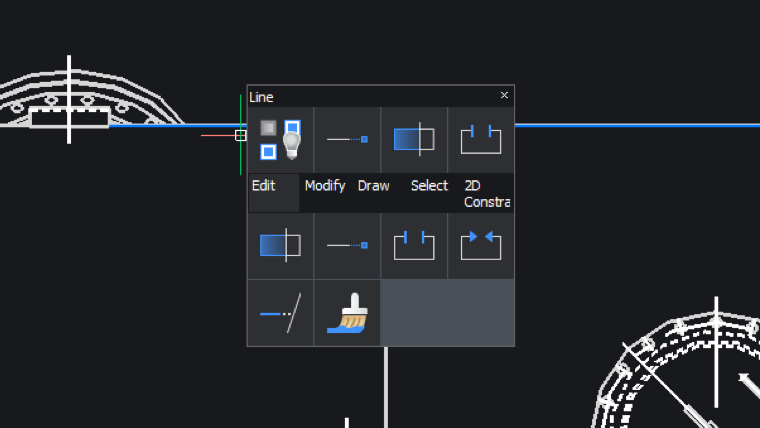
Quad
A “heads-up” command palette capable of predicting command usage through Artificial Intelligence (A.I), offering one-click access to the command needed next
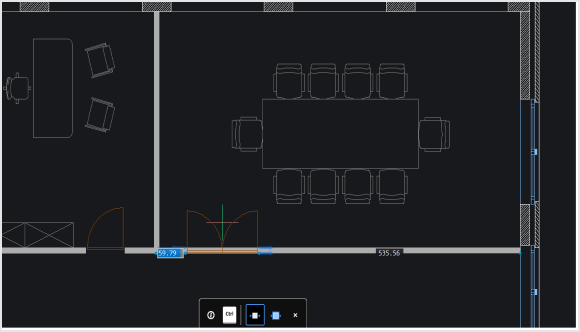
COPYGUIDED
Automatically aligning copied entities to relevant geometry using auto-generated guide curves
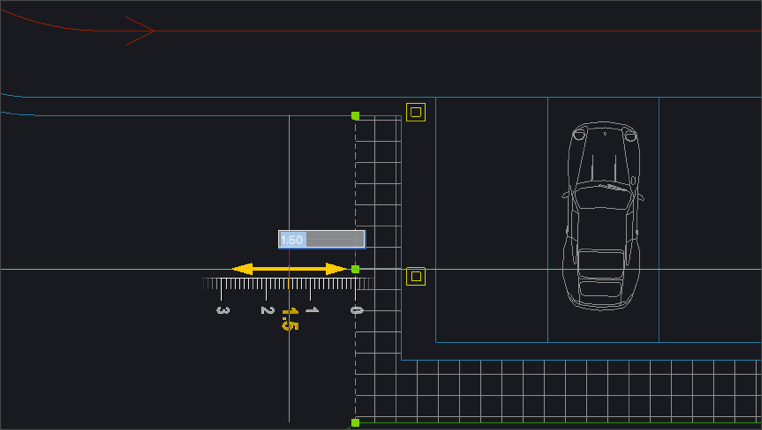
Dynamic Snap Grid
An adaptive grid snap feature that allows drafters to create, edit, nudge and manipulate entities using precise values without keyboard entry
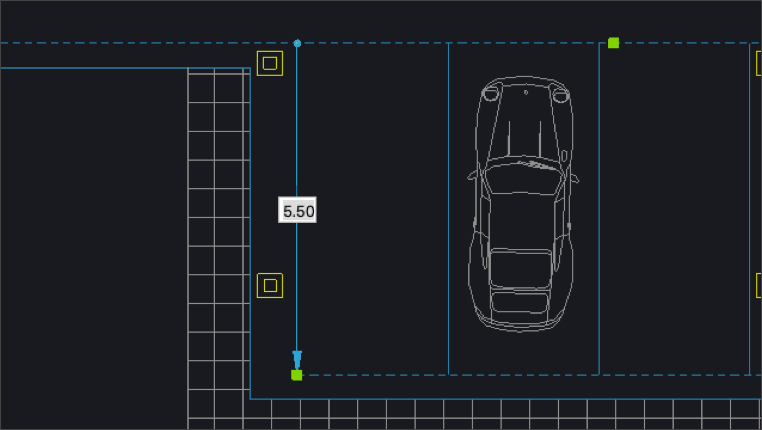
Dynamic UCS
Increasing drawing productivity by automatically aligning the UCS with selected entities for both 2D and 3D modeling
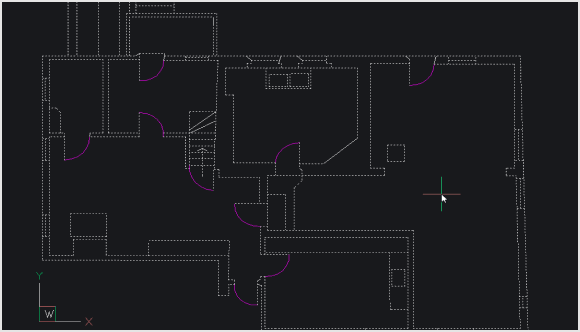
OPTIMIZE
Correcting drawing issues by automatically finding and healing inconsistencies such as gaps and misalignments
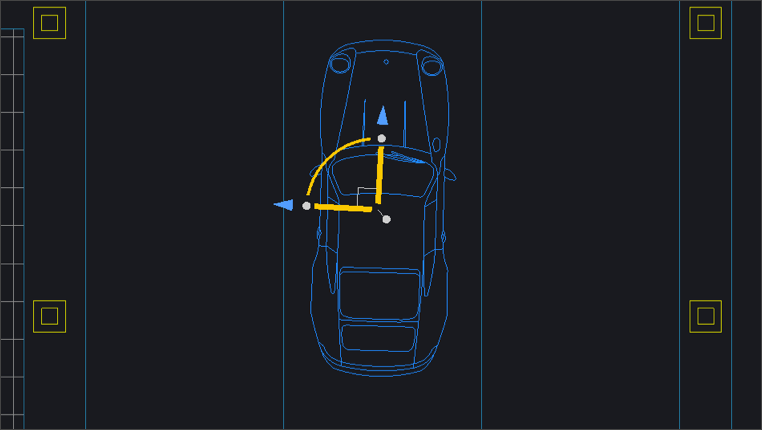
The Manipulator
A versatile tool that lets drafters move, copy, rotate, scale, and mirror selected entities, acting on single or multiple entities at once
BRICSCAD USAGE
Explore CAD
Get the Facts
Frequently Asked Questions
What is 2D drawing?
2D drafting is the process of designing and editing technical models. These drawings are created using CAD software and utilized across industries for developing floor plans, elevations, building layouts, landscapes, and more. Drafts are also annotated with crucial details, notes, and accompanying documentation that allow teams across a project to access relevant data as needed.
How to convert a 2D drawing into a 3D model in BricsCAD?
Which software is best for 2D drawing?
What can you do with 2D CAD software?
What are the minimum system and hardware requirements for BricsCAD?
Help & Support
Get BricsCAD help
From the official Bricsys corporate logo set to the latest press releases, we are here to help.

Check BricsCAD’s Help Center
Do you have specific questions? Search through help articles, tutorials and command references.

Contact Support
Didn’t find what you were looking for? Get in touch with Bricsys support.
30 day trial
Start designing in BricsCAD today!
