The CAD alternative you've been looking for
Achieve more with BricsCAD®
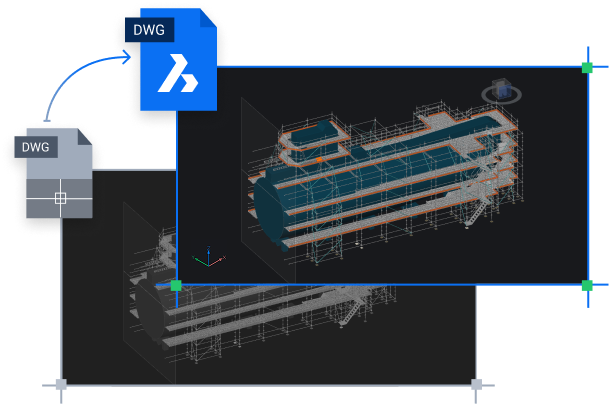
A smarter switch
Why seek an AutoCAD® alternative?
If, like many CAD users, you're increasingly jaded by the rising costs of your legacy CAD software and rigid, subscription-based licensing terms - it's time to start looking for an AutoCAD® alternative. BricsCAD is the true CAD alternative, offering scalable, flexible licensing options - including perpetual licensing - lower costs, .dwg compatibility, and familiar tools.
Better value, flexible licensing options

Unique industry focused productivity tools

Local support
Speed is better
Get your work done faster
We compared the time taken to complete common, resource-intensive tasks. The results highlight BricsCAD's efficiency in workflows that matter most to professionals.
BricsCAD® (Seconds)
AutoCAD® (Seconds)
Open 500MB+ DWG File
️2.5x faster

 2.5x
2.5xGenerate 8 Drawing Views from
Complex 3D Model
️4x faster
 4x
4xExecute Complex LISP Routine
️5x faster
 5x
5xLoad & Navigate 1.5GB BIM Model
️3x faster


Time in Seconds
3x
Time in Seconds
THE LICENSING ADVANTAGE
Own your license. Own your savings.
Why rent your software? A BricsCAD Pro perpetual license is a one-time purchase. Compare that to the mandatory annual subscription for AutoCAD®.
BricsCAD Pro
Perpetual license
AutoCAD®
Annual subscription
Total savings over 5 years:
7.555 EUR
Years
Number of licenses
1
2.920 EUR
BricsCAD®
10.475 EUR
AutoCAD®
The prices of BricsCAD versions shown here are for stand-alone licenses, and the total prices shown in the chart include annual Maintenance.
The price of AutoCAD shown here is the annual subscription fee.
Why switch?
Six reasons you’ll never look back
Seamless compatibility and easy migration
Looking for an AutoCAD® alternative that you can migrate to without disruption? BricsCAD's exceptional .dwg compatibility, fast installation, and quick migration process mean you can easily make the switch. Users coming from AutoCAD® will experience minimal downtime once they get started with BricsCAD, thanks to a familiar interface, command structure, workflows, and many menus and shortcuts. Transfer your existing .dwg files, custom settings, tool palettes, and templates - no conversion required!
Innovative, AI-Driven design tools
Consolidated design process with an all-in-one platform
Flexible licensing and ownership
Staying consistent and compliant with CAD standards
Industry-specific workflows
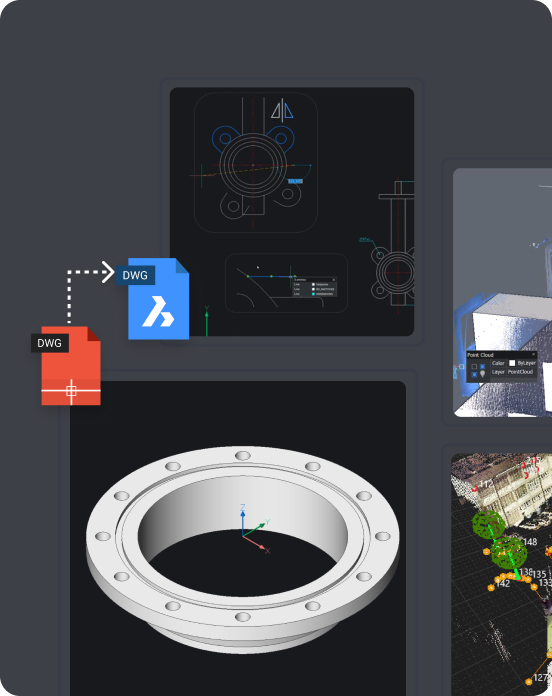
Beyond the basics
Everything you expect. And more.
DWG fidelity & compatibility
As BricsCAD's DWG fidelity means smooth interoperability - collaborate confidently knowing that your designs will remain accurate in other CAD software.
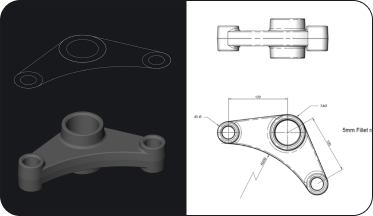
Unified 2D drafting and 3D modeling
Draft in 2D and convert your drawings into 3D models. Then use direct modeling tools on the model, and generate 2D documentation from 3D models.
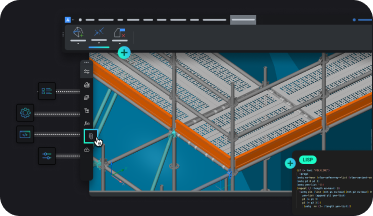
Extensive customization and app ecosystem
Adapt BricsCAD to your needs with LISP, customizable tool palettes, and command sequences, or choose a third-party app from the BricsCAD App Store.
Compare
Compare BricsCAD with AutoCAD®
 BricsCAD® Lite BricsCAD® Pro BricsCAD® Ultimate
 AutoCAD® LTAutoCAD®
 FAQs
Frequently asked questions
How similar are BricsCAD's commands and interface to AutoCAD®?
BricsCAD has a very familiar interface to AutoCAD®, with similar commands, aliases, shortcuts, and file formats, making the learning curve minimal.
Will my DWG files and existing projects open correctly in BricsCAD?
Is BricsCAD compatible with AutoCAD® Dynamic Blocks?
Can I migrate my AutoLISP routines and custom scripts from AutoCAD® to BricsCAD?
Will my custom menus, toolbars, and keyboard shortcuts transfer from AutoCAD® to BricsCAD?
30 day trial
Start designing in BricsCAD today!
