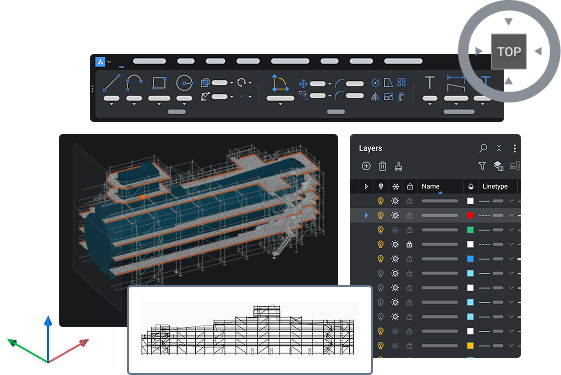
BricsCAD® V26
New capabilities to accelerate the design-to-production process
BricsCAD® V26 Launch
Catch up on everything we announced during our online event. Watch our product team demo the new capabilities to help you deliver your projects faster.
Latest features
New in BricsCAD® V26
Learn how this version helps users working in General Design, Manufacturing, Building Subcontracting, and Land Surveying. 60+ additional features for the fastest path from initial design to complete and accurate production drawings.
Filter by:
General design innovations

BricsCAD
NEW
BricsCAD Assist
AI‑driven chat panel that helps users quickly find documentation, how‑to tips, and guidance, all integrated directly into the BricsCAD interface.
V26.2
Unique to BricsCAD®
AI-driven tool

BricsCAD Mechanical
NEW
Siemens Teamcenter integration
Support for product lifecycle management (PLM) with BricsCAD integration for Teamcenter to better manage data and workflows.

BricsCAD Mechanical
NEW
Autodesk® Vault integration
Support for product data management (PDM) with BricsCAD integration for Autodesk® Vault to better manage data and workflows.

BricsCAD BIM
NEW
Autodesk® Construction Cloud integration
Connect BricsCAD to Autodesk® Construction Cloud for smoother AECO collaboration, better data flow, and more connected workflows.

BricsCAD BIM
NEW
Bentley ProjectWise integration
Connect BricsCAD to Bentley ProjectWise for streamlined AECO collaboration, stronger data control, and alignment with connected industry workflows.

BricsCAD
NEW
Filtering by property-based selection
Run property‑based queries in the Filter panel to select, deselect, add, or remove entities. Execute queries in the panel or the command line, and save and reuse filters.
BricsCAD
ENHANCED
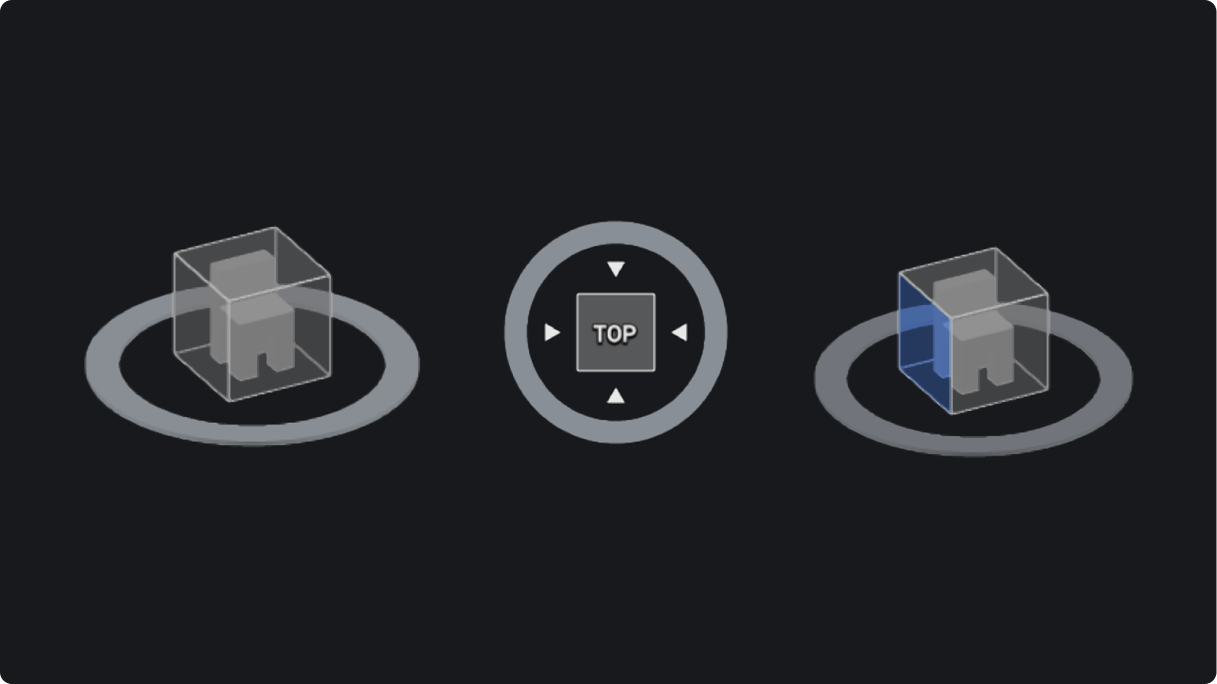
Look From widget
Navigation tool to easily select the desired position on the cube and dynamically reposition a preset view.
BricsCAD
ENHANCED
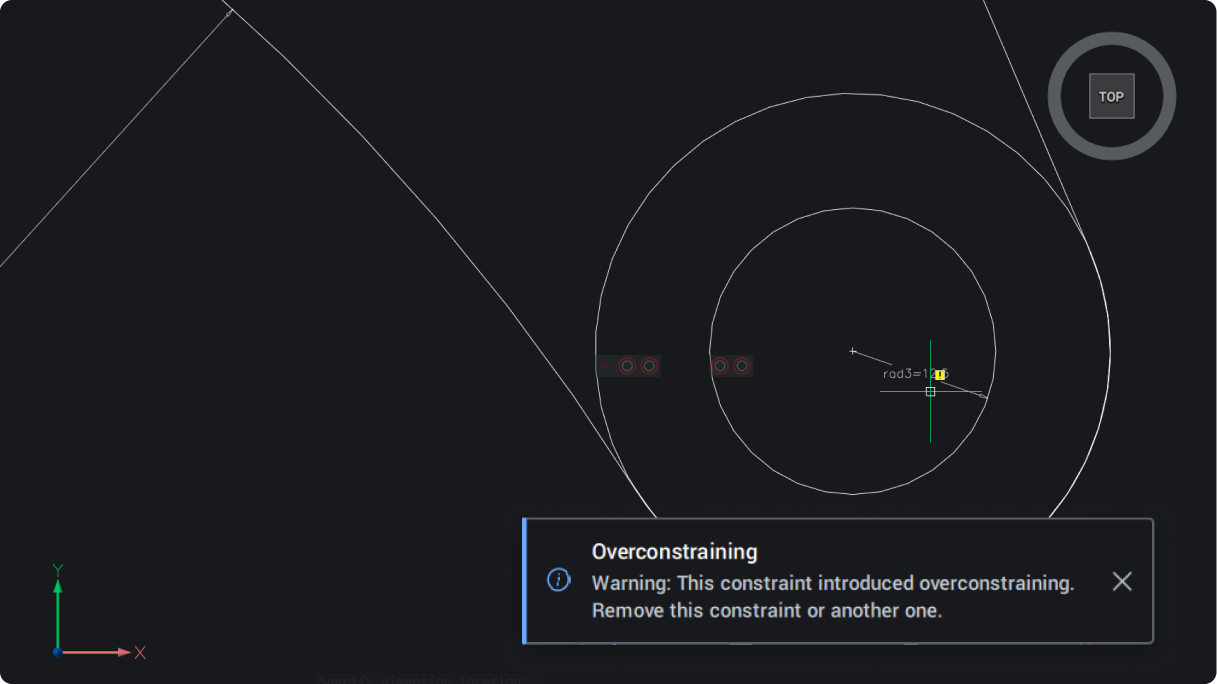
Notification message dialog box
Consistent notifications, offering a simple, clear pop-up for in-product warnings and updates.
BricsCAD
ENHANCED
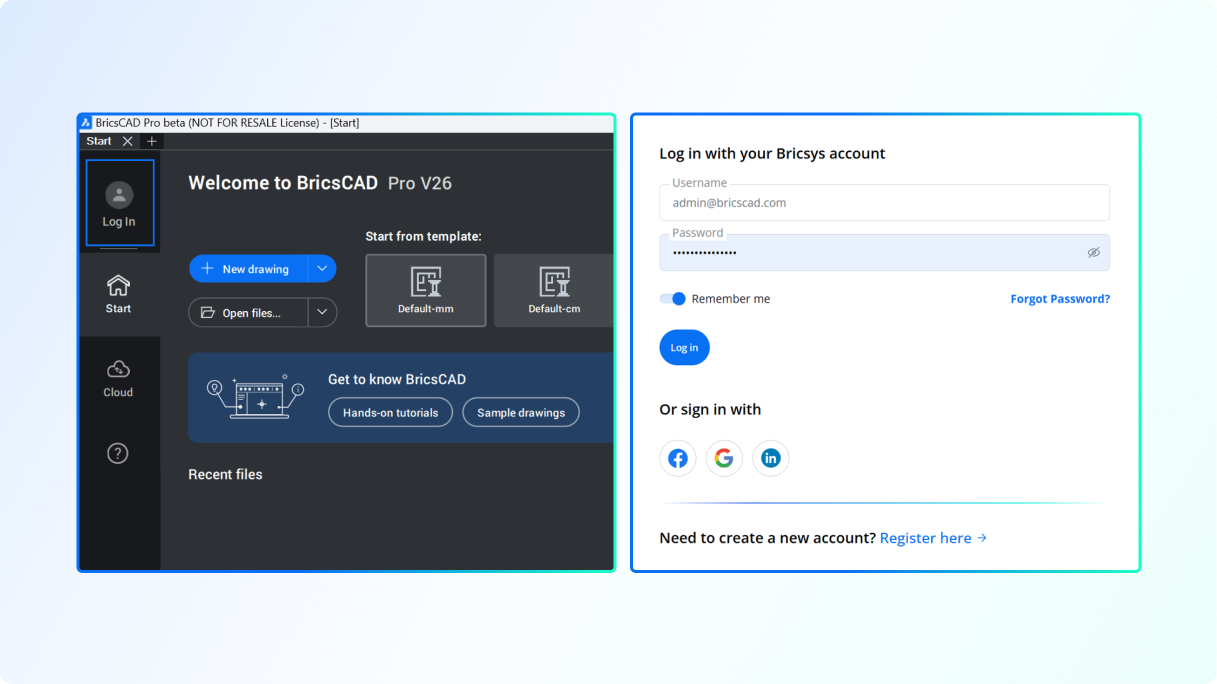
Log in process for analytics authentication
Uniformed log in for simplified browser authentication and consistency across tools.
Importing and creating files

BricsCAD Survey Toolset
ENHANCED
Leica Infinity integration
Get a direct, live connection to Leica Infinity surveying software with the new LEICACONNECTOR command.
Unique to BricsCAD®

BricsCAD Survey Toolset
NEW
Linear feature detection
Create linear features directly from a point cloud, with output options that include lines, polylines, civil strings, or surfaces.
V26.2
Unique to BricsCAD®
AI-driven tool

BricsCAD
ENHANCED
Using Dynamic Block inserts
Consistent, compatible behavior for Dynamic Blocks when using block inserts and adjusting their parameters.

BricsCAD
ENHANCED
Properties for Dynamic Blocks in Tool Palettes
Configure Dynamic Block parameters through the tool properties in the Tool Palette.

BricsCAD
experimental
Constraint parameters for Dynamic blocks
Create constraint parameters and convert dimensional constraints to constraint parameters (BCPARAMETER) in Dynamic Blocks (available only for users outside the United States).

BricsCAD Survey Toolset
NEW
Import and export Digital Elevation Models
Support for survey Digital Elevation Models (DEM): GEOTIFF and Arc/Info ASCII Grid. Better document a wider array of survey models.

BricsCAD Mechanical
ENHANCED
DWG support for AutoCAD® Mechanical 2022 format
Additional AutoCAD® Mechanical DWG support, now with v2022, to help with legacy files.

BricsCAD Mechanical
ENHANCED
Improved mechanical DWG stability
Increased stability when opening new and legacy mechanical DWG files.

BricsCAD
ENHANCED
QDIM Advanced mode to reduce dimensioning time
Adds multi-directional chained dimensions, with level of detail and live preview options. Place all relevant dimension lines in one command run.
V26.2
Unique to BricsCAD®
AI-driven tool
Optimizing and editing

BricsCAD
experimental
Action properties for Dynamic Blocks
Properties of Actions can now be edited after they are created, enhancing productivity while working with Dynamic Blocks (available only for users outside the United States).

BricsCAD
experimental
BEDIT functionality for Dynamic Blocks
Full BEDIT functionality of Dynamic Blocks for smooth editing (available only for users outside the United States).
BricsCAD
experimental
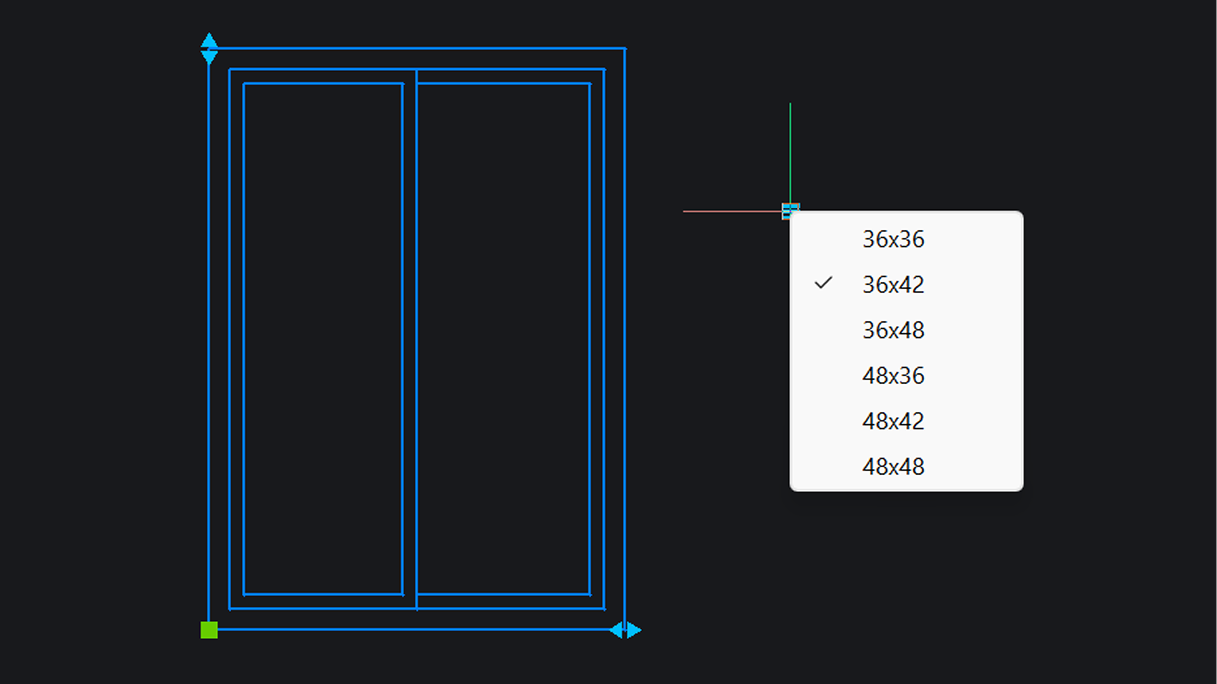
Lookup tables for Dynamic Blocks
Lookup tables can be created for Dynamic Blocks (available only for users outside the United States).

BricsCAD
NEW
Convert and edit SHX text from PDF imports
Convert SHX text geometry from PDFs into editable text automatically, eliminating manual rewriting and reducing errors (PDFSHXTEXT).
V26.2
AI-driven tool

BricsCAD
NEW
Grip-based context editing
Edit faster with context menus shown based on the grip and entity type. Get the most relevant actions without starting separate commands. Currently supported for specific entities and only on Windows.

BricsCAD
NEW
Notification to improve drawing health
Identify potential improvements for a drawing with recommendations from the Health Advisor, which runs in the background.
Unique to BricsCAD®

BricsCAD Mechanical
ENHANCED
Local sheet metal repair for targeted fixes
Select individual form features to repair (SMREPAIR). Gives better control and enhances model integrity.
Unique to BricsCAD®

BricsCAD BIM
ENHANCED
BIM data retention across Level of Detail
Match Properties now copies all BIM properties, across different levels of detail, maintaining consistency from project kickoff to delivery.
Unique to BricsCAD®

BricsCAD BIM
ENHANCED
Faster performance for BIM sections
Advanced performance of BIM sections helps save time and deliver accurate construction details.
Detailing and annotating

BricsCAD Survey Toolset
NEW
Import drawing styles and settings
Civil drawing style import helps ensure drawing consistency and standards (IMPORTSTYLESANDSETTINGS).

BricsCAD
experimental
Drawing views conversion for easier reuse
Convert layouts generated by legacy CAD applications by copying original layouts and converting them to a BricsCAD-supported format, reducing rework.
Unique to BricsCAD®

BricsCAD Mechanical
ENHANCED
Associative title blocks and mechanical data
With improved mechanical property capabilities, users can insert mechanical properties directly into title blocks and annotations.
BricsCAD
NEW
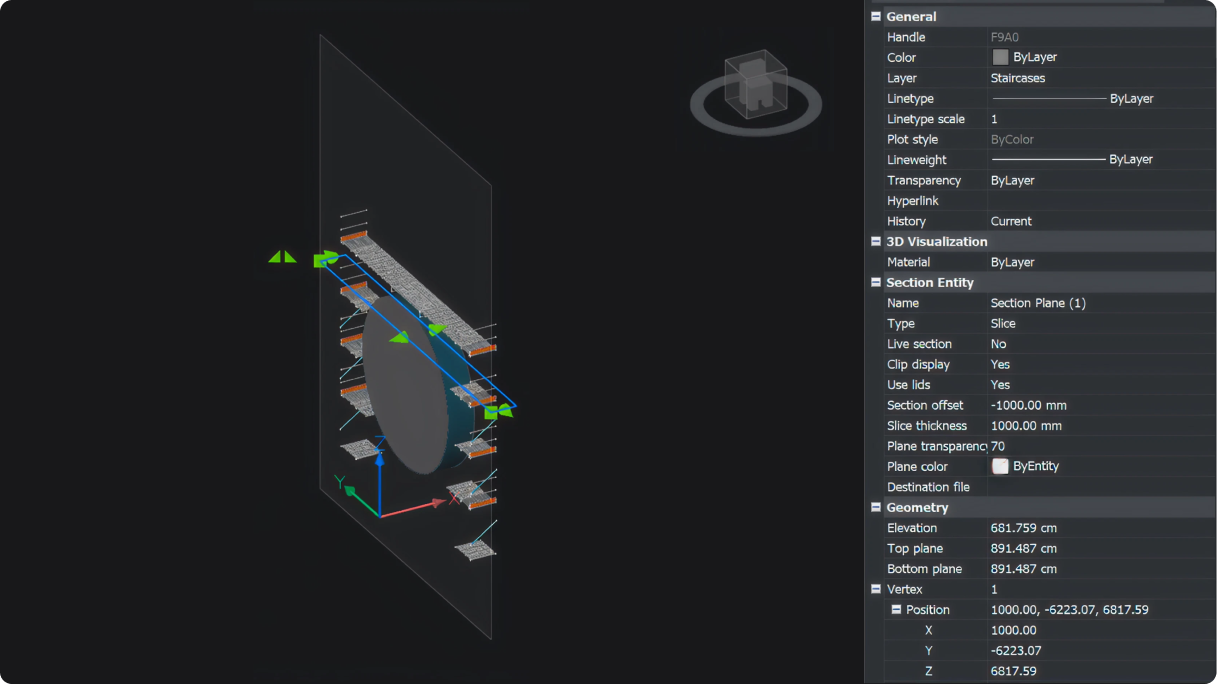
Slice section view
View a sliced section of a 3D model within a specified boundary with editable thickness and offset position.
BricsCAD
ENHANCED
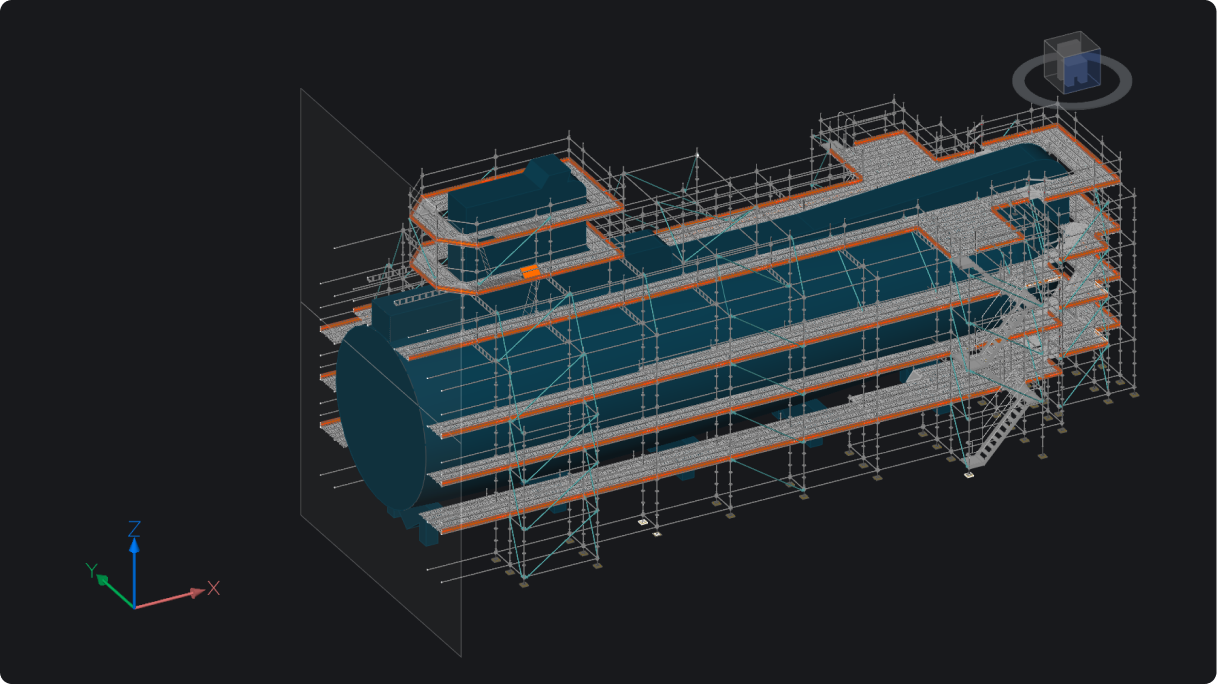
Section view plane visibility
Ability to toggle on and off the display section planes within 3D model view based on section type.
BricsCAD
NEW
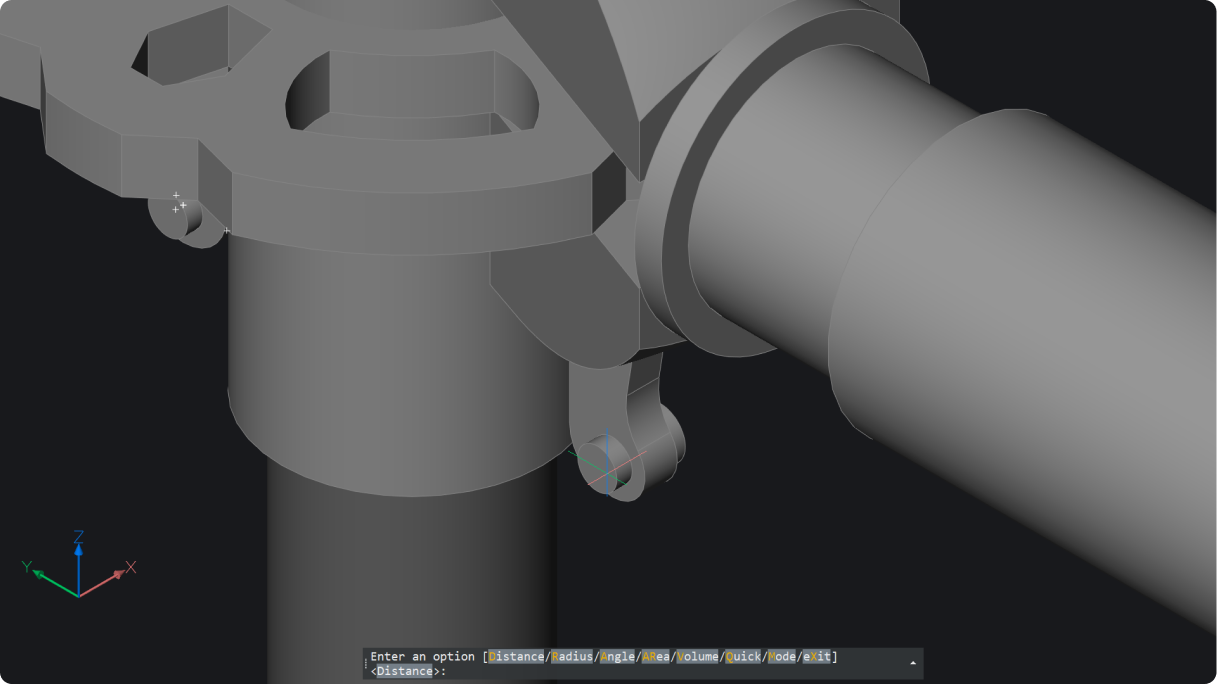
Geometry measure for 2D and 3D
Measure 2D and 3D distances, radii, angles, areas, and volumes (MEASUREGEOM). Results appear in command prompt and dynamic tooltip.
BricsCAD
ENHANCED
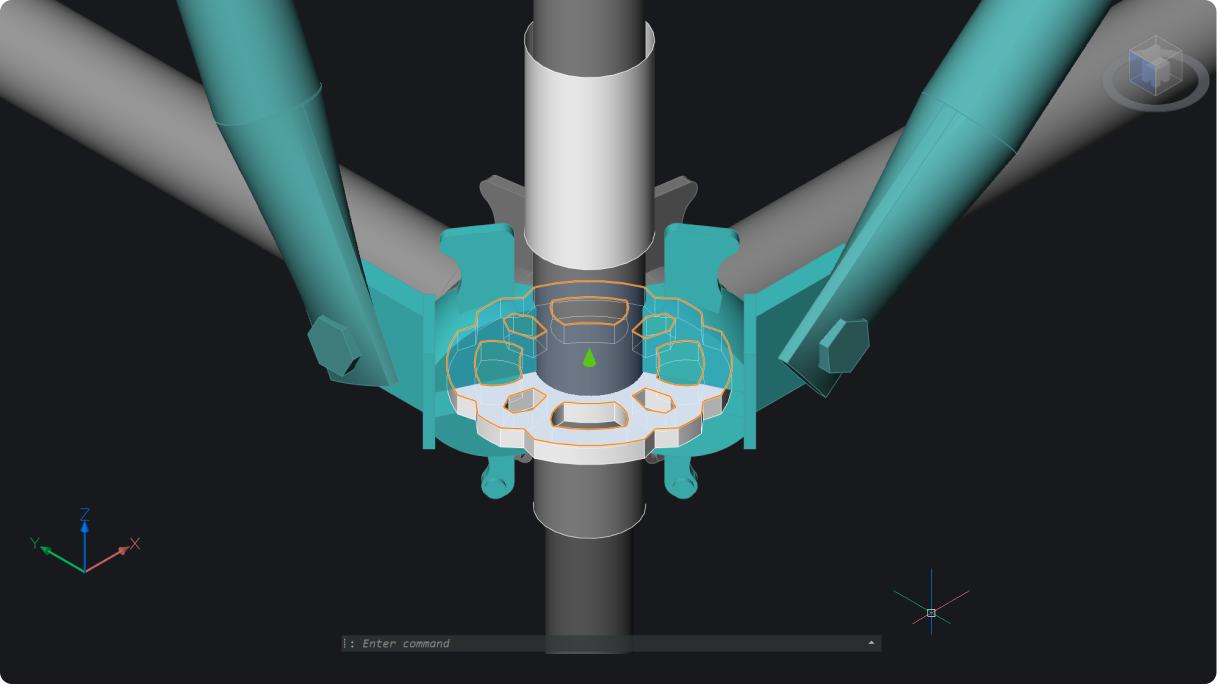
3D section grips for advanced visual controls
Easier to dynamically manipulate section cuts through 3D solids.
BricsCAD
ENHANCED
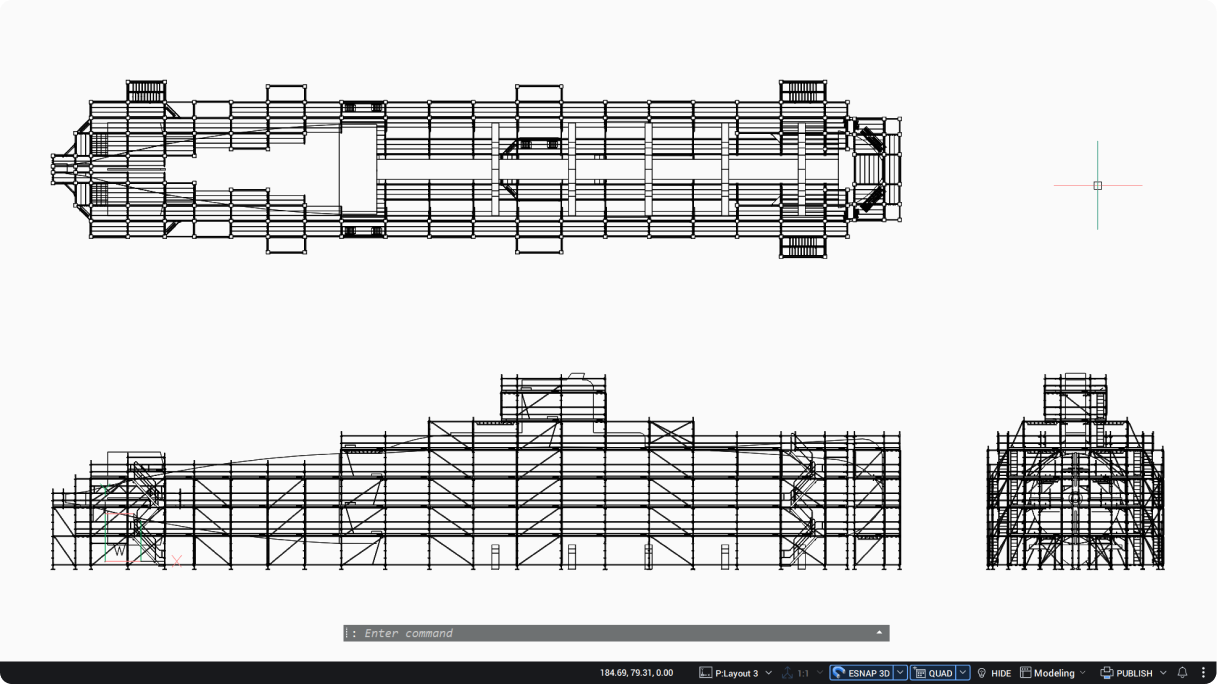
View Base model generation
Continue working while generating additional drawing views.
BricsCAD
NEW
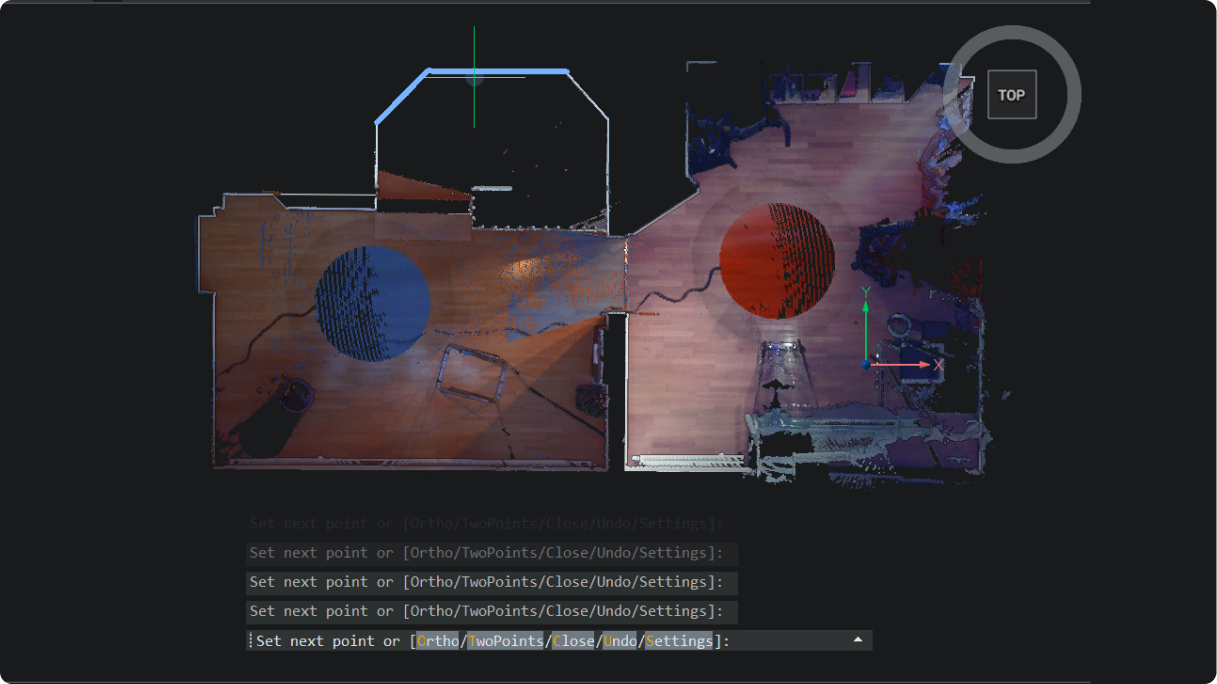
2D polyline tracing on point clouds
Easily trace polylines over point clouds with one click per segment for fast, accurate linework (POINTCLOUDTRACE).
 Unique to BricsCAD
Print and publish

BricsCAD Survey Toolset
NEW
GIS export command options
A new user interface with configurable shared profiles streamlines GIS export and makes object selection more consistent.

BricsCAD BIM
NEW
IFC export dialog box
IFC export dialog box gives full visibility to the geometry and data being exported. Includes filters, user profiles, and more settings.
Unique to BricsCAD®

Available now!
Get the latest version