FULL-FEATURED 30-DAY TRIAL
Download BricsCAD®
One installer for all BricsCAD product levels
Lite
Pro
BIM
Mechanical
Ultimate
Already have an account?
Get familiar with BricsCAD
Get started
Your journey with BricsCAD

Get familiar with BricsCAD
Learn BricsCAD at your own pace and understand the key features.

Find answers to your questions
Read product documentation and connect with BricsCAD support.

Set up BricsCAD the way you want
Migrate customizations and other files to BricsCAD and personalize your workspace.

Discover the true CAD alternative
Test BricsCAD’s unique features to accelerate your design-to-production process.

Choose the right license for you
Compare BricsCAD licensing options and product levels to choose the best fit for you.
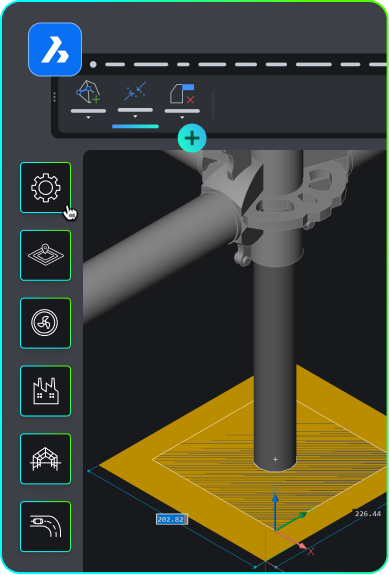
third-party Applications
Extend your workflows with third-party applications for BricsCAD
Integrate your favorite tools, extend workflows, and add customizations for your industry.


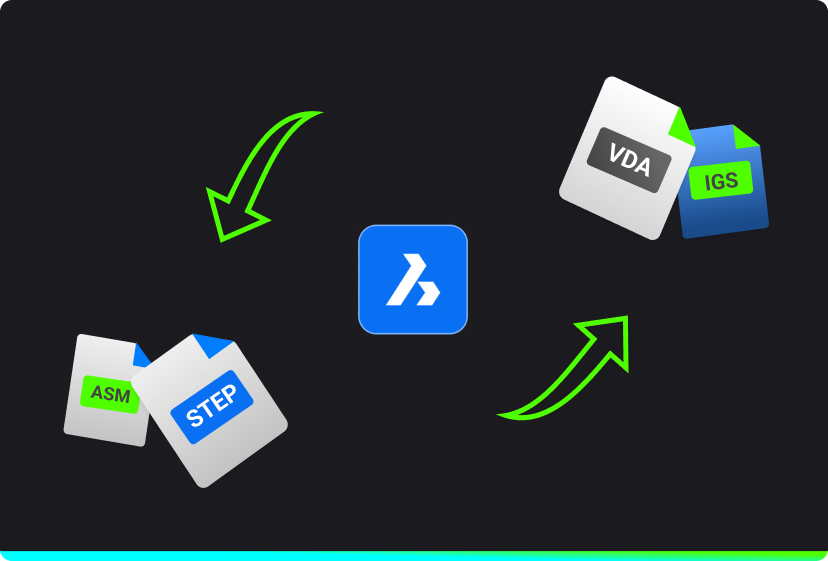
Import/export
Communicator for BricsCAD®
Import/export models and PMI data from other major CAD software.
* Communicator for BricsCAD requires BricsCAD Pro or higher.
PRODUCT EXPERTS
Contact us with your questions

Get in touch with Sales
Questions about BricsCAD or which BricsCAD product level is right for your business? We are here to help. Please reach out and we will get in touch as fast as possible.

Find a local reseller
Looking for a local sales partner close to you to answer your questions and help you in your migration process? Get in touch with an official BricsCAD® reseller.
FAQs
Frequently asked questions
How do I trial a different license level of BricsCAD such as Lite, Pro, BIM, Mechanical or Ultimate?
Once BricsCAD is installed you can set the trial version from inside BricsCAD with the SETLICENSELEVEL command. A restart is required.
Read more