Migrating to BricsCAD®
Migrating to BricsCAD® is simple! In the posts below, you will find walk throughs on BricsCAD migration, tips and best practice for CAD and IT administrators who want to install BricsCAD in the easiest manner possible.
PDF Guides
Download our guides
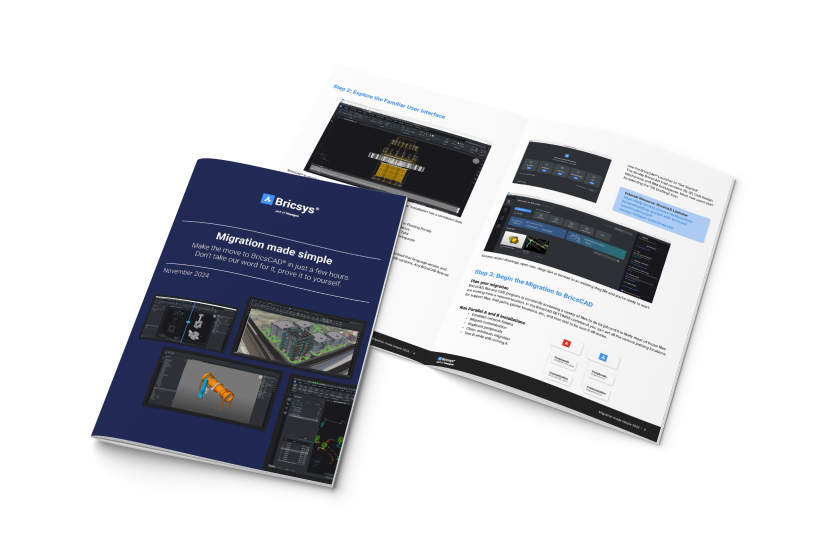
AutoCAD® to BricsCAD Migration Guide
Migrating to BricsCAD® has never been easier. In this guide, you’ll learn how to transition from AutoCAD® quickly and painlessly.

BricsCAD Licensing Guide
Discover the BricsCAD Licensing options and learn how to install Standalone and Network BricsCAD licenses.
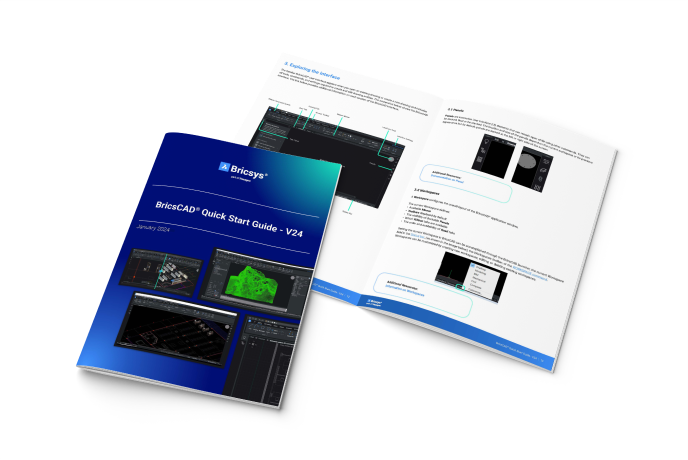
BricsCAD Quick Start Guide
Get started with BricsCAD and introduce new users to the familiar and unique features, facilitating a smooth transition.

BLOG
Migration blog posts
RESOURCES
All the resources you need to succeed

Follow online training
Modernising from AutoCAD® to BricsCAD? New to CAD? Follow hands-on training and learn all about BricsCAD.
Visit our learning platform

Learn from YouTube videos
Explore 100+ industry workflow videos and discover what is new and unique in BricsCAD.
Visit our YouTube channel

Build your application
Our BRX API is highly compatible, and it costs nothing to join the Bricsys Developer Collective.
Explore BricsCAD for developers
Help & Support
Get BricsCAD help
From the official Bricsys corporate logo set to the latest press releases, we are here to help.

Check BricsCAD’s Help Center
Do you have specific questions? Search through help articles, tutorials and command references.

Contact Support
Didn’t find what you were looking for? Get in touch with Bricsys support.
30 day trial
Start designing in BricsCAD today!
