BricsCAD Pro
Professional 2D & 3D CAD - powerful and flexible.
Price starting from €710/year
* Free 30-day trial, no credit card required.

INCLUDED TOOLSETS
DWG-based CAD platform for design and drafting
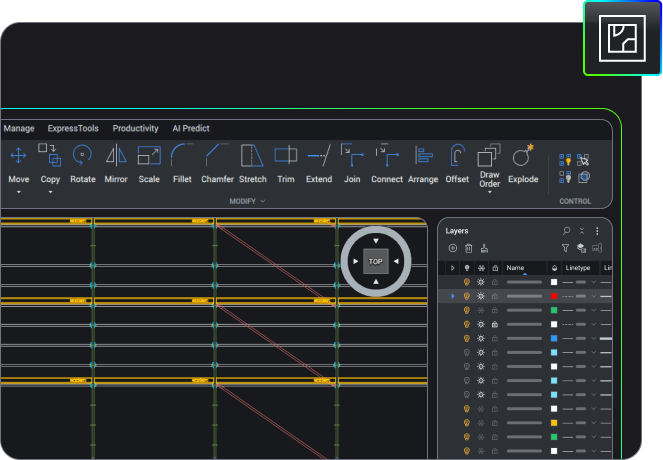
2D Drafting
Quickly create detailed drawings with a comprehensive set of intelligent drafting tools.

handle industry-specific workflows.
2D Drafting
2D Drafting
Quickly create detailed drawings with a comprehensive set of intelligent drafting tools.
handle industry-specific workflows.
3D Modeling
Land surveying








BENEFITS
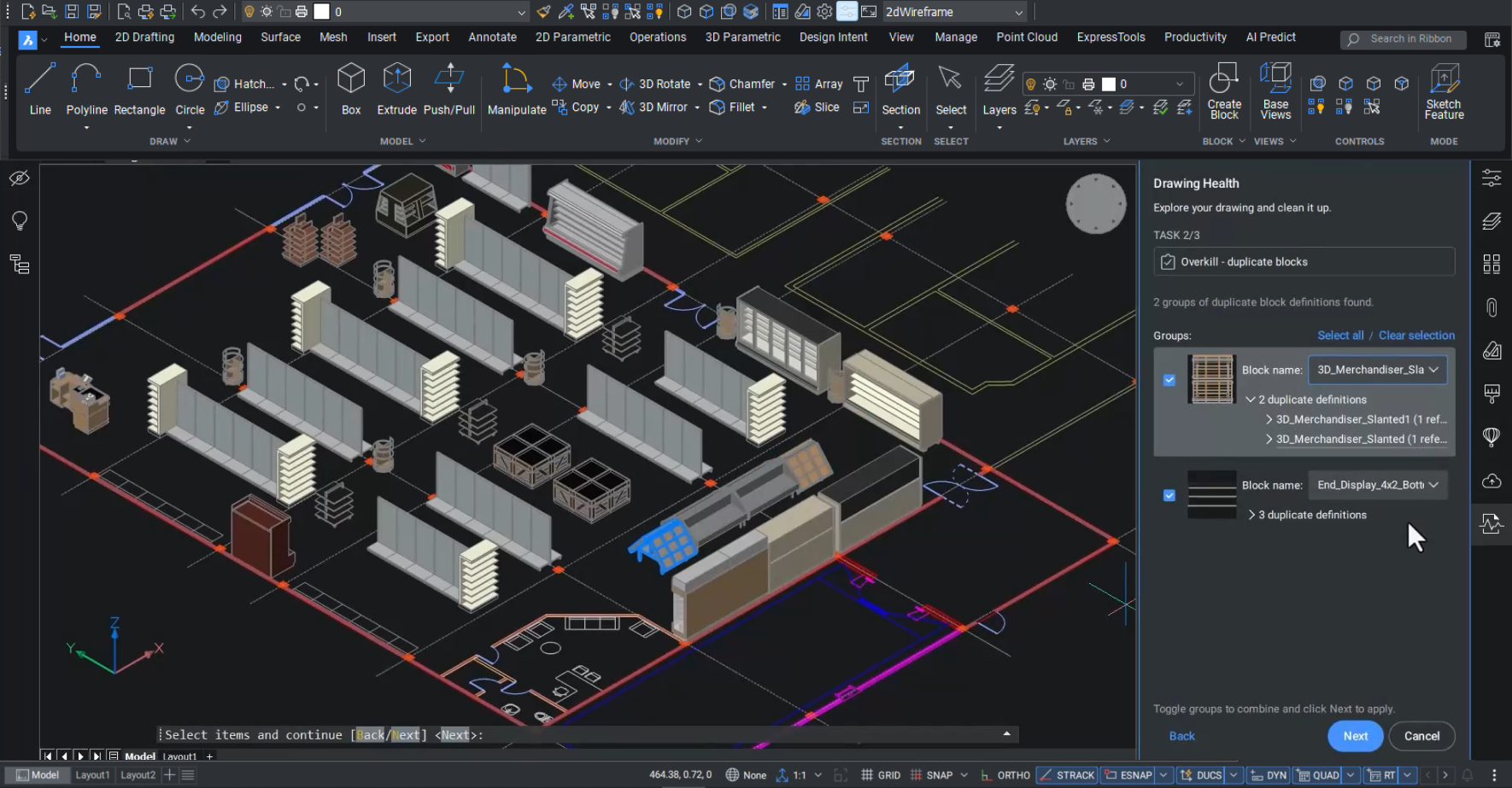
Combine 2D drafting and 3D modeling
High-performance professional CAD platform, offering intelligent productivity tools to drive workflow efficiency.
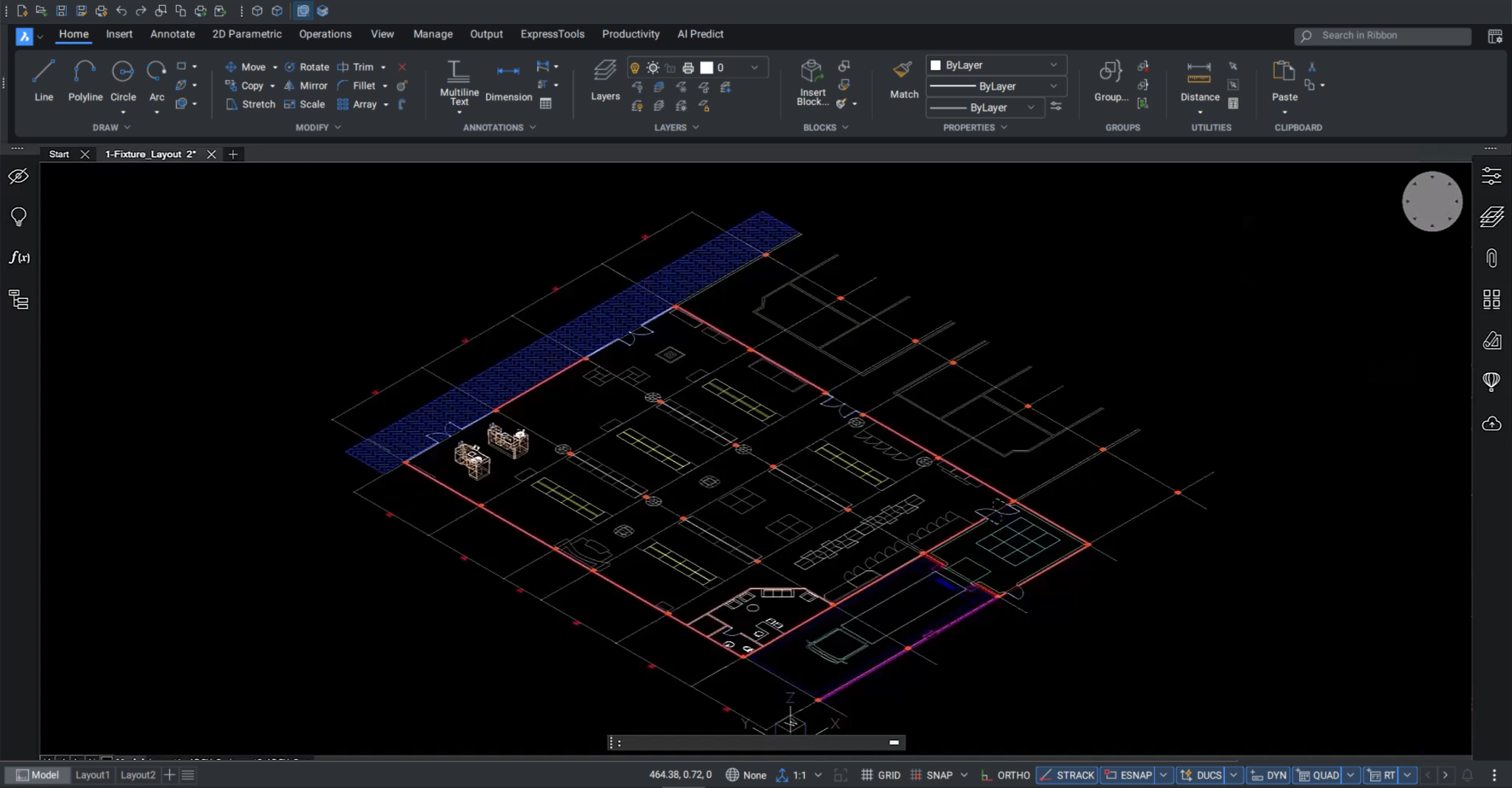

Fully compatible with industry-standard DWG
Optimize imported data with productivity tools to improve the quality, accuracy, and performance of DWG files.

Collaborative project workflows
Identify issues early in the design phase and communicate solutions with project stakeholders.

Advanced capabilities for 2D and 3D deliverables
Visualize designs in 2D and 3D with parametric solid modeling, TIN surface creation, and point-cloud visualization.

Comprehensive industry tools and partner apps
Choose from hundreds of high-quality, powerful partner apps to best manage your specific industry workflows.
CAPABILITIES
What can you do with BricsCAD Pro?
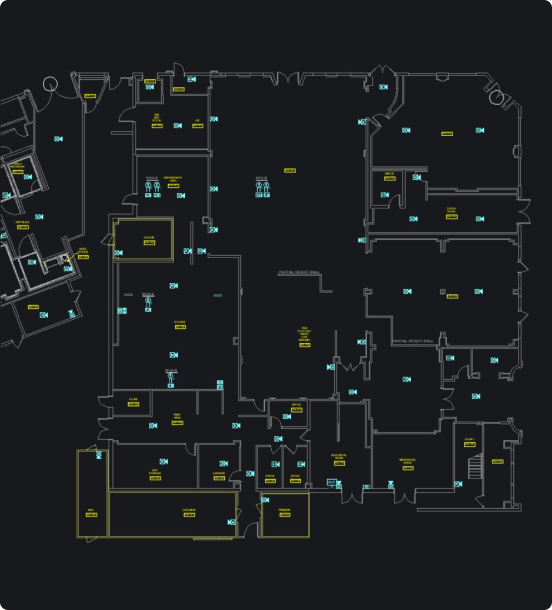
Design manufacturing-facility layouts
Optimize layouts for production facilities or retool existing ones in 2D or 3D, all with efficient and intelligent design tools to place equipment and make modifications simply and easily.
Fast and easy access to survey data
Create optimized TIN surfaces from point clouds
Validate 2D and 3D designs in a single platform
BUY BRICSCAD
All our CAD software





CUSTOMERS
Leading companies trust Bricsys
 Source: www.g2.com/bricscad


“In the past, we used several programs to combine 2D drawings into one composition. We can now use BricsCAD from initial sketches right through to final production models.”
Bart Veenstra - CAD engineer


“When I realized that BricsCAD offers everything I need in a CAD platform, yet for a much more reasonable price than that of our previous CAD provider, the decision was easy.”
Ben Bentley - Senior Design and Technical Manager


"The simple and intuitive handling of BricsCAD is especially nice for the first time. Even if you have never opened the program before, you know immediately.”
Viola Mc Kearney - Team Manager
30 day trial
Start designing in BricsCAD today!
