BricsCAD V26 Launch
Catch up on everything we announced
* Event in English

BricsCAD V26 Launch
The official launch of BricsCAD® V26, delivering on our promise to give professionals the true CAD alternative. It’s faster, more flexible, and focused on how people actually work.

BricsCAD V26.2 release keynote
Discover new features and performance enhancements designed to increase your productivity in daily work.
Product videos
In-depth breakout sessions
Are you caught up with our keynote? Next, watch our product team demo the new capabilities to help you deliver your projects faster.
Filter by:

BricsCAD
Unlock more control with Dynamic Blocks in BricsCAD
Explore lookup tables, action properties, parameter constraints, and how to import and configure tool palettes for Dynamic Blocks (some features available only for users outside the United States).
Tutorial
(Coming Soon)

BricsCAD
Utilize legacy CAD files and supplier data to streamline your workflow
Work smarter with legacy 3D CAD: convert layouts easily, use AI guidance, filter CAD data by properties, and edit text imported from PDFs.
Tutorial
(Coming Soon)

BricsCAD Survey Toolset
Connect BricsCAD to Leica Infinity for real‑time survey data
Link BricsCAD directly to Leica Infinity with the new LEICACONNECTOR command for fast, live access to survey data.
Tutorial
(Coming Soon)

BricsCAD
Increase productivity for production-ready deliverables
Boost document creation with grip context menus, a new Filter Panel for property-based selection, enhanced DATAEXTRACTION sorting, and DWGHEALTH alerts.
Tutorial
(Coming Soon)

BricsCAD Survey Toolset
Extract linear features from point clouds in minutes
Create linear features, like kurb or slab edges, directly from a point cloud. Hours of error‑prone work reduced to minutes, inspired by what users asked for.
Tutorial
(Coming Soon)

BricsCAD Survey Toolset
Export GIS data with more command options
A new interface with configurable shared profiles streamlines GIS export and ensures more consistent, accurate object selection.
Tutorial
(Coming Soon)

BricsCAD Survey Toolset
Import and export DEM data for creating grid surfaces
New support for survey Digital Elevation Models (GEOTIFF and Arc/Info ASCII Grid) lets you easily document a wider array of survey models.
Tutorial
(Coming Soon)

BricsCAD BIM
How to share IFC BIM data in BricsCAD BIM
Learn how BricsCAD BIM delivers industry-compliant BIM deliverables without the expensive tech stack, making it the better CAD alternative in AECO workflows.
Tutorial
(Coming Soon)

BricsCAD Mechanical
Optimize your CAD workflow with BricsCAD and Teamcenter integration
Learn how TCBB connects BricsCAD to Siemens Teamcenter PLM, managing drawings and revisions from inside BricsCAD with a smooth transition for existing Teamcenter users.
Tutorial
(Coming Soon)
BricsCAD
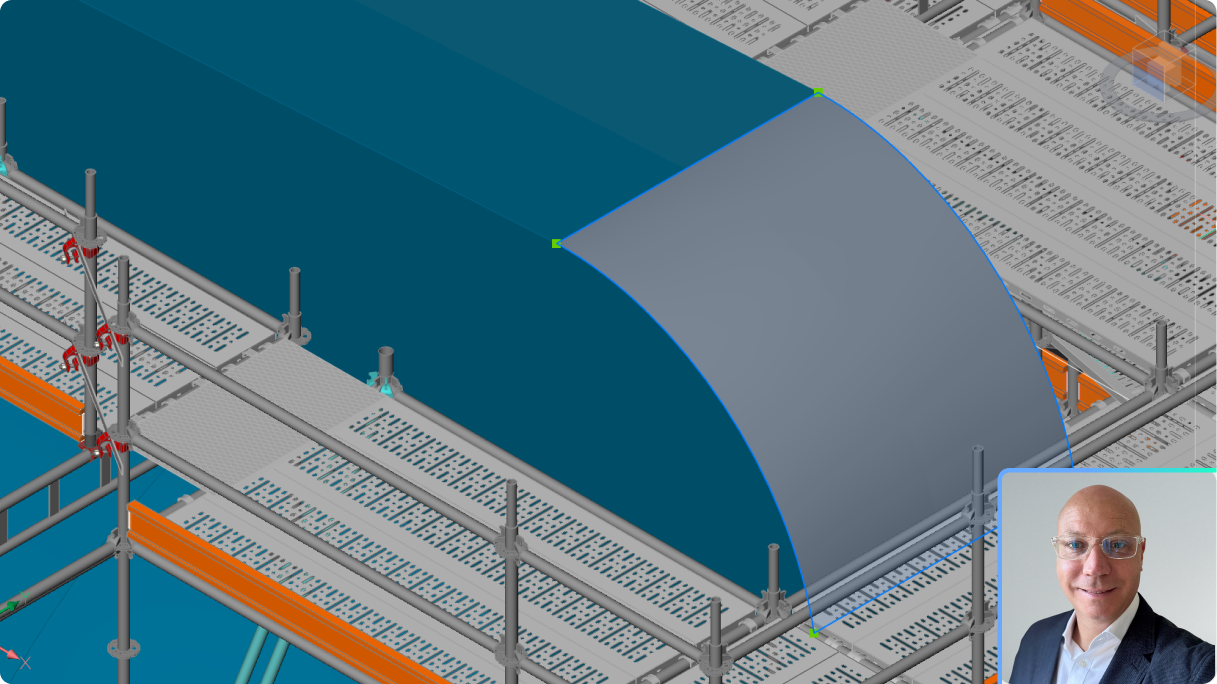
What's new in BricsCAD Pro V26 for 3D design verification
Visualize and quickly alleviate costly design issues within your workflow, using 3D optimization and editing capabilities.
BricsCAD
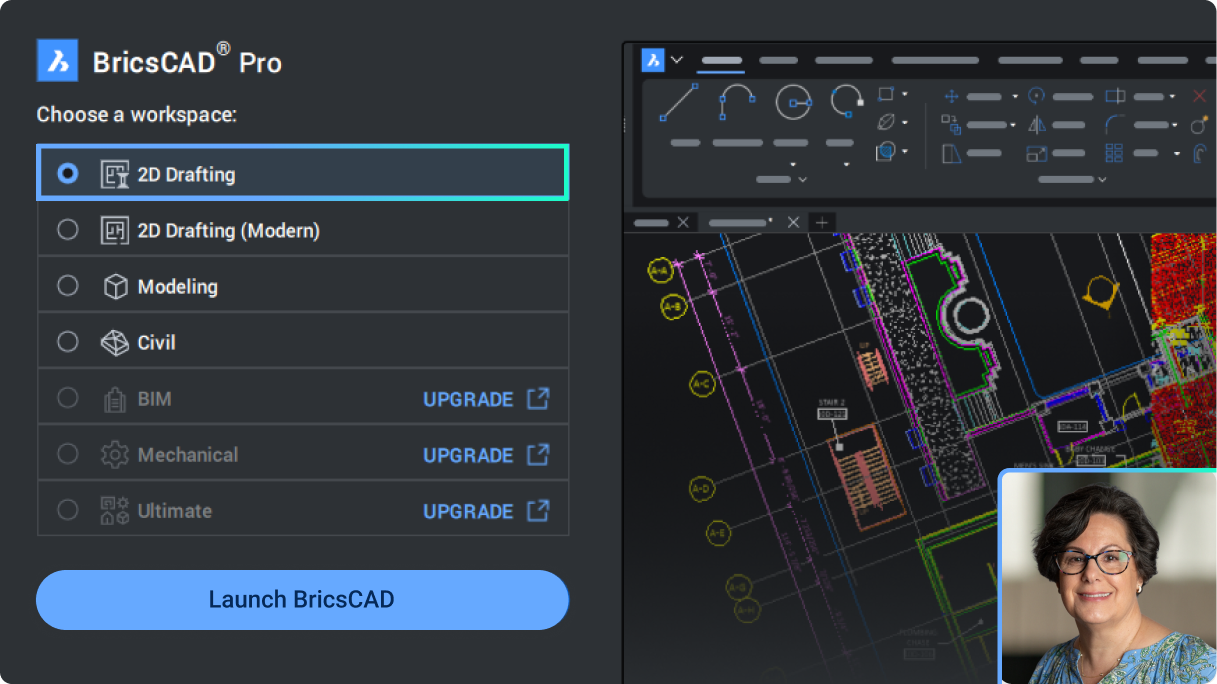
What's new in V26 for BricsCAD Lite and Pro for 2D drafting
An overview of the new and enhanced tools for general design to help you deliver your projects faster.
BricsCAD
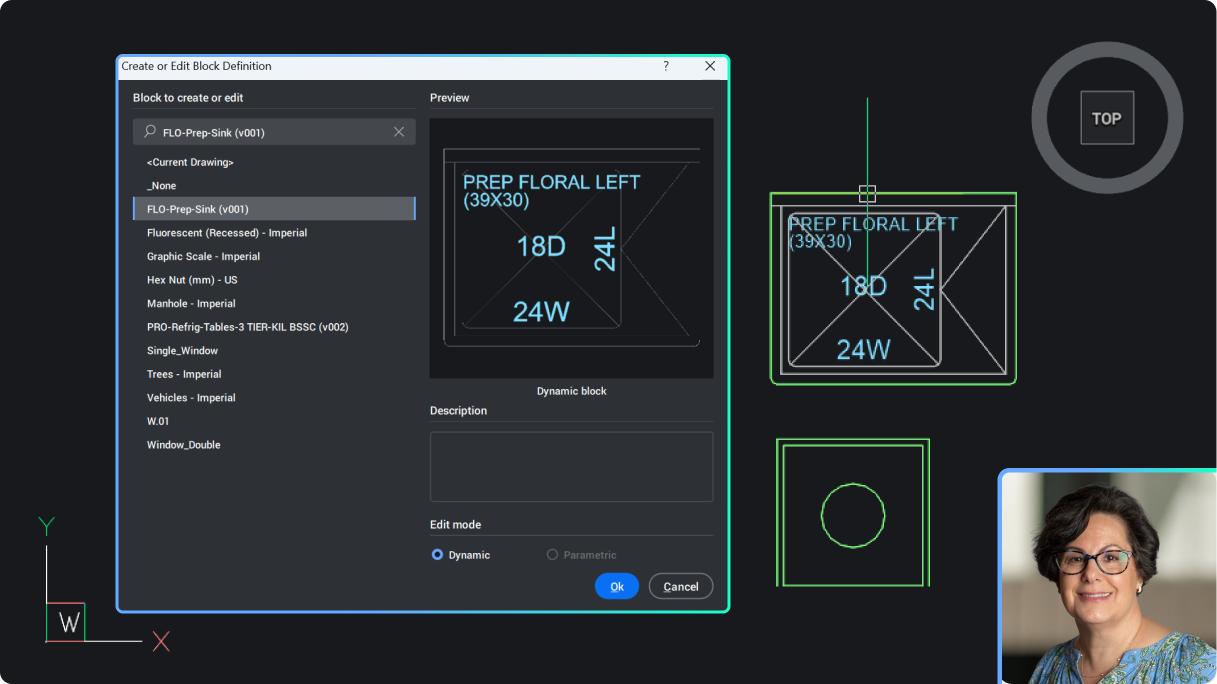
Create and edit Dynamic Blocks in BricsCAD V26
An introduction to creating and editing Dynamic Blocks in BricsCAD V26, available only for users outside of the United States. Learn how to apply actions and visibility states to new and existing Dynamic Blocks.
BricsCAD BIM
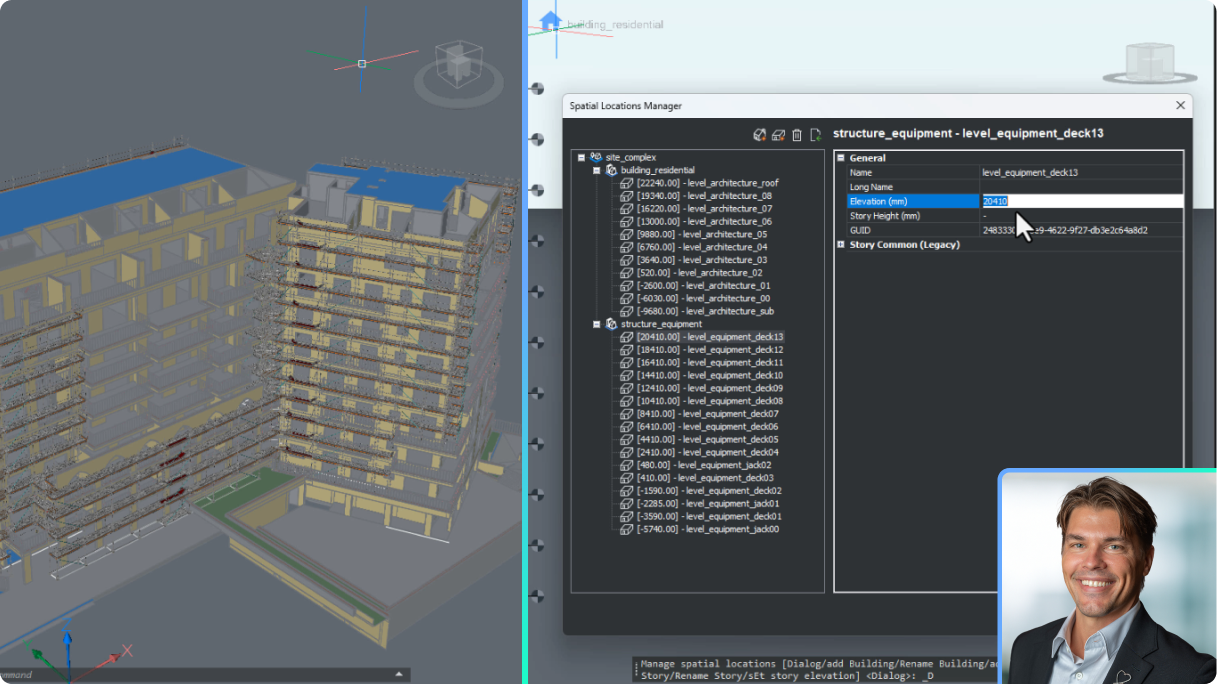
Set up BricsCAD for AEC project scalability
Understand the updates to BricsCAD's BSYSLIB project database and best practices to set up and deploy a new project.
BricsCAD BIM
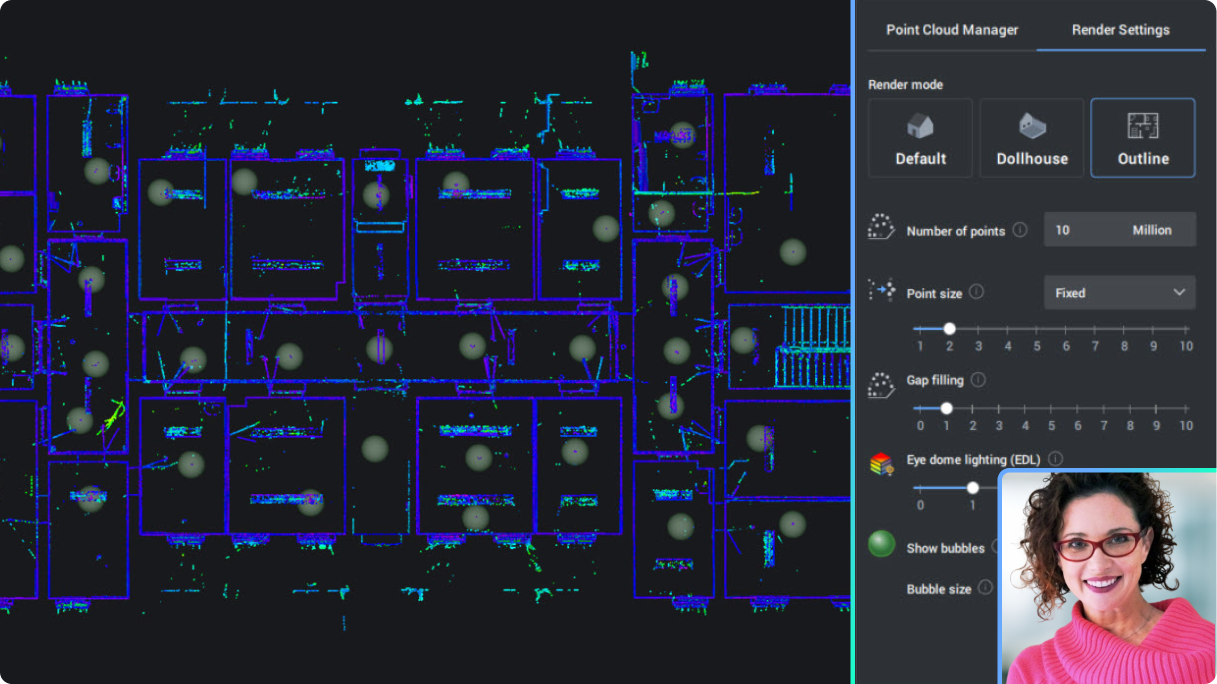
Point clouds in building-focused workflows
See new and enhanced point cloud functionality to help you work better and smarter.

BricsCAD
BricsCAD Pro and point cloud data
See new and enhanced point cloud functionality for even more productive workflows in general design and land surveying.
BricsCAD Survey Toolset
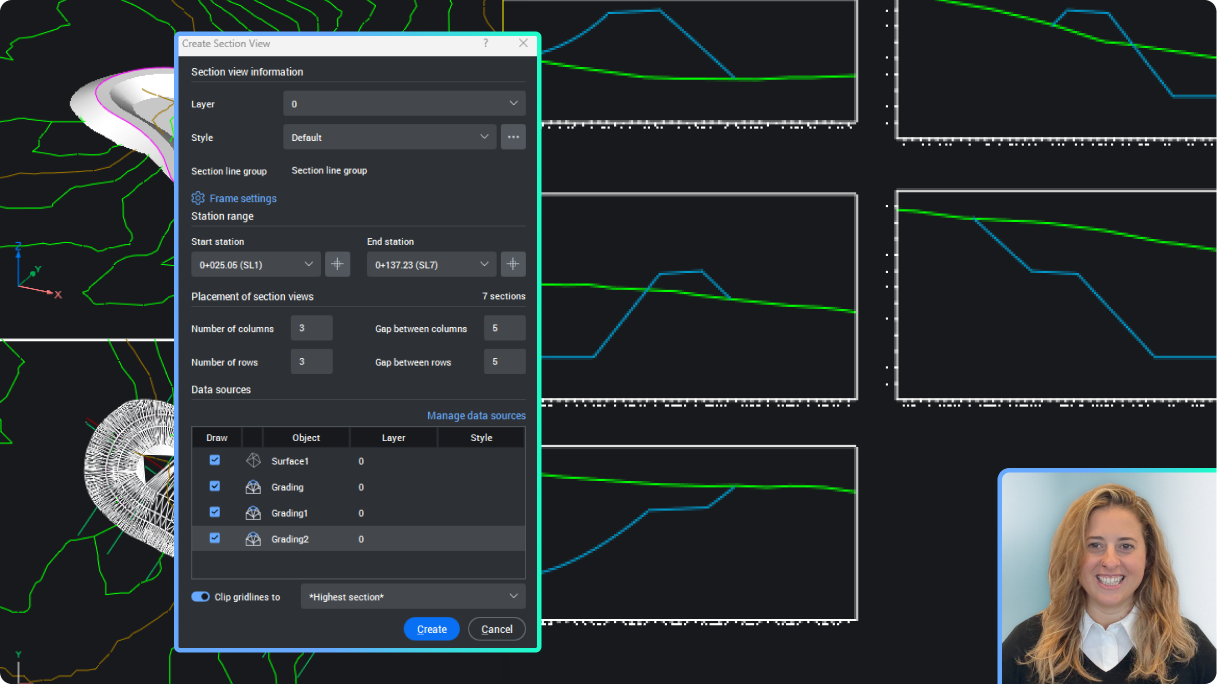
Create Civil Sections and Section Views
Extract section data from your civil elements in BricsCAD, including sampling from TIN surfaces, gradings, solids, and strings, and display them in the Section Views.
BricsCAD Mechanical
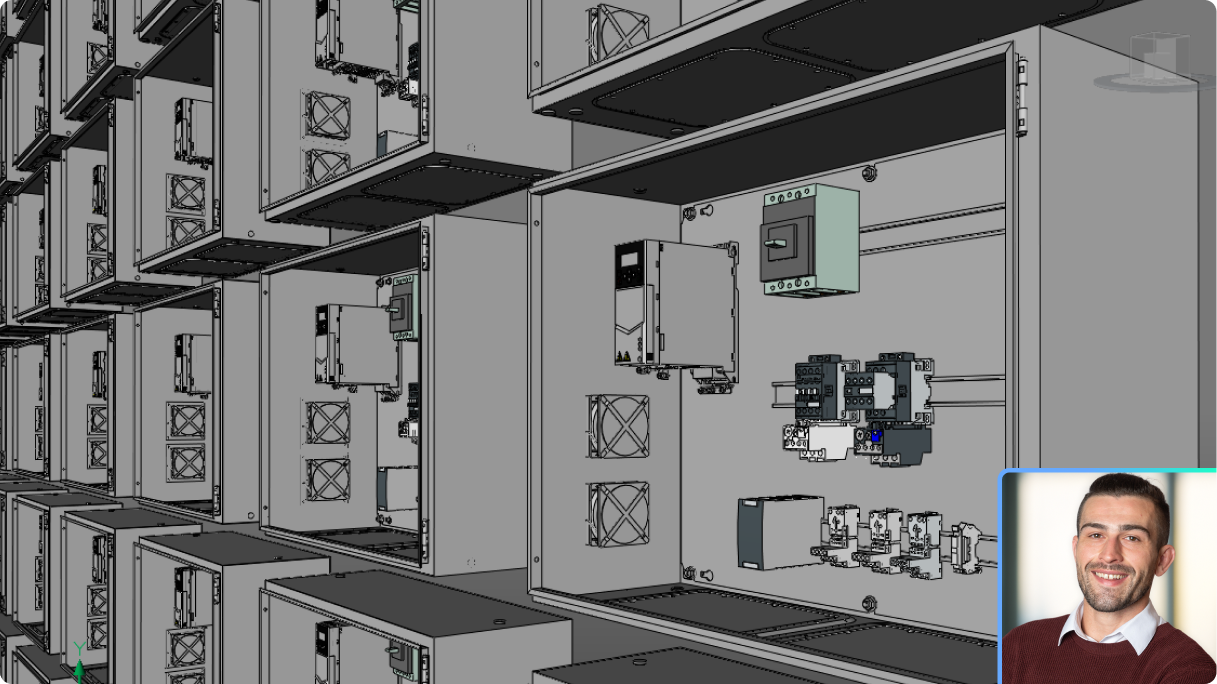
Seamless multi-CAD assembly modeling, part design, and documentation
Learn how to import data from multiple CAD sources, build unified 3D assemblies, and generate drawings and BOM in one streamlined workflow.
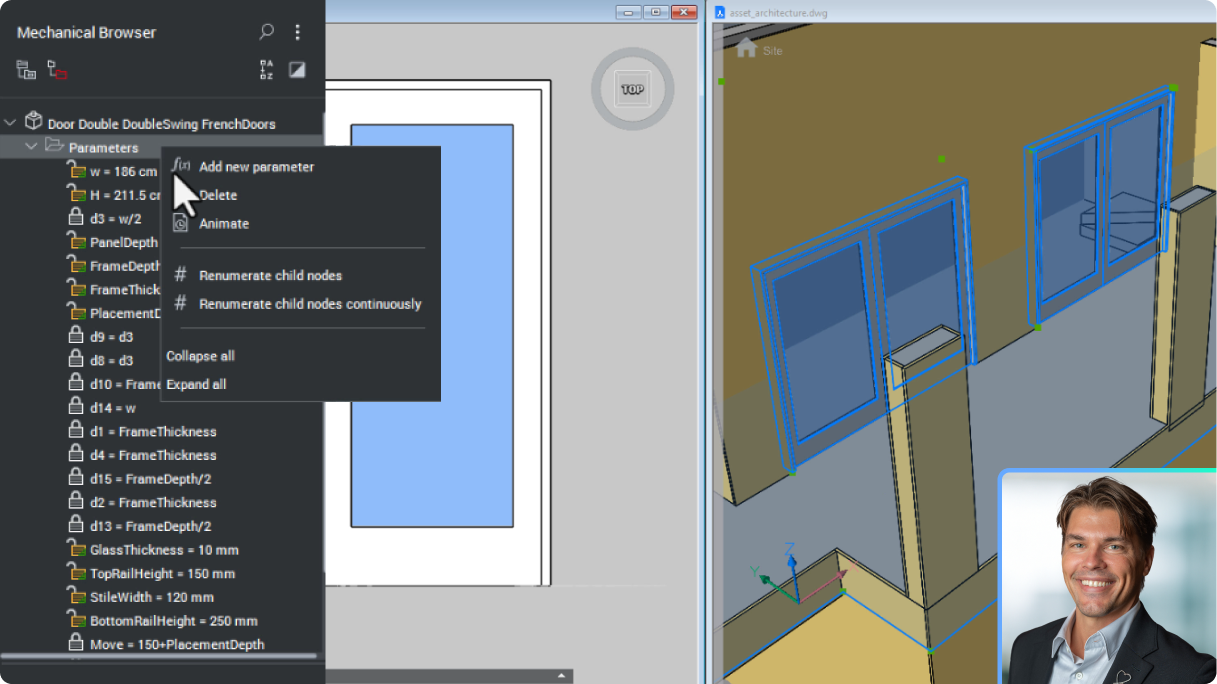
BricsCAD BIM
Build better content libraries with enhanced BIM Blocks
Deliver more accurate and adaptive geometry with BricCAD's BIM Blocks, made specifically for the rigours of data sharing in the construction industry.
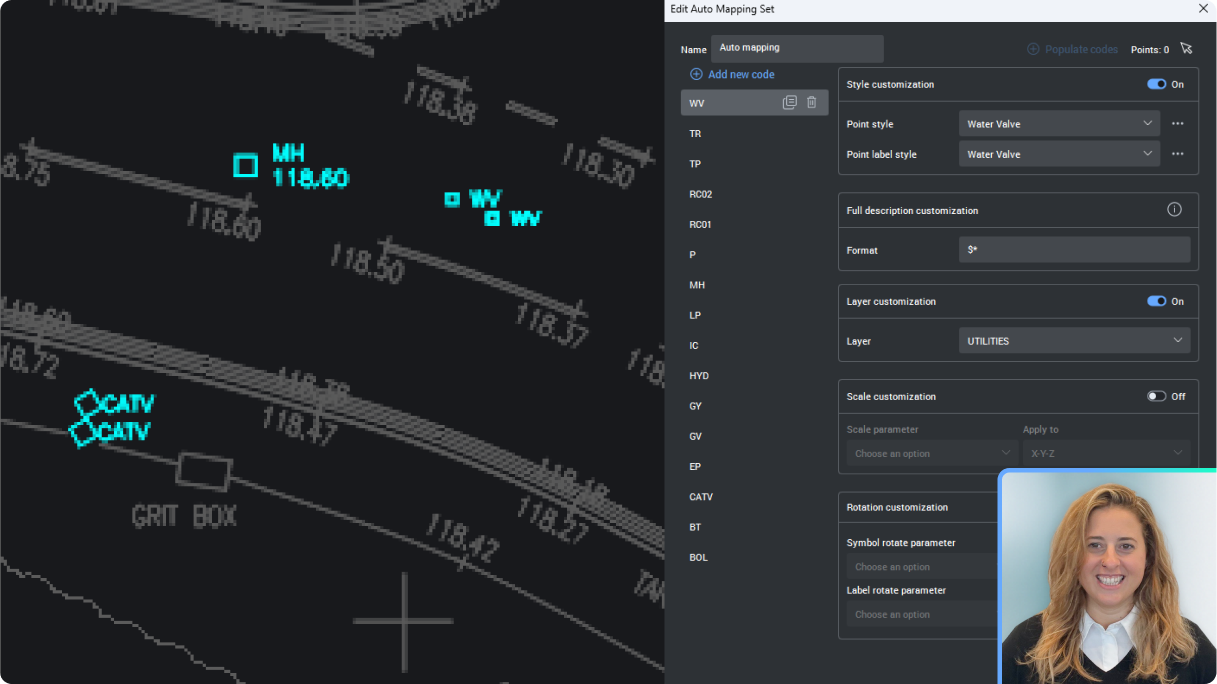
BricsCAD Survey Toolset
Set up Auto Mapping to manage Civil Points
Learn to set up the new Auto Mapping for Civil Points and manage point styles, labels, layers and more, all automatically from the Point description.
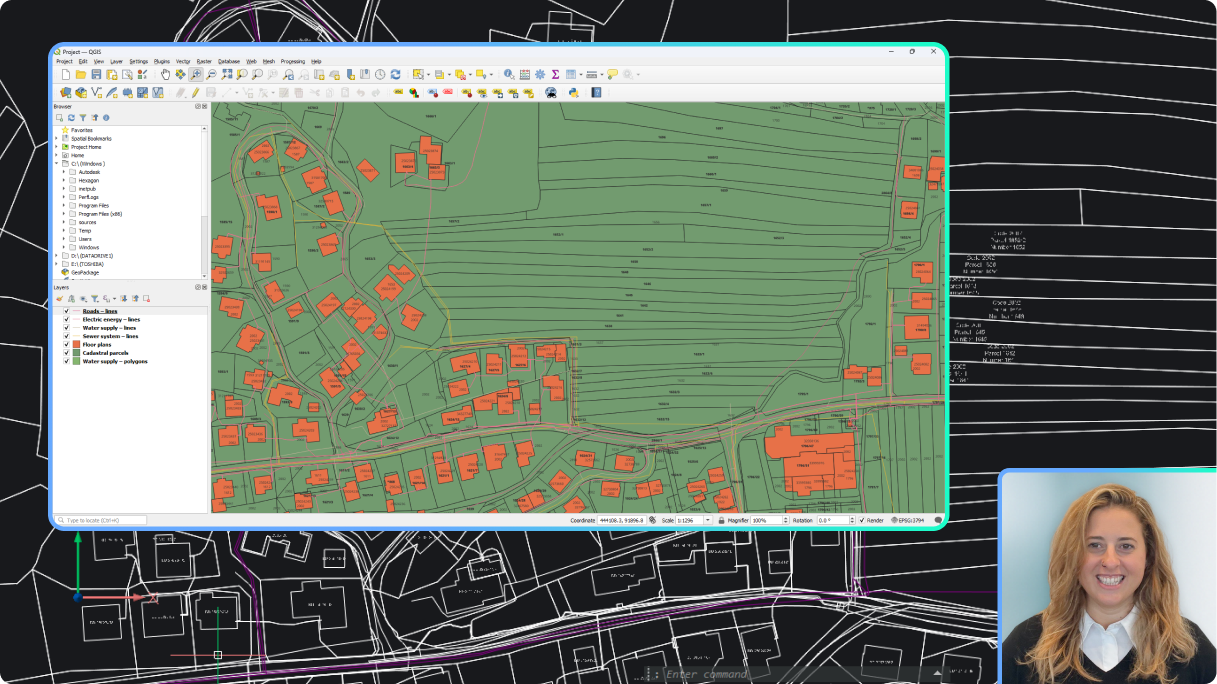
BricsCAD Survey Toolset
Create Labels for GIS data
Learn to create Label Styles that automatically display your GIS data.
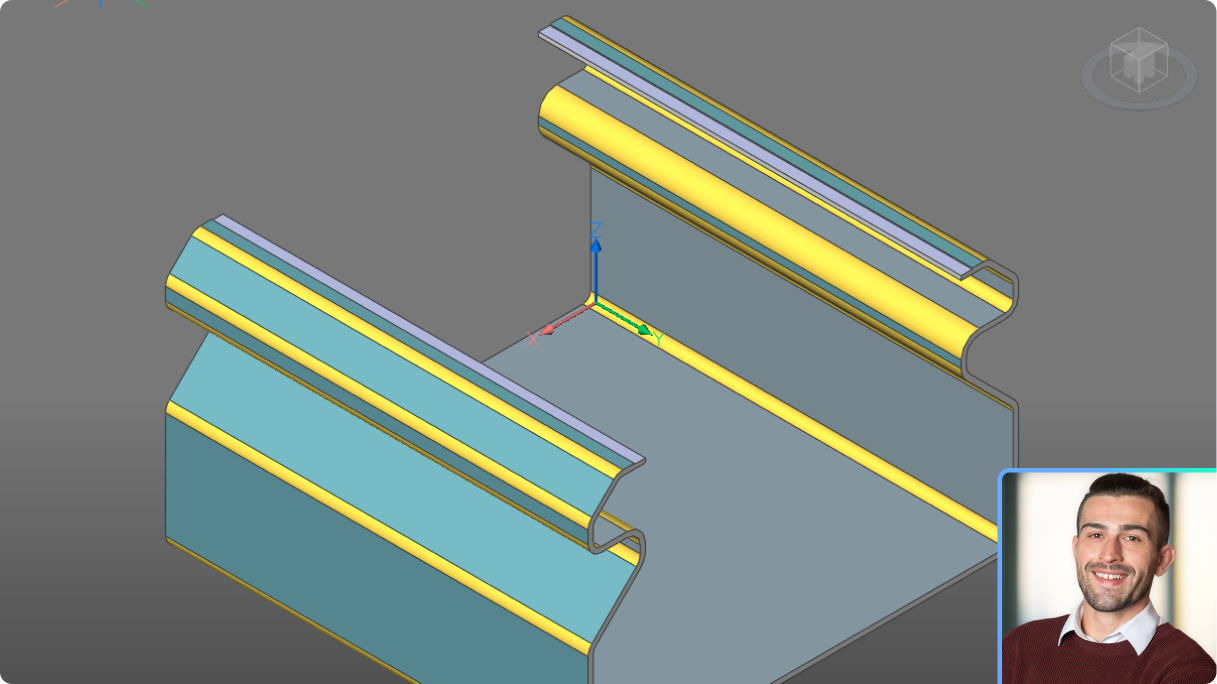
BricsCAD Mechanical
What's new in BricsCAD Mechanical V26
A high-level summary of new and enhanced capabilities for manufacturers.

BricsCAD Survey Toolset
Generate Civil Points fast
See how BricsCAD can create Civil Points in a variety of ways, based on any geometry in your drawing. Learn how to make this tedious process fast and easy.
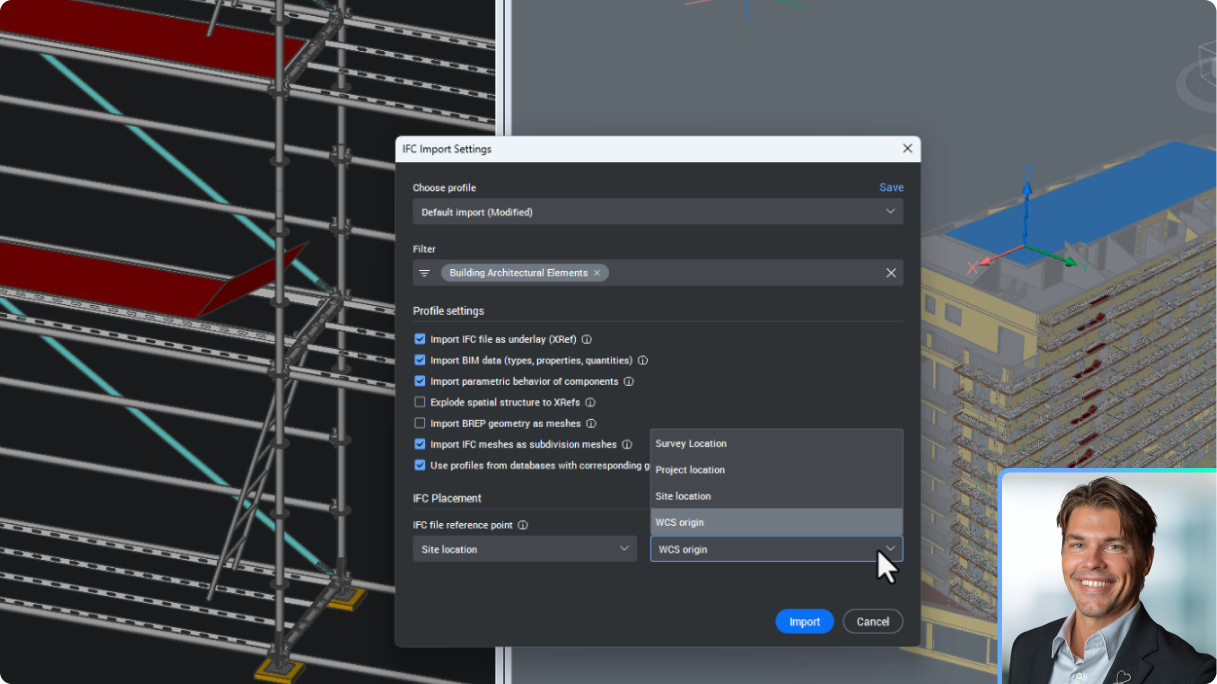
BricsCAD BIM
New data coordination in BricsCAD with IFC imports as XRefs
See how BricsCAD now handles IFC imports as DWG XRefs, facilitates seemless updating with BIMUPDATEUNDERLAY, and aligns to a Project Base Point.
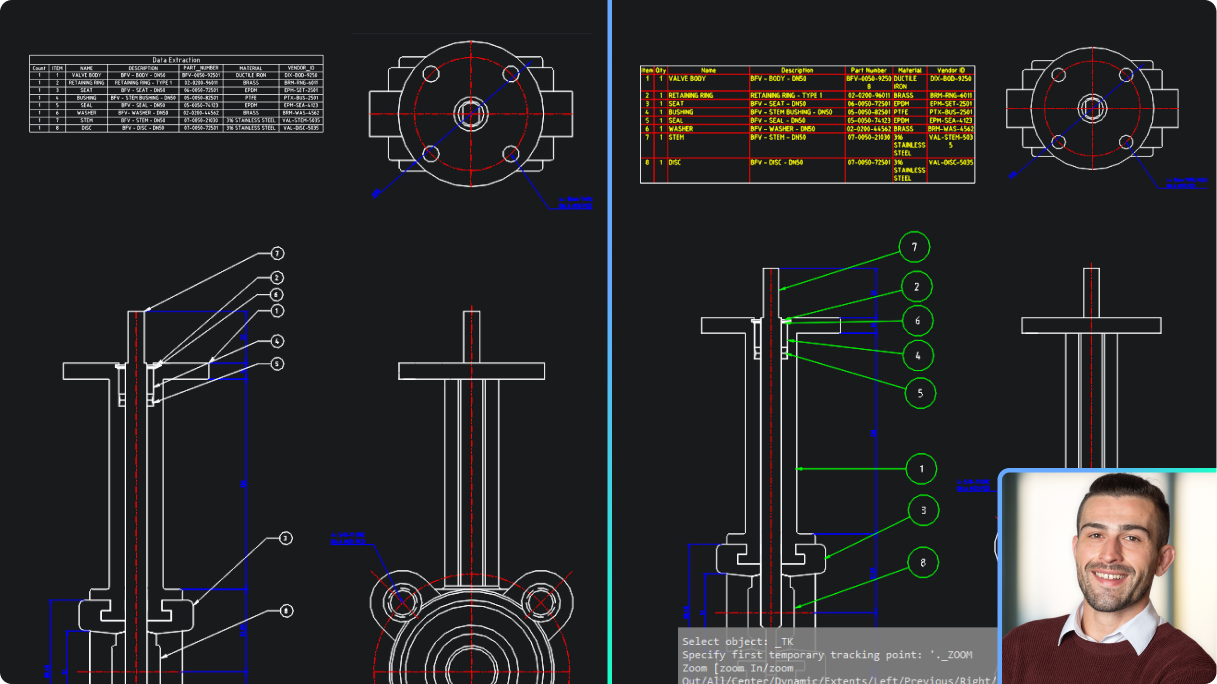
BricsCAD Mechanical
Parts List in BricsCAD Mechanical vs data extraction in BricsCAD Pro
See how associative Part Lists in BricsCAD Mechanical outperform BricsCAD Pro's data extraction in speed and accuracy.

Available now!
Get the latest version