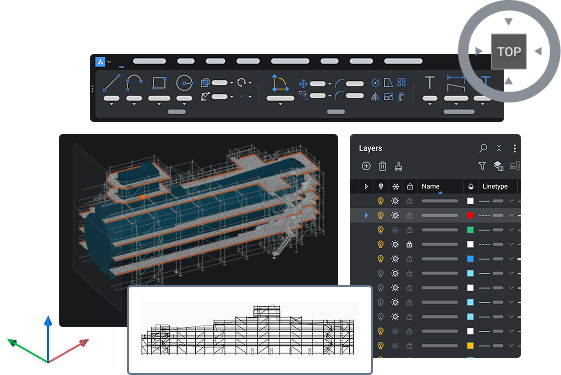
BricsCAD® V26の発売
発表した最新情報をすべてチェック!
* 英語でのイベントとなります (日本語字幕をご利用頂けます)


製品ビデオ
詳細なブレイクアウトセッション
私たちの基調講演をご覧になりましたか? 次に、プロジェクトをより迅速に遂行できるようにするための新しい機能を当社の製品チームがデモする様子をご覧ください。
Filter by:

BricsCAD
BricsCADのダイナミックブロックで、より高度な制御を実現しましょう。
ルックアップテーブル、アクションプロパティ、パラメーター制約、およびダイナミックブロック用のツールパレットのインポートと構成方法について解説します(一部の機能は米国以外のユーザーのみが利用可能です)。
チュートリアル
(近日公開)

BricsCAD
既存のCADファイルとサプライヤーデータを活用してワークフローを効率化する
従来の3D CADをより効率的に活用しましょう。レイアウトの変換、AIガイダンスの利用、プロパティによるCADデータのフィルタリング、PDFからインポートしたテキストの編集などが可能です。
チュートリアル
(近日公開)

BricsCAD土木/測量ツールセット
BricsCADをLeica Infinityに接続して、リアルタイムの測量データを取得する
新しいLEICACONNECTORコマンドを使用すると、BricsCADをLeica Infinityに直接リンクさせることができ、測量データに高速かつリアルタイムでアクセスできます。
チュートリアル
(近日公開)

BricsCAD
生産準備が整った成果物の作成における生産性を向上させる
グリップコンテキストメニュー、プロパティベースの選択が可能な新しいフィルタパネル、強化されたデータ抽出ソート機能、および図面健全性アラートにより、ドキュメント作成がさらにスムーズになります。
チュートリアル
(近日公開)

BricsCAD土木/測量ツールセット
点群から線状特徴を数分で抽出
点群データから直接、縁石やスラブの端などの線状フィーチャを作成します。ユーザーの要望に触発され、何時間もかかっていたミスが発生しやすい作業を数分に短縮しました。
チュートリアル
(近日公開)

BricsCAD土木/測量ツールセット
より多くのコマンドオプションを使用してGISデータをエクスポートする
設定可能な共有プロファイルを備えた新しいインターフェースにより、GISのエクスポートが効率化され、より一貫性のある正確なオブジェクト選択が保証されます。
チュートリアル
(近日公開)

BricsCAD土木/測量ツールセット
グリッドサーフェスを作成するためのDEMデータのインポートとエクスポート
測量用デジタル標高モデル(DEM)のサポート:GEOTIFFおよびArc/Info ASCIIグリッド。より幅広い調査モデルについて、より詳細な資料を作成します。
チュートリアル
(近日公開)

BricsCAD BIM
BricsCAD BIMでIFC BIMデータを共有する方法
BricsCAD BIMが、高価な技術スタックを必要とせずに業界標準に準拠したBIM成果物を提供し、AECOワークフローにおいてより優れたCAD代替手段となる理由をご覧ください。
チュートリアル
(近日公開)

BricsCAD Mechanical
製造図面用の関連付けられたタイトルブロックを作成する方法
機械的なブロックプロパティに関連付けられたデータを使用してタイトルブロックを作成する方法を学び、タイトルブロックのデータが常に最新の状態に保たれるようにしましょう。
チュートリアル
(近日公開)
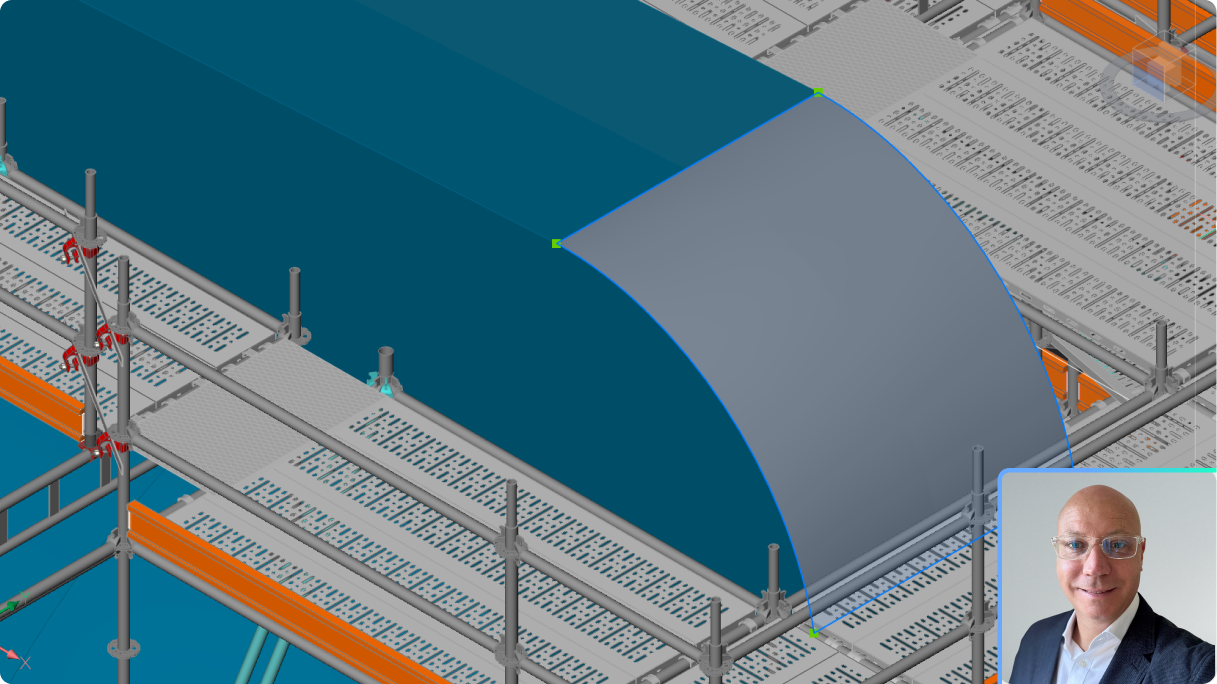
BricsCAD
3D設計検証のためのBricsCAD Pro V26の新機能
3D 最適化および編集機能を使用して、ワークフロー内のコストのかかる設計上の問題を視覚化し、迅速に軽減します。
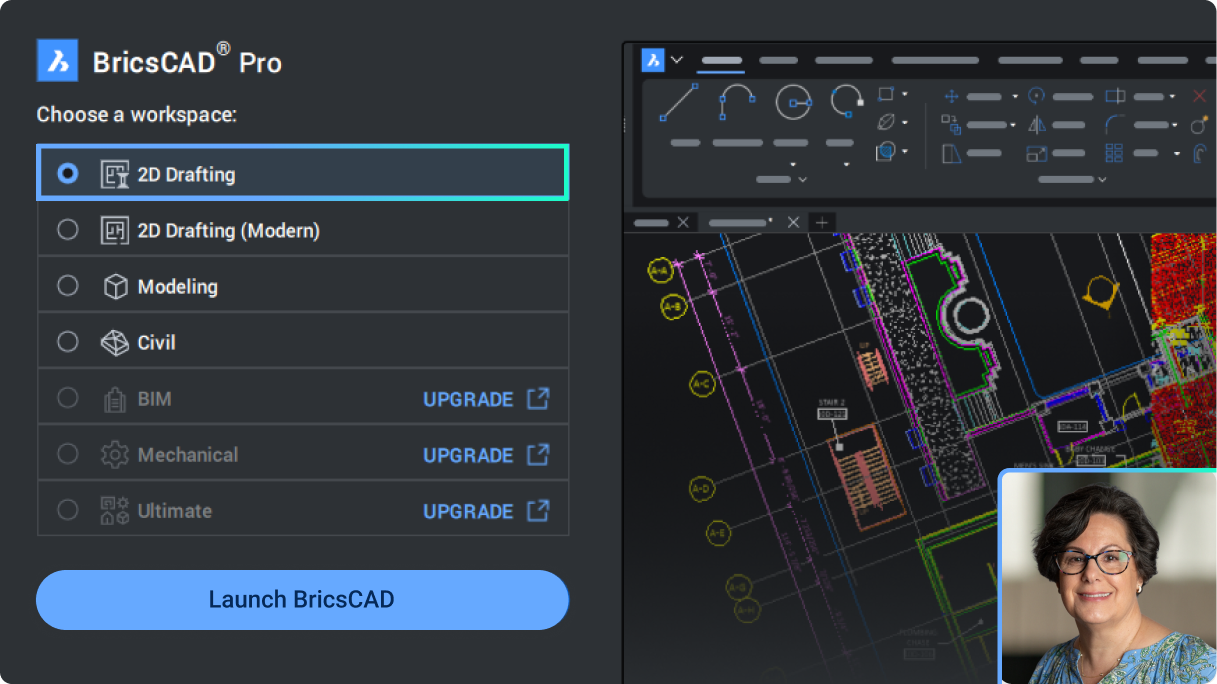
BricsCAD
2D製図用BricsCAD LiteおよびProのV26の新機能
プロジェクトをより早く実現できるようにするための、一般的な設計用の新しいツールと強化されたツールの概要。
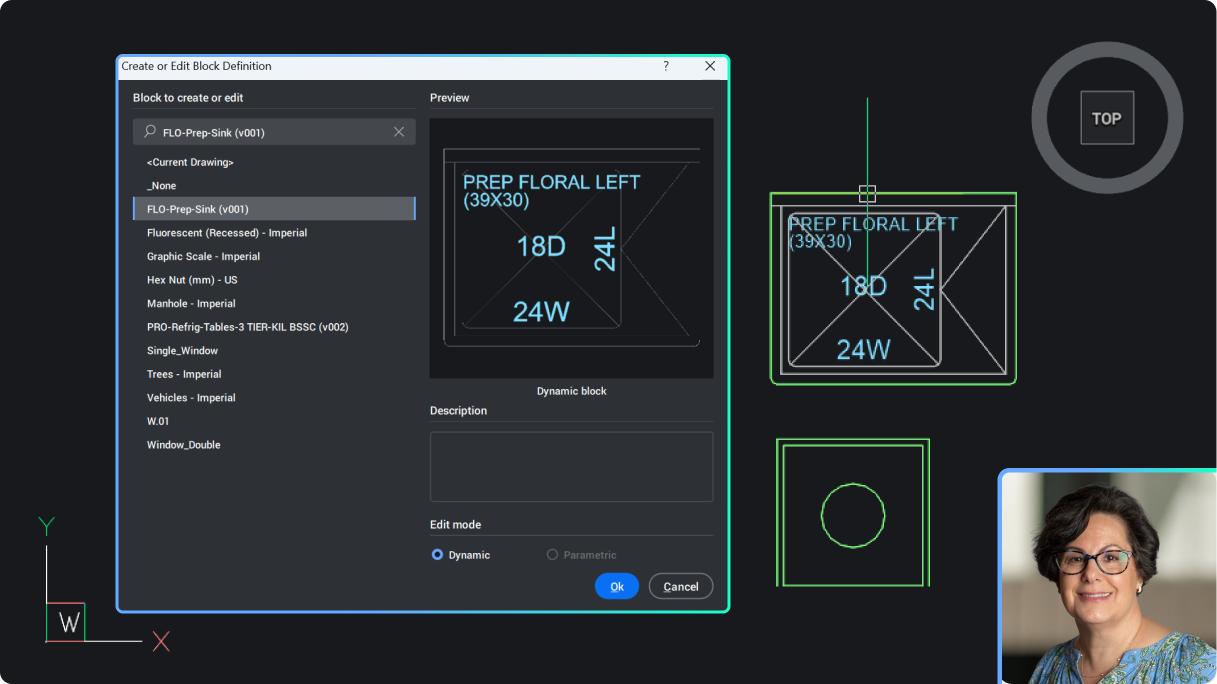
BricsCAD
BricsCAD®でダイナミックブロックを編集する方法
BricsCAD V26 でのダイナミック ブロックの作成と編集の概要。(米国以外のユーザーのみが利用できます。)新規および既存のダイナミック ブロックにアクションと可視性の状態を適用する方法を学習します。
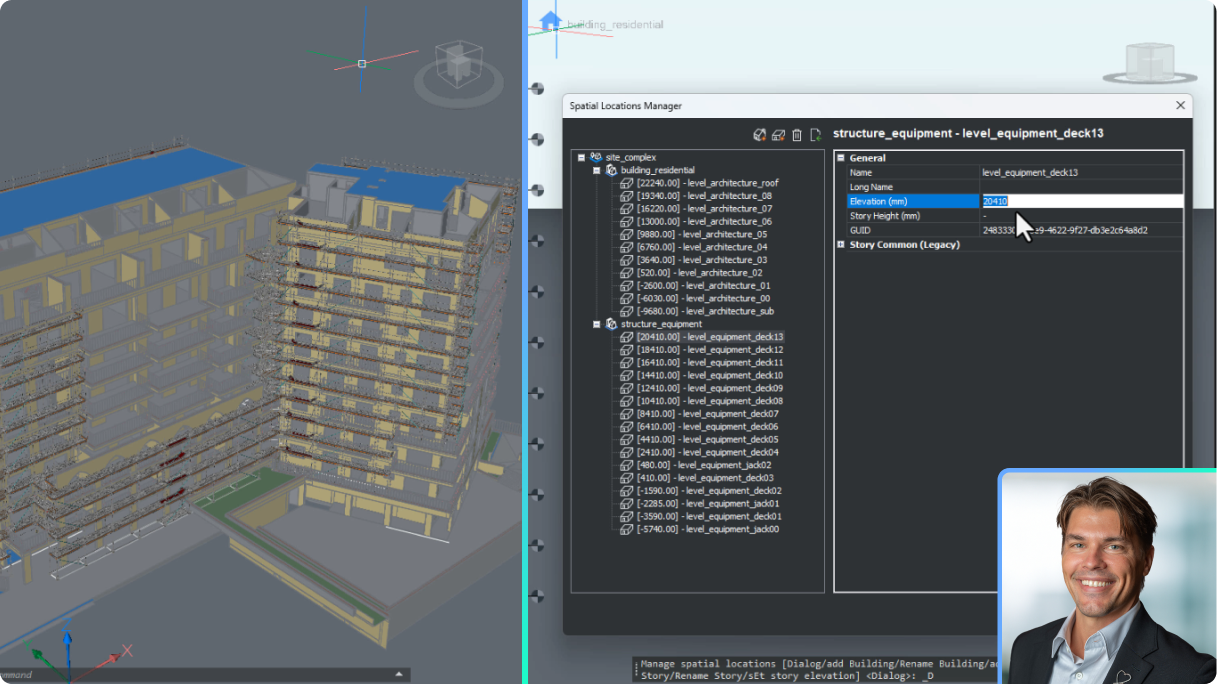
BricsCAD BIM
AECプロジェクトの拡張性を高めるためにBricsCADを設定する
BricsCAD の BSYSLIB プロジェクト データベースの更新と、新しいプロジェクトをセットアップして展開するためのベスト プラクティスを理解します。
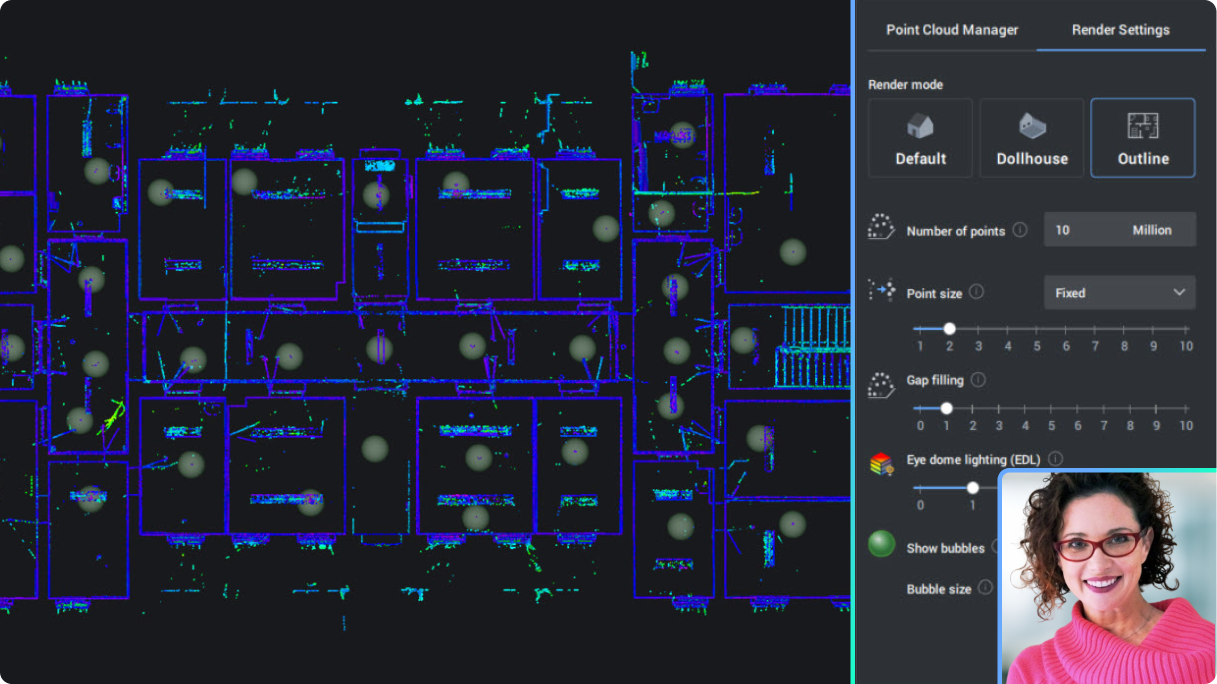
BricsCAD BIM
建物中心のワークフローにおけるポイントクラウド
より効率的かつスマートに作業できるように、新しく強化されたポイント クラウド機能をご覧ください。
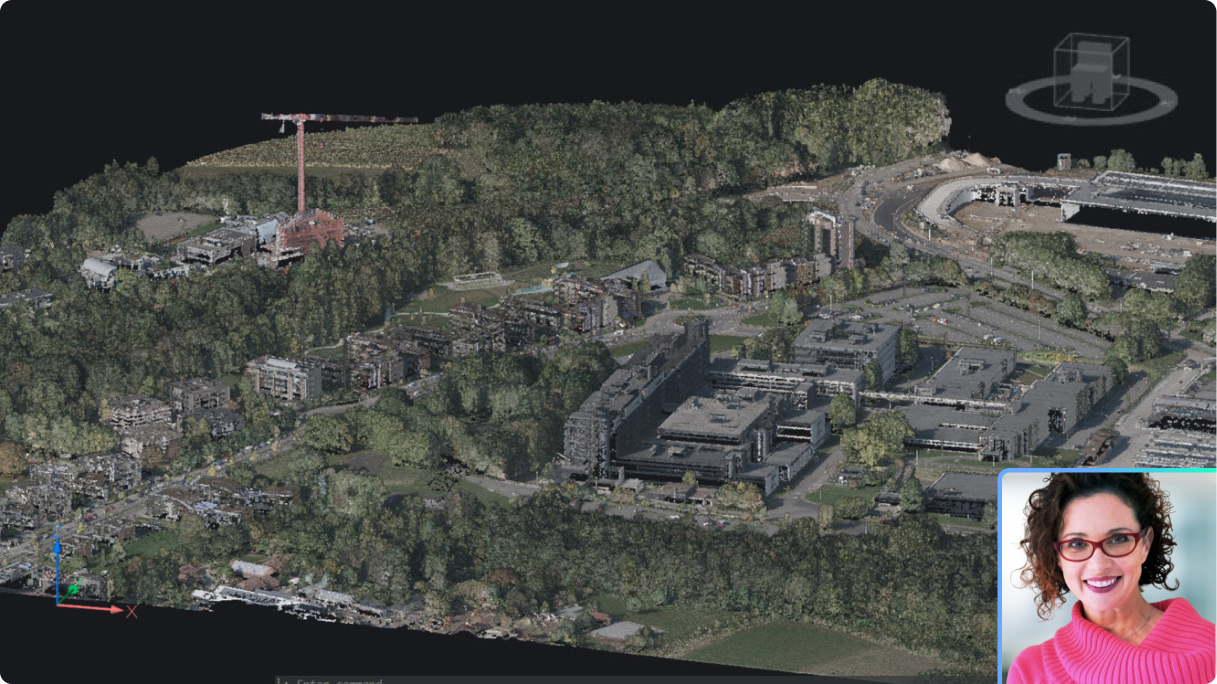
BricsCAD
BricsCAD Proと点群データ
一般的な設計や土地測量におけるワークフローの生産性をさらに向上させる、新しく強化されたポイント クラウド機能をご覧ください。
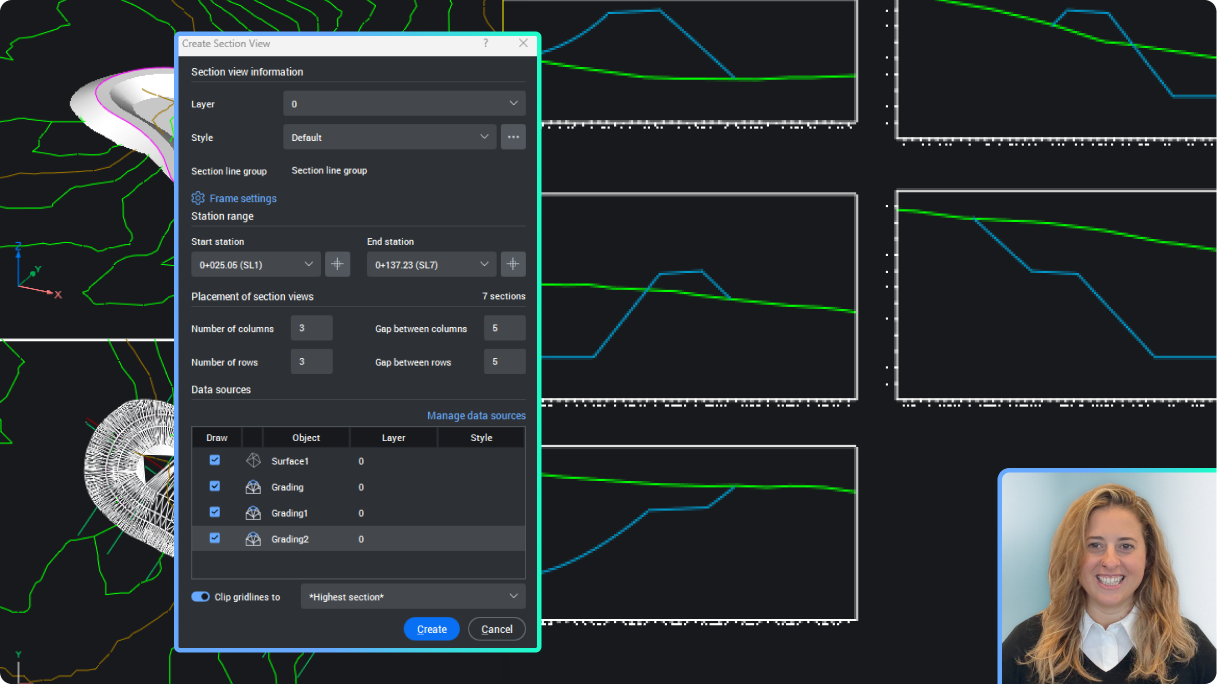
BricsCAD土木/測量ツールセット
土木セクションと断面図を作成する
BricsCAD の土木要素から断面データを抽出し、TIN サーフェス、グレーディング、ソリッド、ストリングからのサンプリングを含め、断面ビューに表示します。
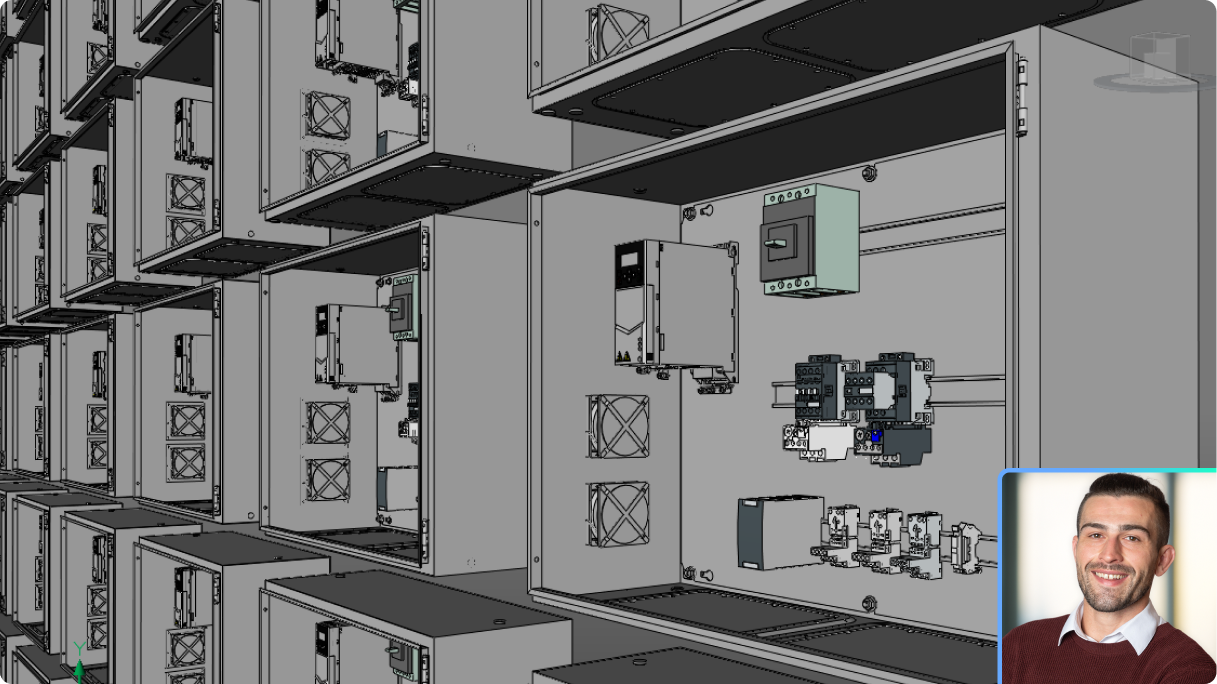
BricsCAD Mechanical
シームレスな MultiCAD アセンブリ モデリング、部品設計、ドキュメント作成
複数の CAD ソースからデータをインポートし、統合された 3D アセンブリを構築し、1 つの合理化されたワークフローで図面と BOM を生成する方法を学習します。
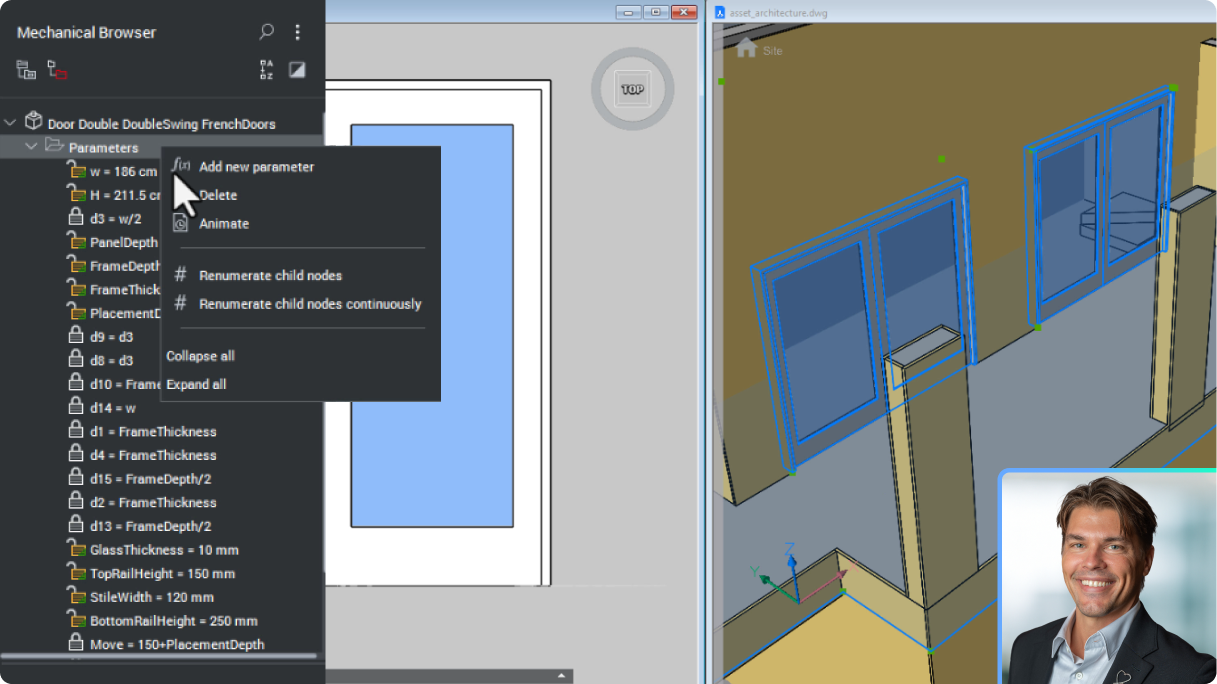
BricsCAD BIM
強化されたBIMブロックでより優れたコンテンツライブラリを構築
建設業界の厳格なデータ共有に合わせて特別に作られた BricCAD の BIM ブロックを使用して、より正確で適応性の高いジオメトリを実現します。
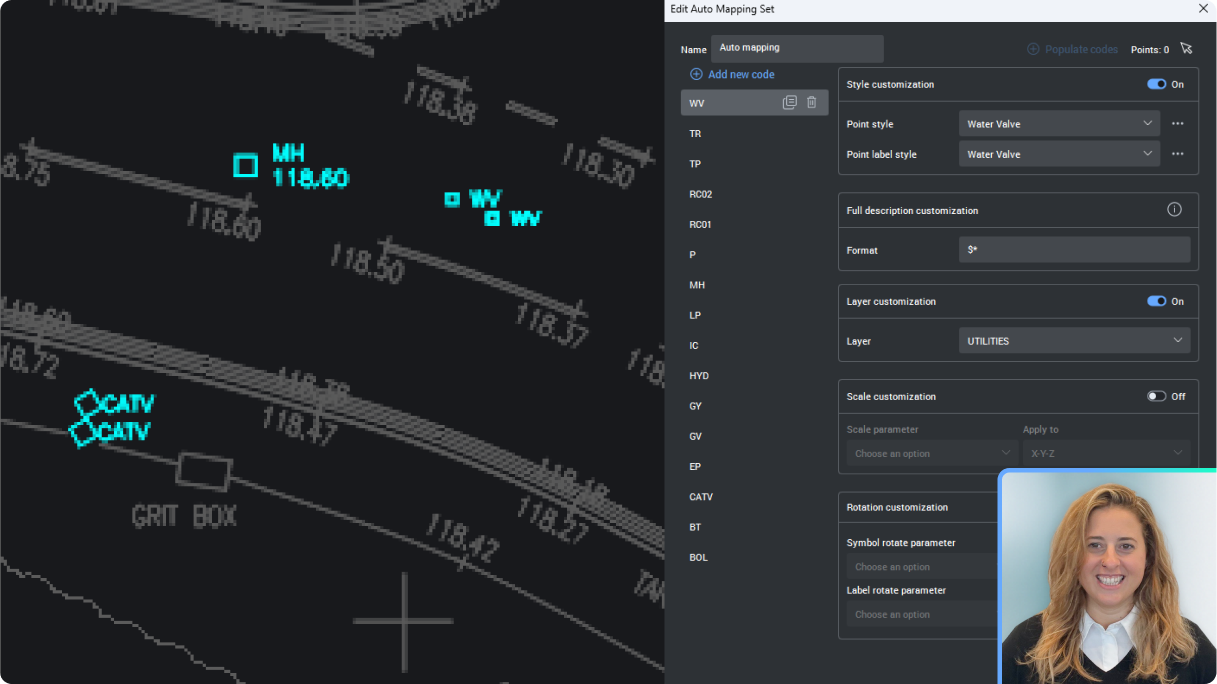
BricsCAD土木/測量ツールセット
Civil Pointsを管理するための自動マッピングを設定する
Civil ポイントの新しい自動マッピングを設定し、ポイントの説明からポイント スタイル、ラベル、レイヤーなどをすべて自動的に管理する方法を学習します。
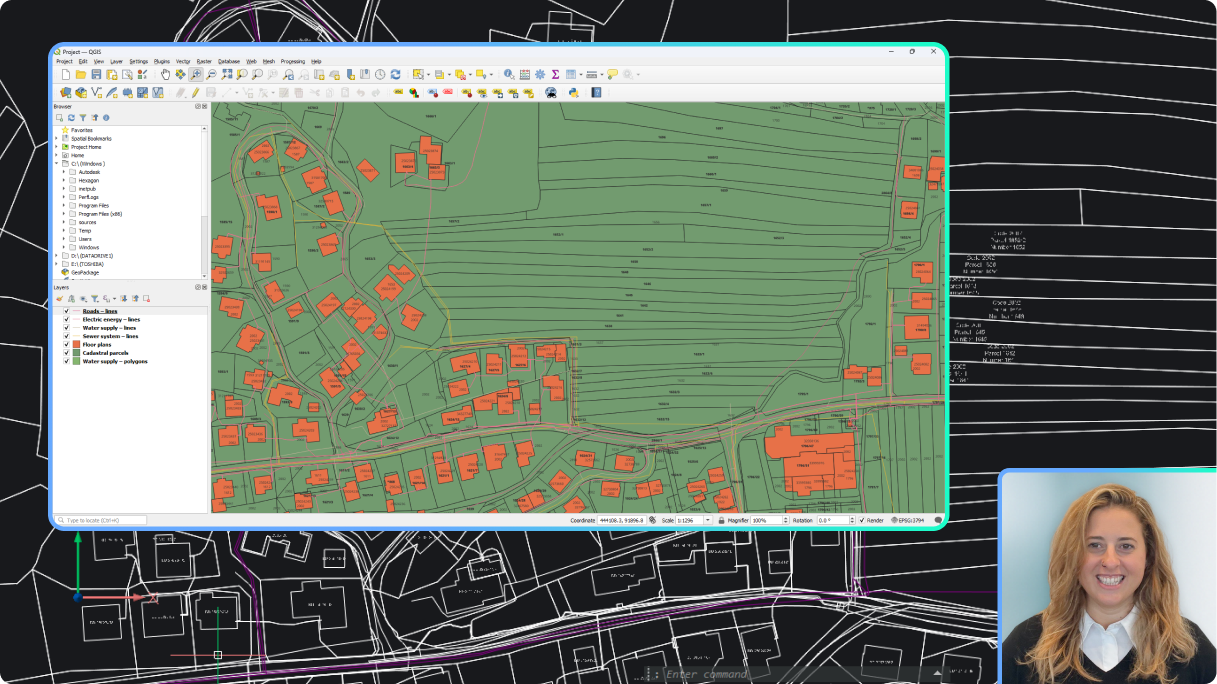
BricsCAD土木/測量ツールセット
GISデータのラベルを作成する
GIS データを自動的に表示するラベル スタイルを作成する方法を学習します。
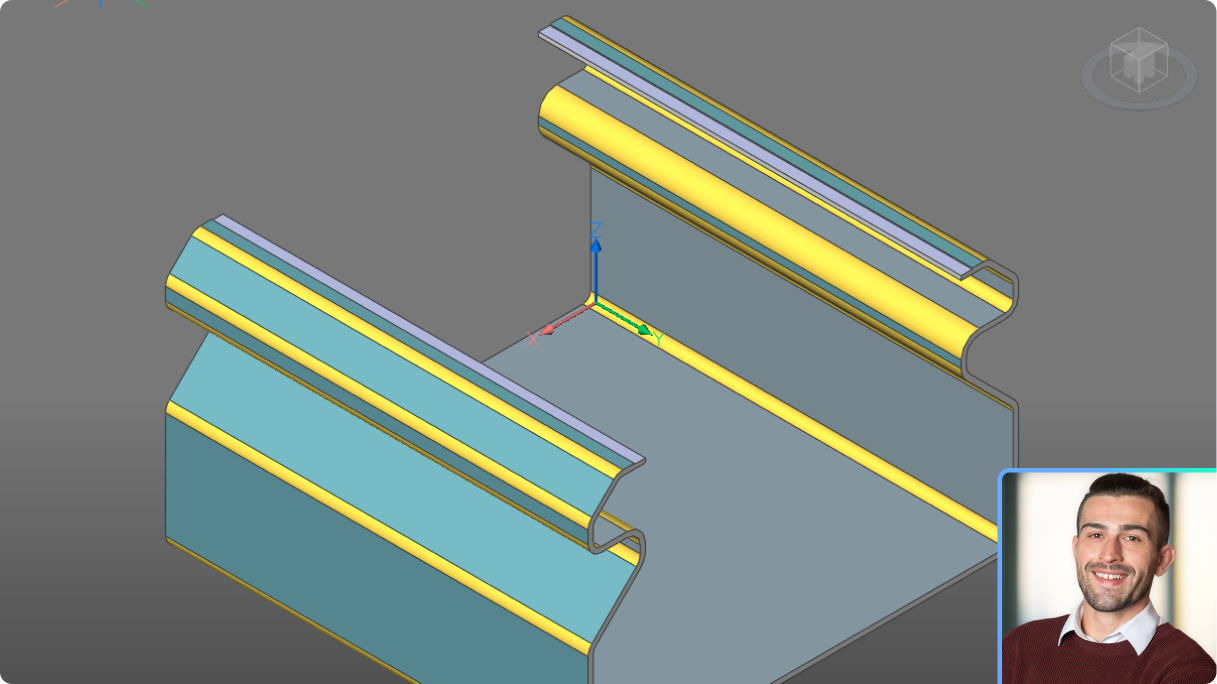
BricsCAD Mechanical
BricsCAD Mechanical新機能紹介
メーカー向けの新機能と強化された機能の概要。
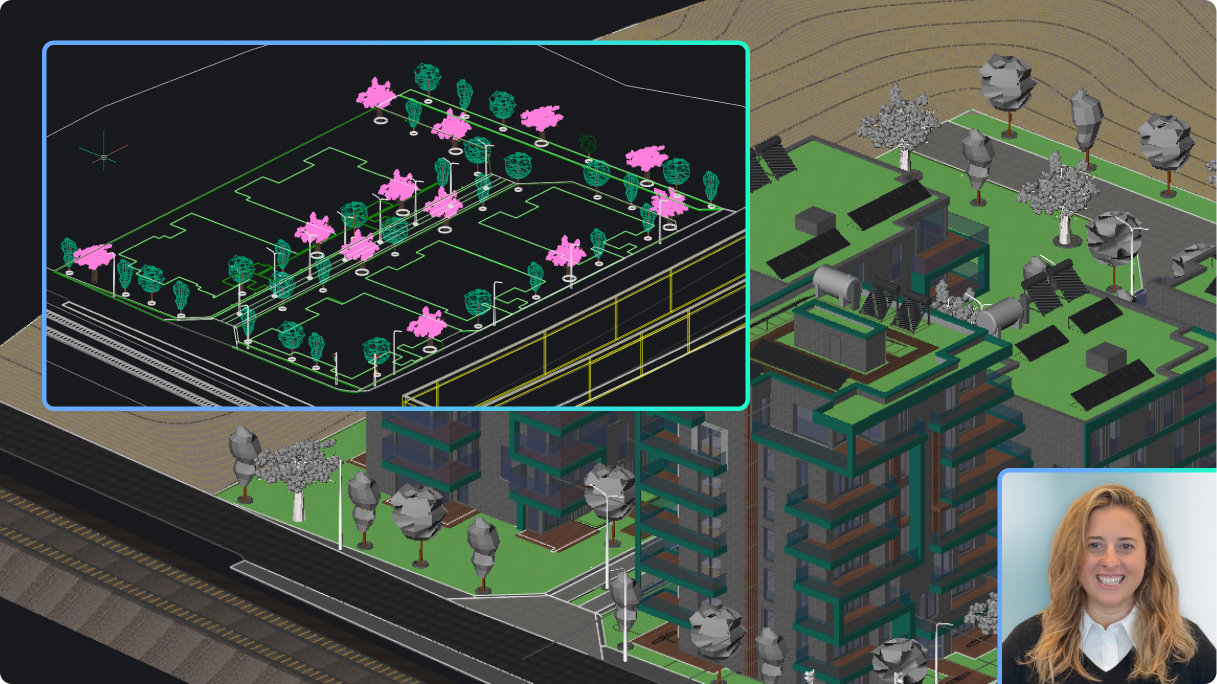
BricsCAD土木/測量ツールセット
Civil Pointsを素早く生成
BricsCAD が図面内の任意のジオメトリに基づいてさまざまな方法で Civil Points を作成する方法をご覧ください。この面倒なプロセスを迅速かつ簡単に行う方法を学びましょう。
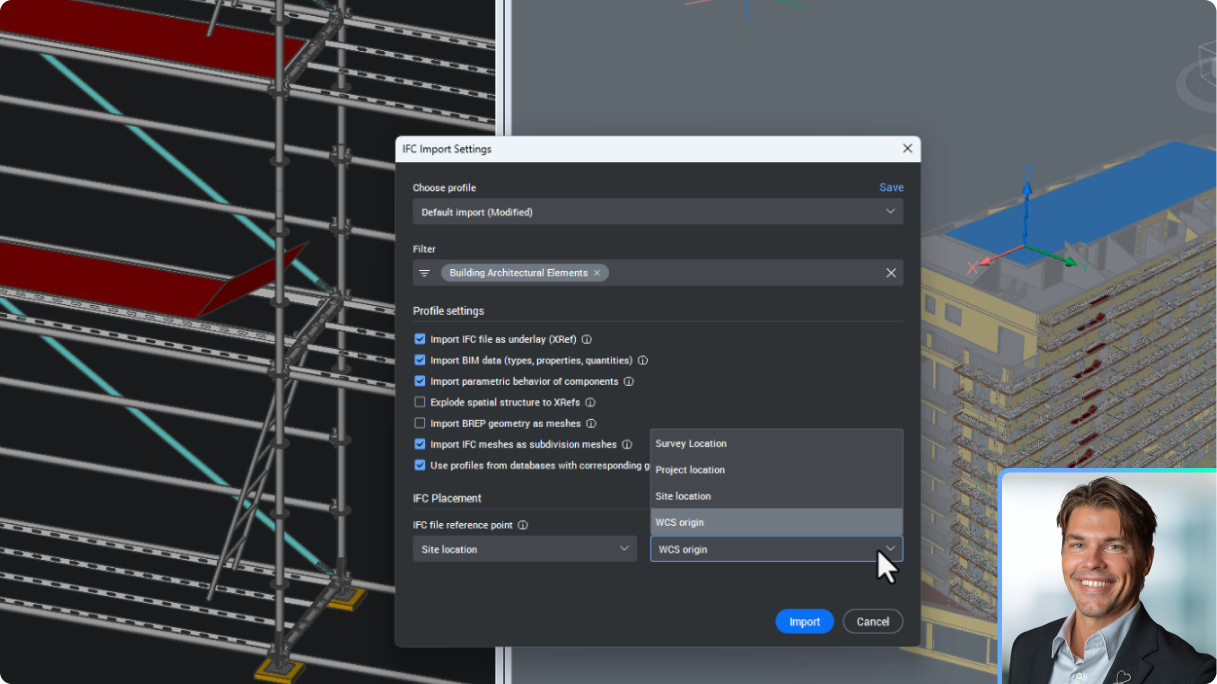
BricsCAD BIM
BricsCADでIFCをXRefとしてインポートする新しいデータ調整
BricsCAD が IFC インポートを DWG XRef として処理し、BIMUPDATEUNDERLAY でシームレスな更新を容易にし、プロジェクト ベース ポイントに位置合わせするようになった方法をご覧ください。
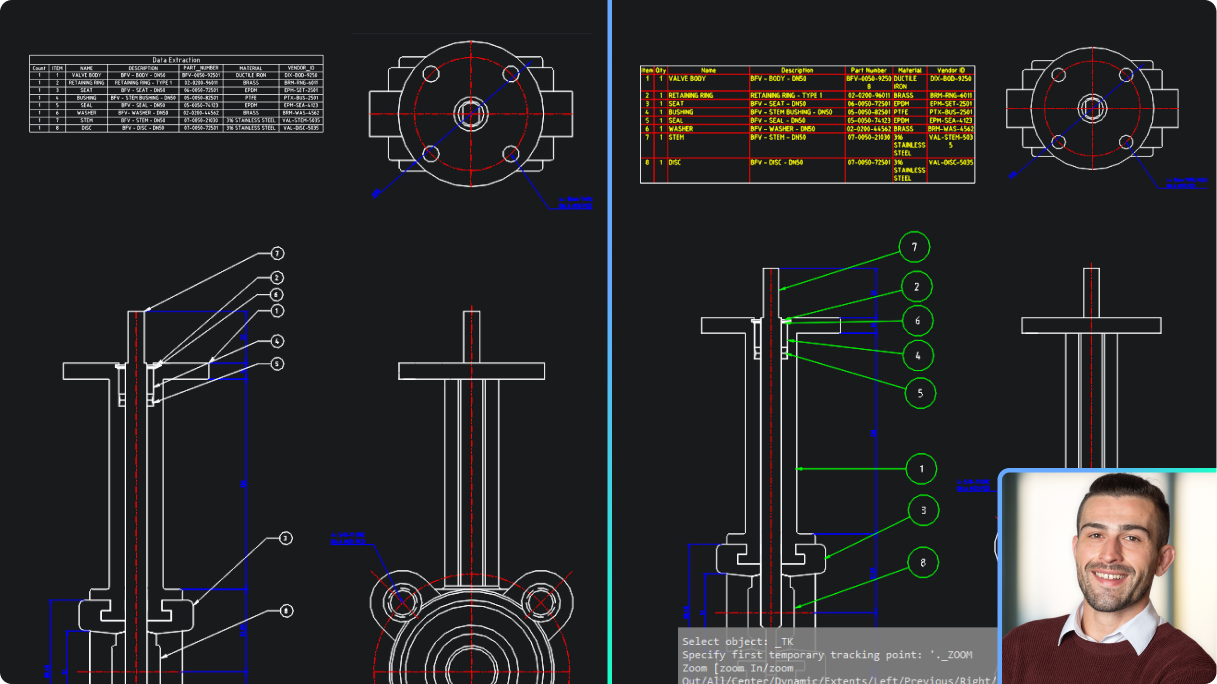
BricsCAD Mechanical
BricsCAD Mechanicalの部品リストとBricsCAD Proのデータ抽出
BricsCAD Mechanical の関連パーツ リストが、速度と精度の点で BricsCAD Pro のデータ抽出を上回ることをご確認ください。

今すぐご利用可能!
最新バージョンを取得