AI-driven productivity tools
Automate repetitive tasks in drafting and detailing workflows
BENEFITS
What does AI in BricsCAD do for you?
Smart tools to accelerate project delivery by cleaning up drawings, automating repetitive tasks, and guiding your next step.

Fix files fast
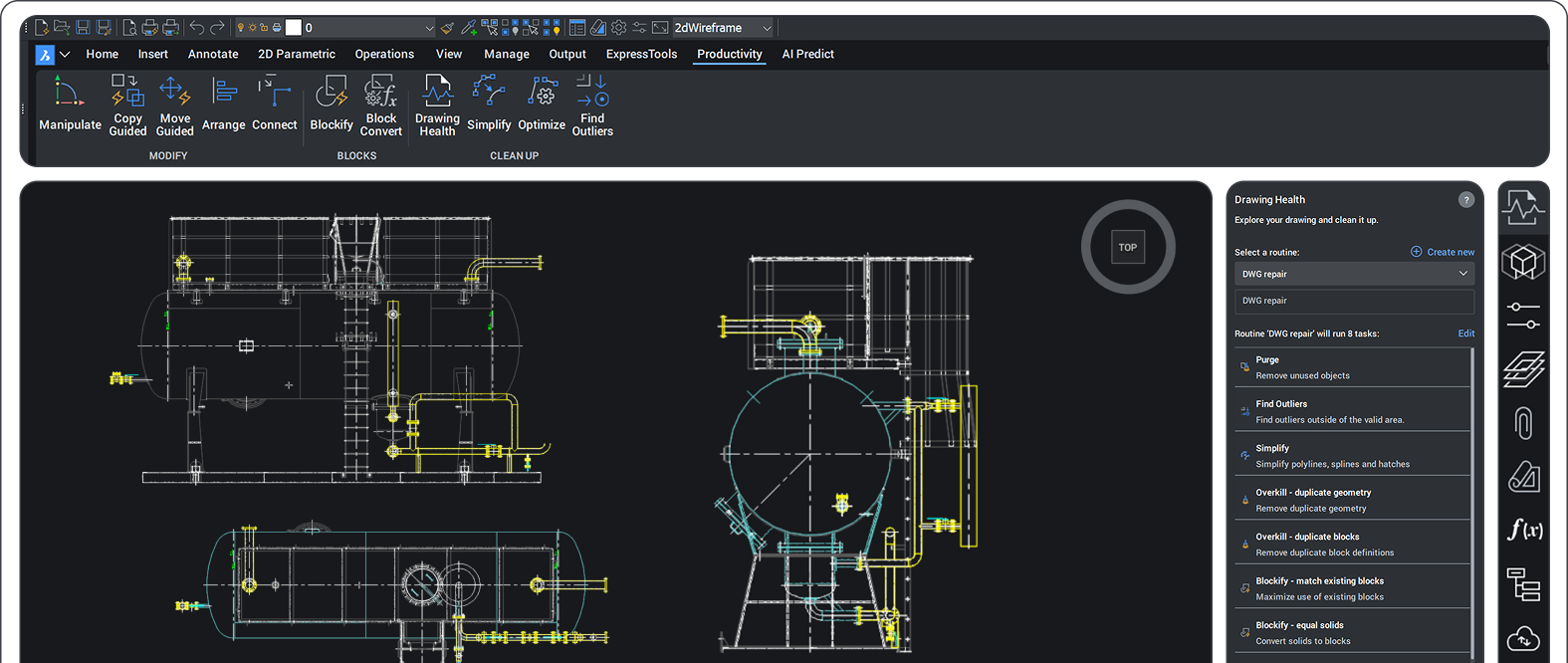
Clean with ease using Drawing Health to identify and resolve patterns in disorganized geometry, imported blocks, or poorly layered drawings.

Boosts productivity
Reduce clicks with unique-to-BricsCAD commands that eliminate tedious workflows.

Predicts your next move
Reuse recent commands and find relevant tools with the Quad cursor menu. Save time with command suggestions from AI Predict.

Accelerates BIM workflows
Streamline modeling, classification, detailing, and documentation with automation that reduces effort and speeds delivery.
Fixes files fast
Cleaner CAD files made easy
Drawing Health uses automation to detect, clean, and streamline geometry. Maintain lightweight, well-organized DWGs so you can focus on design, not fixes.
Reduce file size
Eliminate excess data and streamline geometry, resulting in smaller, faster-loading DWGs that improve overall workflow efficiency.
Analyse and report the integrity of data
Simplify and optimize geometry
Convert repeats into blocks
Remove redundant elements
Identify and create arrays

Boosts productivity
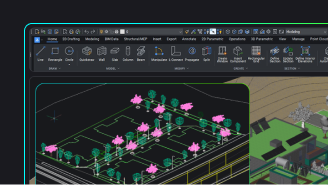
Smart snapping when editing drawings
Intuitively copy and move entities with smart snapping, leveraging the power of guided alignment for precise placement.
Copy Guided
Automatically adapts copied geometry to its new context, aligning and adjusting elements for a seamless fit.
Move Guided
Updates and aligns connected geometry as you move entities, preserving design intent with minimal effort.
Manipulator
Quickly moves, rotates, scales, and mirrors selected entities, saving you time and clicks.
Predicts your next move
Right tools and commands, when you need them
Design faster with fewer clicks and interruptions.
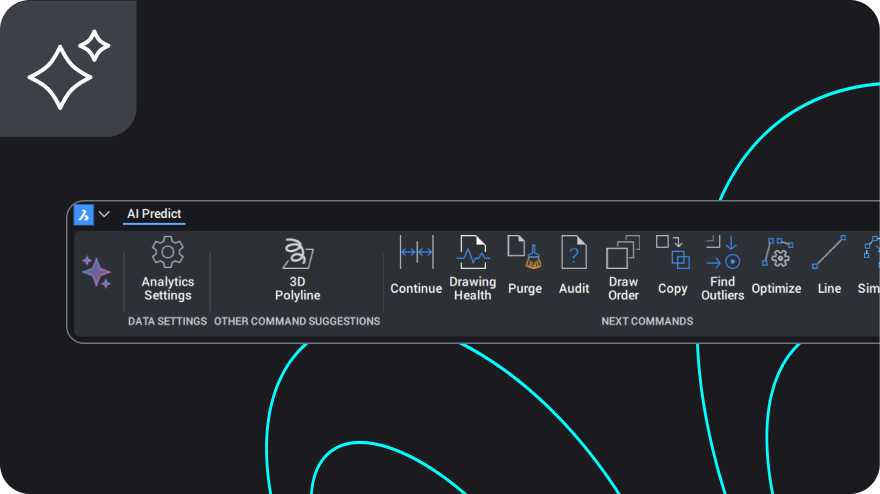
Smart command suggestions
The AI Predict ribbon anticipates your next steps and recommends relevant commands based on your workflow. Opt in to the BricsCAD AI Analytics Program to get personalized suggestions.
Relevant tools right at the cursor
The Quad cursor menu gives you context-aware tools and commands that appear in your cursor tooltip as you’re working. Customize the Quad to fit your needs and declutter your workspace.
Accelerates bim workflows
AI-driven BIM automation
Deliver higher-quality results with less manual input using tools to automate modeling, classification, detailing, and documentation.

Bimify for automated model classification
Automatically convert 3D geometry into classified BIM elements, providing a solid base for detailing and documentation with minimal manual effort.

Quick Draw for conceptual layouts
Rapidly model building layouts and floor plans in 3D, enabling fast early-stage design exploration directly inside BricsCAD.

Propagate for detail automation
Instantly replicate design details across your model, ensuring consistent connections and components while significantly reducing repetitive work.

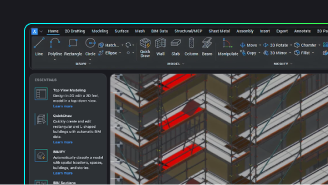
Quick Building for accelerated modeling
Generate complete building volumes from simple sketches, accelerating conceptual modeling and helping you move quickly from idea to structure.

Invert Spaces for space recognition
Automatically detect and generate spatial elements from existing geometry, making space planning and area calculations fast and reliable.

Dimensions for smart annotation
Create accurate associative dimensions for BIM models with AI-guided placement, improving clarity and reducing annotation time.
All BricsCAD Toolsets
Discover all BricsCAD Toolsets

30 day trial
Start designing in BricsCAD today!
