Une véritable alternative en matière de CAO
Vous recherchez un logiciel de CAO compatible utilisant le format DWG ? Découvrez BricsCAD®
Le logiciel de CAO le plus rentable. avec une interface familière, des options de licences flexibles et des performances supérieures.


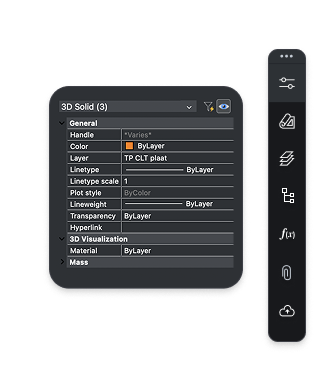

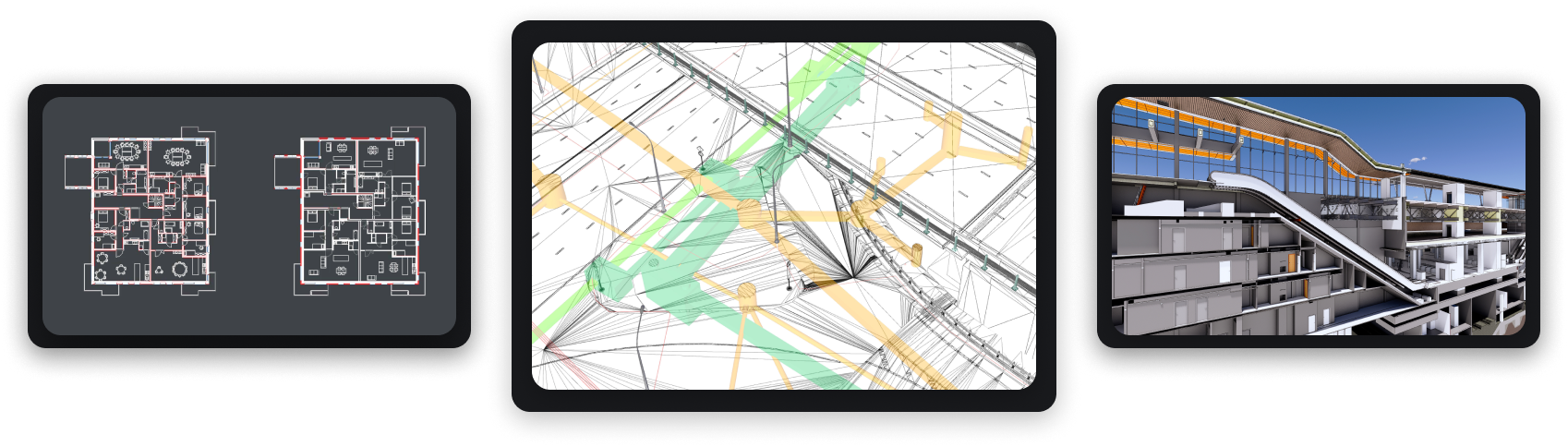
Une CAO conviviale et compatible
Entièrement basé sur le format DWG standard de l'industrie, BricsCAD vous garantit une compatibilité sans faille avec toutes les commandes, scripts, macros et menus auxquels vous êtes habitués pour une prise en main accélérée !


Plateforme de conception
 1
1Dessin 2D
 2
2Modélisation 3D
 3
3Topographie
 4
4BIM
 5
5Mécanique
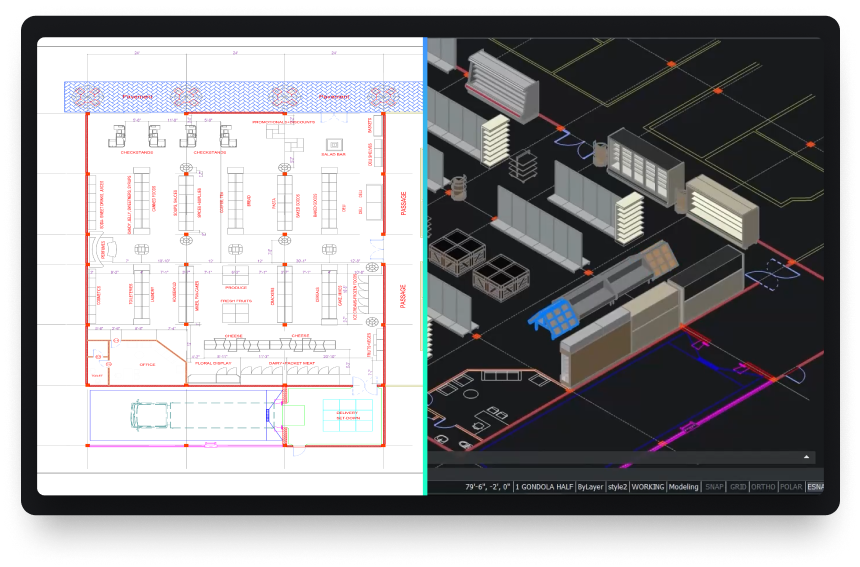
Une puissante plateforme de conception
Transformez rapidement un concept en livrables prêts à la production.









NOS CLIENTS
Les utilisateurs de CAO du monde entier nous font confiance
 Source : www.g2.com/bricscad

"It is a credo that drives us towards producing strong products... BricsCAD is a part of that, as we use the program for the 2D design of our factories’ assembly lines and equipment."
Shinya, Assistant Manager. Mazda, Japan
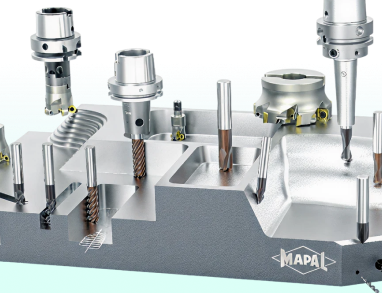

"I started searching for DWG-supporting systems... BricsCAD had the best support on handling the LISP files that we had. We had a big bunch of LISP applications to create our tools and so the decision went to BricsCAD."
Marcus, CAD/CAM Development. MAPAL, Germany
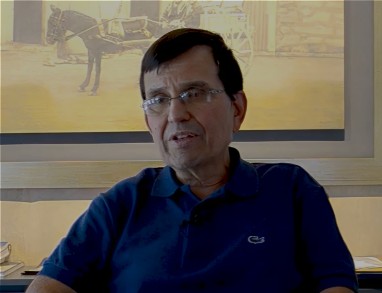

"With BricsCAD's powerful features and affordability, we estimate we've cut our construction design costs by 50%."
Juan, Director. Tecinci, Paraguay


"First of all, I can say that BricsCAD's software is an indisputable replacement for our existing 2D CAD software. We have not experienced any major problems with usability since its introduction."
Makoto, ICM Division. EBARA Corporation, Japan


"BricsCAD helps us maintain high-quality service and productivity while optimizing costs. It provides the stable, reliable platform we need for our in-house AlsiCAD plugin."
José, Technical Office Engineer. Alsina, Spain
"It is a credo that drives us towards producing strong products... BricsCAD is a part of that, as we use the program for the 2D design of our factories’ assembly lines and equipment."
Shinya, Assistant Manager. Mazda, Japan
"I started searching for DWG-supporting systems... BricsCAD had the best support on handling the LISP files that we had. We had a big bunch of LISP applications to create our tools and so the decision went to BricsCAD."
Marcus, CAD/CAM Development. MAPAL, Germany
"With BricsCAD's powerful features and affordability, we estimate we've cut our construction design costs by 50%."
Juan, Director. Tecinci, Paraguay
"First of all, I can say that BricsCAD's software is an indisputable replacement for our existing 2D CAD software. We have not experienced any major problems with usability since its introduction."
Makoto, ICM Division. EBARA Corporation, Japan
"BricsCAD helps us maintain high-quality service and productivity while optimizing costs. It provides the stable, reliable platform we need for our in-house AlsiCAD plugin."
José, Technical Office Engineer. Alsina, Spain
"It is a credo that drives us towards producing strong products... BricsCAD is a part of that, as we use the program for the 2D design of our factories’ assembly lines and equipment."
Shinya, Assistant Manager. Mazda, Japan
"I started searching for DWG-supporting systems... BricsCAD had the best support on handling the LISP files that we had. We had a big bunch of LISP applications to create our tools and so the decision went to BricsCAD."
Marcus, CAD/CAM Development. MAPAL, Germany
"With BricsCAD's powerful features and affordability, we estimate we've cut our construction design costs by 50%."
Juan, Director. Tecinci, Paraguay
"First of all, I can say that BricsCAD's software is an indisputable replacement for our existing 2D CAD software. We have not experienced any major problems with usability since its introduction."
Makoto, ICM Division. EBARA Corporation, Japan
"BricsCAD helps us maintain high-quality service and productivity while optimizing costs. It provides the stable, reliable platform we need for our in-house AlsiCAD plugin."
José, Technical Office Engineer. Alsina, Spain
 BricsCAD®
BricsCAD® Lite BricsCAD® Pro BricsCAD®MechanicalBricsCAD®BIM BricsCAD® UltimateÉvaluation de 30 jours
Créez de nouvelles conceptions
dans BricsCAD dès aujourd'hui !

Échange de données
Intégration transparente et compatibilité totale
Échangez librement des données de conception avec BricsCAD dans tous les principaux formats de fichiers pour une meilleure collaboration de projet.

Formats de fichiers pris en charge par défaut
*Inclus dans tous les niveaux de produits BricsCAD
DWG

DWG

DXF

DWT

ACIS SAT


Micro Station

Colada

JPEG

TIFF

Draftsight

Wavefront
Formats de fichiers BIM supplémentaires
*inclus dans BricsCAD BIM et Ultimate

Rhino

Sketchup

Revit

IFC
Formats de fichiers 3D et mécaniques supplémentaires
*Nécessite Communicator pour BricsCAD - En savoir plus

Parasolid

CATIA

Creo
3D PDF

Solidworks

Inventor

STEP

IGES
Siemens NX

ACIS

STL

Solid Edge