Echte CAD-Alternative
Suchen Sie nach .DWG-kompatibler CAD-Software? Lernen Sie BricsCAD®kennen
Die kostengünstigste CAD-Software. Mit eine vertraute Benutzeroberfläche, flexible Lizenzierung und überlegene Leistung.


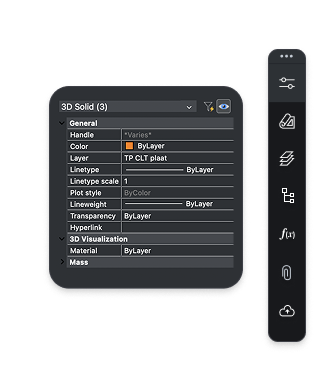

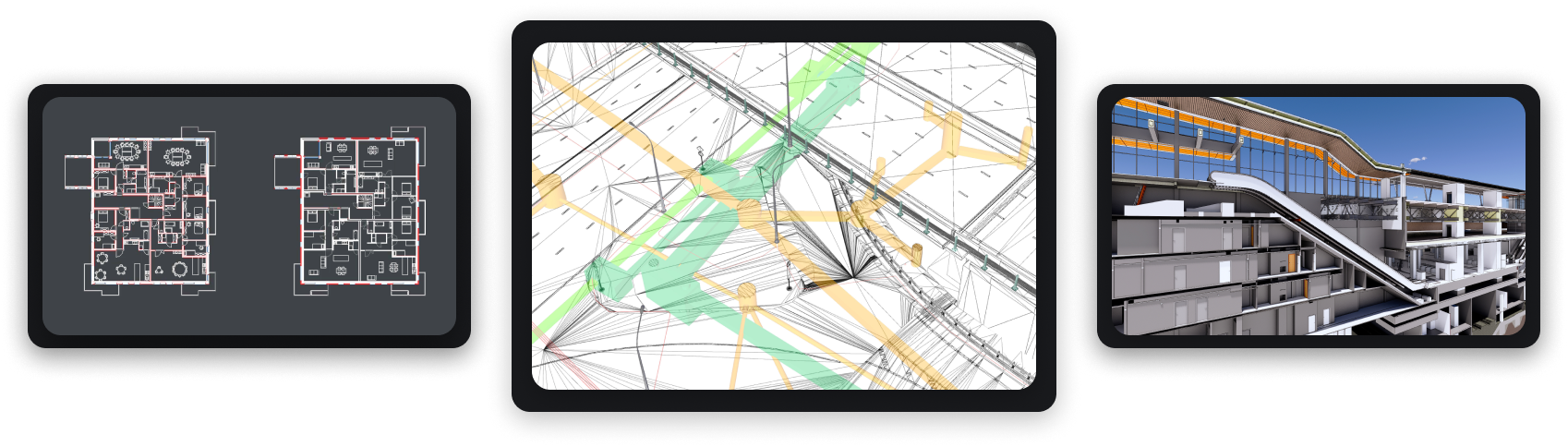
Vertrautes und kompatibles CAD
BricsCAD basiert vollständig auf dem Industriestandard-Format dwg und ist mit allen Befehlen, Skripten, Makros und Menüs kompatibel. BricsCAD fühlt sich wie zu Hause an!


Designplattform
 1
12D-Zeichnen
 2
23D-Modellierung
 3
3Vermessung
 4
4BIM
 5
5Mechanical
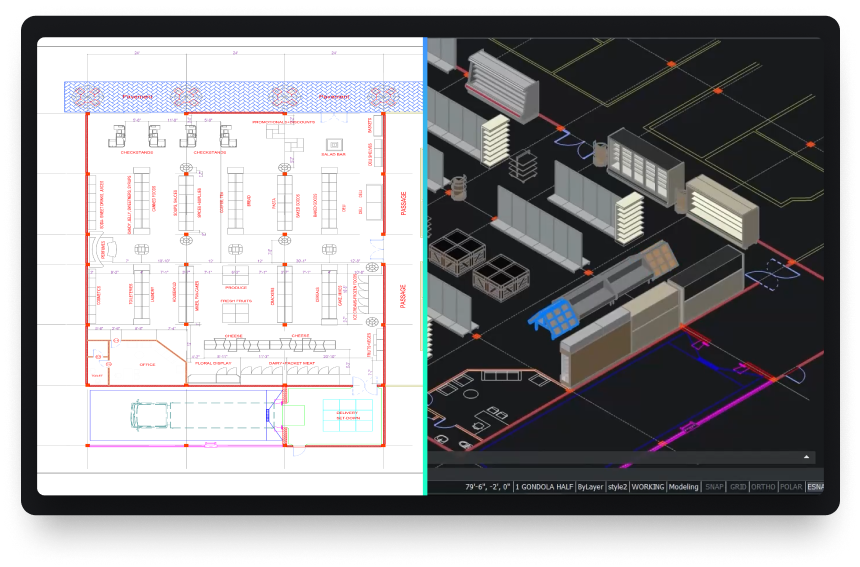
Leistungsstarke Designplattform
Wandeln Sie jedes Designkonzept schnell in produktionsreife Ergebnisse um.









UNSERE KUNDEN
Von CAD-Anwendern weltweit vertraut
 Quelle: www.g2.com/bricscad

"It is a credo that drives us towards producing strong products... BricsCAD is a part of that, as we use the program for the 2D design of our factories’ assembly lines and equipment."
Shinya, Assistant Manager. Mazda, Japan
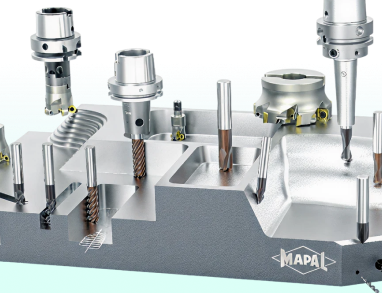

"I started searching for DWG-supporting systems... BricsCAD had the best support on handling the LISP files that we had. We had a big bunch of LISP applications to create our tools and so the decision went to BricsCAD."
Marcus, CAD/CAM Development. MAPAL, Germany
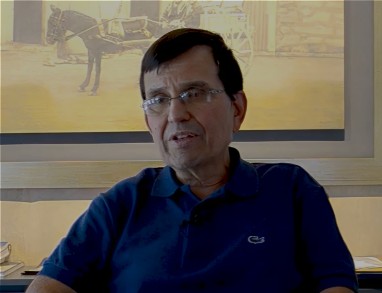

"With BricsCAD's powerful features and affordability, we estimate we've cut our construction design costs by 50%."
Juan, Director. Tecinci, Paraguay


"First of all, I can say that BricsCAD's software is an indisputable replacement for our existing 2D CAD software. We have not experienced any major problems with usability since its introduction."
Makoto, ICM Division. EBARA Corporation, Japan


"BricsCAD helps us maintain high-quality service and productivity while optimizing costs. It provides the stable, reliable platform we need for our in-house AlsiCAD plugin."
José, Technical Office Engineer. Alsina, Spain
"It is a credo that drives us towards producing strong products... BricsCAD is a part of that, as we use the program for the 2D design of our factories’ assembly lines and equipment."
Shinya, Assistant Manager. Mazda, Japan
"I started searching for DWG-supporting systems... BricsCAD had the best support on handling the LISP files that we had. We had a big bunch of LISP applications to create our tools and so the decision went to BricsCAD."
Marcus, CAD/CAM Development. MAPAL, Germany
"With BricsCAD's powerful features and affordability, we estimate we've cut our construction design costs by 50%."
Juan, Director. Tecinci, Paraguay
"First of all, I can say that BricsCAD's software is an indisputable replacement for our existing 2D CAD software. We have not experienced any major problems with usability since its introduction."
Makoto, ICM Division. EBARA Corporation, Japan
"BricsCAD helps us maintain high-quality service and productivity while optimizing costs. It provides the stable, reliable platform we need for our in-house AlsiCAD plugin."
José, Technical Office Engineer. Alsina, Spain
"It is a credo that drives us towards producing strong products... BricsCAD is a part of that, as we use the program for the 2D design of our factories’ assembly lines and equipment."
Shinya, Assistant Manager. Mazda, Japan
"I started searching for DWG-supporting systems... BricsCAD had the best support on handling the LISP files that we had. We had a big bunch of LISP applications to create our tools and so the decision went to BricsCAD."
Marcus, CAD/CAM Development. MAPAL, Germany
"With BricsCAD's powerful features and affordability, we estimate we've cut our construction design costs by 50%."
Juan, Director. Tecinci, Paraguay
"First of all, I can say that BricsCAD's software is an indisputable replacement for our existing 2D CAD software. We have not experienced any major problems with usability since its introduction."
Makoto, ICM Division. EBARA Corporation, Japan
"BricsCAD helps us maintain high-quality service and productivity while optimizing costs. It provides the stable, reliable platform we need for our in-house AlsiCAD plugin."
José, Technical Office Engineer. Alsina, Spain
 BricsCAD®
BricsCAD® Lite BricsCAD® Pro BricsCAD®MechanicalBricsCAD®BIM BricsCAD® Ultimate30 Tage Testversion
Starten Sie noch heute mit dem Entwerfen
in BricsCAD!

Datenaustausch
Nahtlose Integration und umfassende Kompatibilität
Mit BricsCAD können Sie Entwurfsdaten frei zwischen allen Projektbeteiligten und allen wichtigen Dateiformaten austauschen.

Standardmäßig unterstützte Dateiformate
*In allen BricsCAD-Produktversionen enthalten
DWG

DWG

DXF

DWT

ACIS SAT


Micro Station

Colada

JPEG

TIFF

Draftsight

Wavefront
Zusätzliche BIM-Dateiformate
*In BricsCAD BIM und BricsCAD Ultimate enthalten

Rhino

Sketchup

Revit

IFC
Zusätzliche 3D- und Mechanical-Dateiformate
*Erfordert Communicator für BricsCAD - Weitere Informationen

Parasolid

CATIA

Creo
3D PDF

Solidworks

Inventor

STEP

IGES
Siemens NX

ACIS

STL

Solid Edge