Bricscad V8™
|
v8.2.11-1 for Windows |
Benefits overview
Bricscad V8 is well on its way to conquer a prominent spot on the CAD market. Since its introduction last July, it has evolved at stellar speed. Bricscad V8 has been empowered with 11 new features and has 76 improvements.
Having choices
Bricsys is firmly committed to make Bricscad V8 the standard for those people who don’t want to be locked in, but prefer to have a free choice, …
Brand new Graphical User Interface
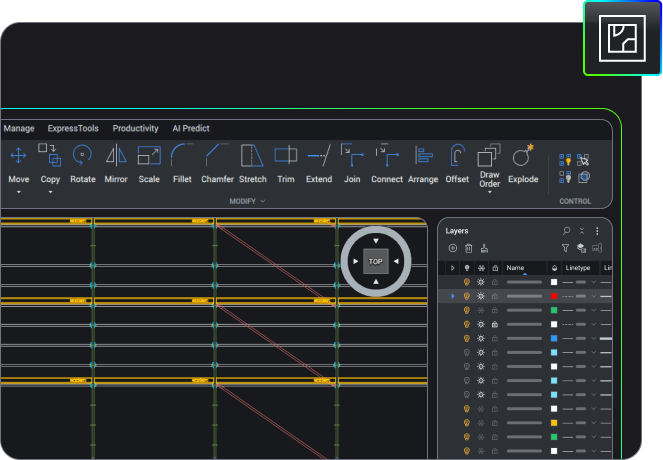
The new Graphical User Interface allows well experienced DWG users to start Bricscad V8 and just continue their job without loss of productivity. No need for training courses to convert draft persons from one system to another.
It's worth making the switch
Finally it is worth making the switch and continue with the best DWG alternative, securing your CAD future. As a founding member of the Open Design Alliance, Bricsys - the author of Bricscad V8 - secures compatibility with the most recent DWG version today and into the future.
Unmatched compatibility
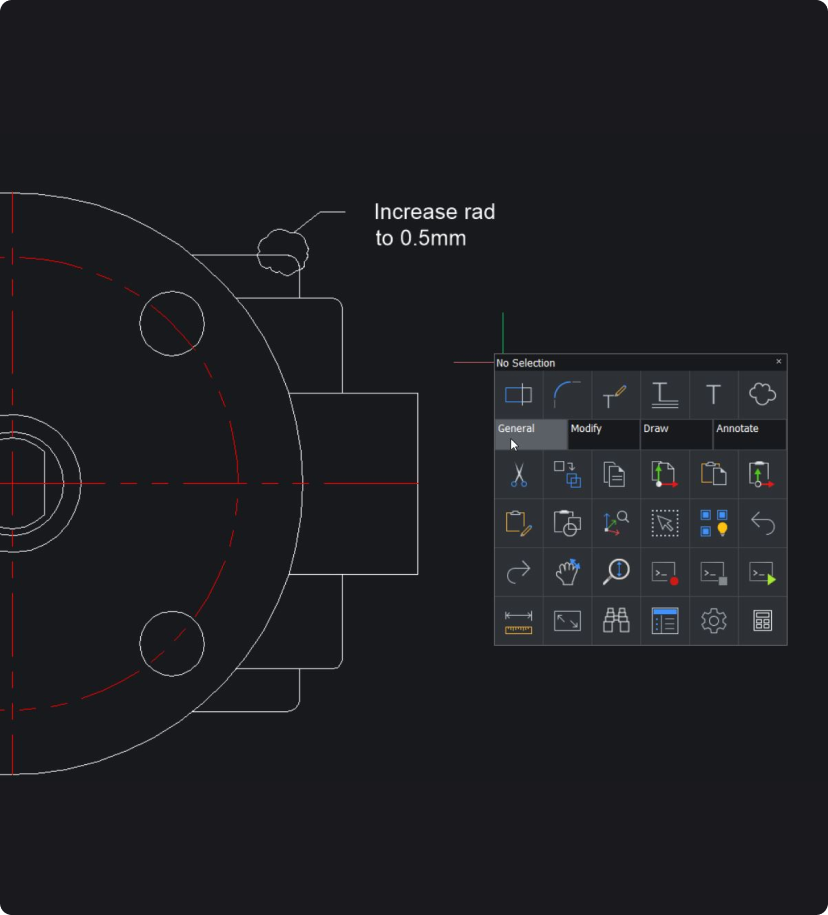
Download Bricscad V8 and experience an unmatched compatibility, including LISP, ADS, COM and ARX. See what the new Settings Manager can do for you: it offers a consolidated overview of all system variables and settings in one location. You simply can browse through them. That's what we call 'having control'. No other DWG CAD software offers this extremely powerful browser.
Pricing
And finally, yes we know that our pricing is one of the main reasons why most people ultimately prefer our technology. Comparable quality for far less money. Download V8 and try it out for free for the next 30 days. We are confident…
Key features
DWG COMPATIBILITY
- Native DWG 2007 file format
- Support for AutoCAD versions 2.5 to 2009
- CUI menus and toolbars
- Extended raster image support
- User data file manager
- New LISP engine
- Full SDS support
- New highly compatible COM API
- Support for Object ARX
PRODUCTIVITY
- Powerful Drawing Explorer
- Dockable Properties Bar
- Consolidated Settings Manager
- Customize dialog and editor
- Full ACIS (3D solids) modeling
- Visual Basic for Applications (VBA)
Comparison chart
| Bricscad V8 | Bricscad V6 | AutoCAD | |||
= New feature |
Pro | Classic | Linux | 2009 | LT |
| Files | |||||
|---|---|---|---|---|---|
| AutoCAD 2009 native file support | ![]() |
![]() |
2000 | ![]() |
![]() |
| Native DWG 2007 file format | ![]() |
![]() |
2000 | ![]() |
![]() |
| DWG for AutoCAD version 2.5 to 2009 | ![]() |
![]() |
to 2004 | ![]() |
![]() |
| Support for DWGCODEPAGE | ![]() |
![]() |
![]() |
![]() |
![]() |
| Support for DWT files (Drawing templates) | ![]() |
![]() |
![]() |
![]() |
![]() |
| Drawing recovery | ![]() |
![]() |
![]() |
![]() |
![]() |
| Export DWG to PDF | ![]() |
![]() |
![]() |
![]() |
![]() |
| Export to DWF 2D & 3D | ![]() |
![]() |
![]() |
![]() |
![]() |
| User File Manager | ![]() |
![]() |
![]() |
![]() |
![]() |
| Commands | |||||
| Industry standard AutoCAD commands | ![]() |
![]() |
![]() |
![]() |
![]() |
| AutoCAD command Line | ![]() |
![]() |
![]() |
![]() |
![]() |
| AutoCAD 3D surface commands | ![]() |
![]() |
![]() |
![]() |
![]() |
| Interface | |||||
| Dockable Properties toolbar | ![]() |
![]() |
![]() |
![]() |
![]() |
| Edit multiple drawings (MDI) | ![]() |
![]() |
![]() |
![]() |
![]() |
| Extended Drawing Explorer | ![]() |
![]() |
![]() |
![]() |
![]() |
| New Drawing wizard | ![]() |
![]() |
![]() |
![]() |
![]() |
| Object Properties toolbar | ![]() |
![]() |
![]() |
![]() |
![]() |
| Searchable Settings Manager | ![]() |
![]() |
![]() |
![]() |
![]() |
| Context menu | ![]() |
![]() |
![]() |
![]() |
![]() |
| Customization | |||||
| AutoCAD CUI menus and toolbars | ![]() |
![]() |
![]() |
![]() |
![]() |
| Visual menu customization | ![]() |
![]() |
![]() |
![]() |
![]() |
| 3D | |||||
| ACIS viewing | ![]() |
![]() |
![]() |
![]() |
![]() |
| Full ACIS modeling editing | ![]() |
![]() |
![]() |
![]() |
![]() |
| Layouts | |||||
| Multiple paper spaces | ![]() |
![]() |
![]() |
![]() |
![]() |
| Lock layout viewports | ![]() |
![]() |
![]() |
![]() |
![]() |
| Snap & Track | |||||
| eSnap | ![]() |
![]() |
![]() |
![]() |
![]() |
| Snap- and eSnap- from | ![]() |
![]() |
![]() |
![]() |
![]() |
| SnapTrack™ | ![]() |
![]() |
![]() |
![]() |
![]() |
| Polar tracking | ![]() |
![]() |
![]() |
![]() |
![]() |
| Apparent & extended intersection snap | ![]() |
![]() |
![]() |
![]() |
![]() |
| Text | |||||
| Multi-language character set | ![]() |
![]() |
![]() |
![]() |
![]() |
| TrueType fonts | ![]() |
![]() |
![]() |
![]() |
![]() |
| Spelling | ![]() |
![]() |
![]() |
![]() |
![]() |
| Find & replace | ![]() |
![]() |
![]() |
![]() |
![]() |
| MTEXT via internal or external editor | ![]() |
![]() |
![]() |
![]() |
![]() |
| Raster images | |||||
| Image menu | ![]() |
![]() |
![]() |
![]() |
![]() |
| Image clipping | ![]() |
![]() |
![]() |
![]() |
![]() |
| Raster image support | ![]() |
![]() |
![]() |
![]() |
![]() |
| Other functionalities | |||||
| Real time pan & zoom | ![]() |
![]() |
![]() |
![]() |
![]() |
| Edit properties of multiple entities | ![]() |
![]() |
![]() |
![]() |
![]() |
| Layer Bonus toolbar | ![]() |
![]() |
![]() |
![]() |
![]() |
| Layer States Manager | ![]() |
![]() |
![]() |
![]() |
![]() |
| Hatch editing | ![]() |
![]() |
![]() |
![]() |
![]() |
| Lineweights (display and print) | ![]() |
![]() |
![]() |
![]() |
![]() |
| Non-rectangular viewports | ![]() |
![]() |
![]() |
![]() |
![]() |
| Table support | (1) | (1) | ![]() |
![]() |
![]() |
| True colors | ![]() |
![]() |
![]() |
![]() |
![]() |
| User Profiles Manager | ![]() |
![]() |
![]() |
![]() |
![]() |
| Printing | |||||
| CTB color table files | ![]() |
![]() |
![]() |
![]() |
![]() |
| STB style table files | ![]() |
![]() |
![]() |
![]() |
![]() |
| PC3 printer configuration files | ![]() |
![]() |
![]() |
![]() |
![]() |
| PLOT command | ![]() |
![]() |
![]() |
![]() |
![]() |
| Programming | |||||
| ActiveX, including in-place editing | ![]() |
![]() |
![]() |
![]() |
![]() |
| Entity data interface | ![]() |
![]() |
![]() |
![]() |
![]() |
| Script recorder | ![]() |
![]() |
![]() |
![]() |
![]() |
| New AutoLISP engine | ![]() |
![]() |
![]() |
![]() |
![]() |
| LISP vl-, vlr-, vla- and vlax- support | ![]() |
![]() |
![]() |
![]() |
![]() |
| LISP encryption | ![]() |
![]() |
![]() |
![]() |
![]() |
| Solutions Development System (SDS/ADS) | ![]() |
![]() |
![]() |
![]() |
![]() |
| New DCL engine | ![]() |
![]() |
![]() |
![]() |
![]() |
| New COM API (AutoCAD COM) | ![]() |
![]() |
![]() |
![]() |
![]() |
| Visual Basic for Applications (VBA) | ![]() |
![]() |
![]() |
![]() |
![]() |
| VBA DVB projects support | ![]() |
![]() |
![]() |
![]() |
![]() |
| BRX (Bricscad Runtime eXtension) | ![]() |
![]() |
![]() |
ARX | ![]() |
| DRX (DwgDirect) support | ![]() |
![]() |
![]() |
![]() |
![]() |
| CUI menu files support | ![]() |
![]() |
![]() |
![]() |
![]() |
| Legacy menu MNU and MNS file support | ![]() |
![]() |
![]() |
![]() |
![]() |
| Menu Diesel expressions | ![]() |
![]() |
![]() |
![]() |
![]() |
| Visual Studio 2005 (VC8) compatible | ![]() |
![]() |
![]() |
![]() |
![]() |
| Unicode C/C++ interface | ![]() |
![]() |
![]() |
![]() |
![]() |
| Licensing | |||||
| Single | ![]() |
![]() |
![]() |
![]() |
![]() |
| Volume | ![]() |
![]() |
![]() |
![]() |
![]() |
| Network | ![]() |
![]() |
![]() |
![]() |
![]() |
| Academic | ![]() |
![]() |
![]() |
![]() |
![]() |
(1) View only
System requirements
- Microsoft Windows NT / 2000 / XP / Vista.
- Intel® Pentium® III 1 Ghz processor or faster, or compatible processor.
- Minimum RAM - Besides the memory used by the Operating System a minimum 256 MB of RAM should be available.
- Recommended RAM - We recommend 1 Gb of RAM or more.
- Hard Drive: 200 MB, 100 MB for program files, 100 MB free space
- Display requirements: 1024x768 XGA with true color (minimum)


= New feature