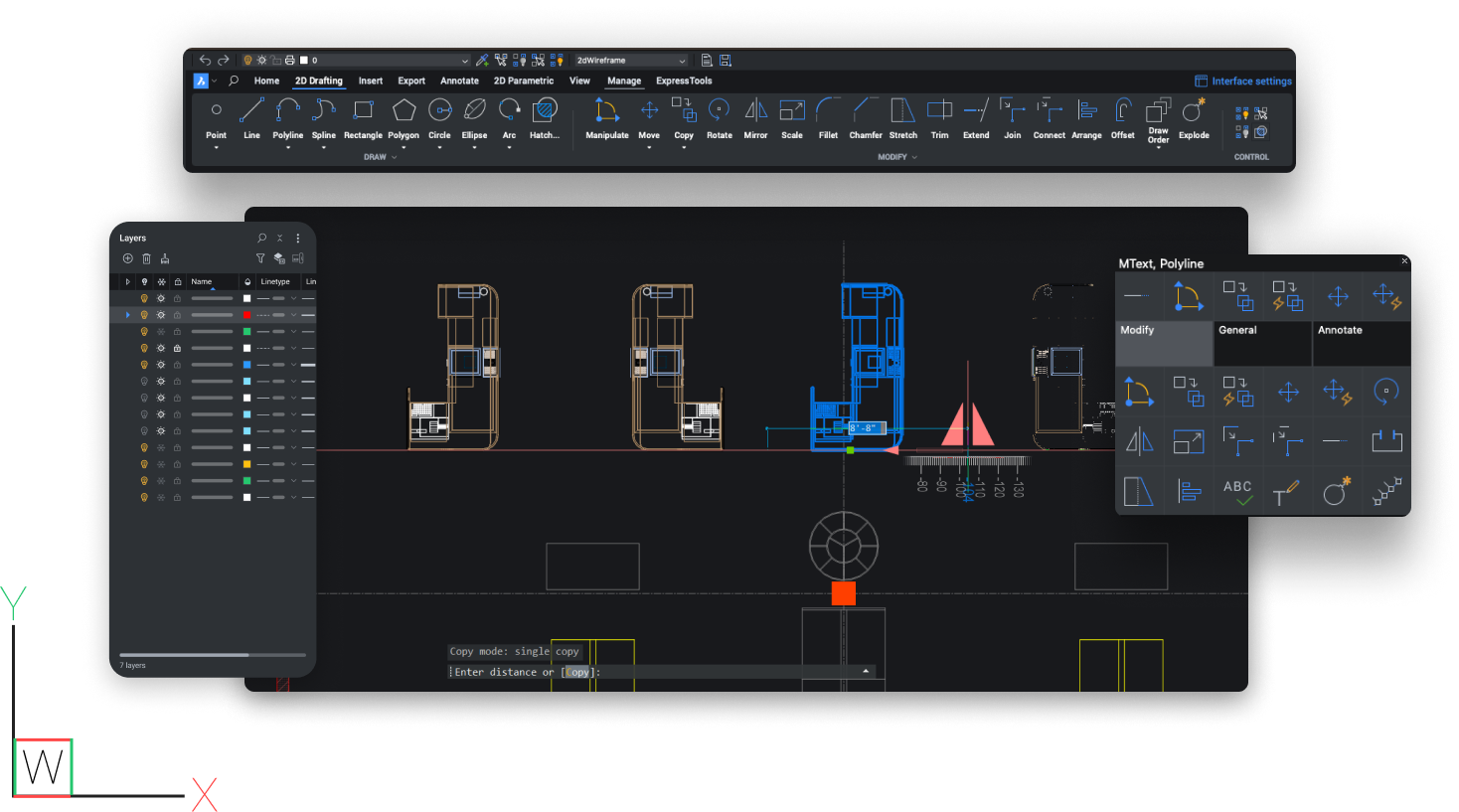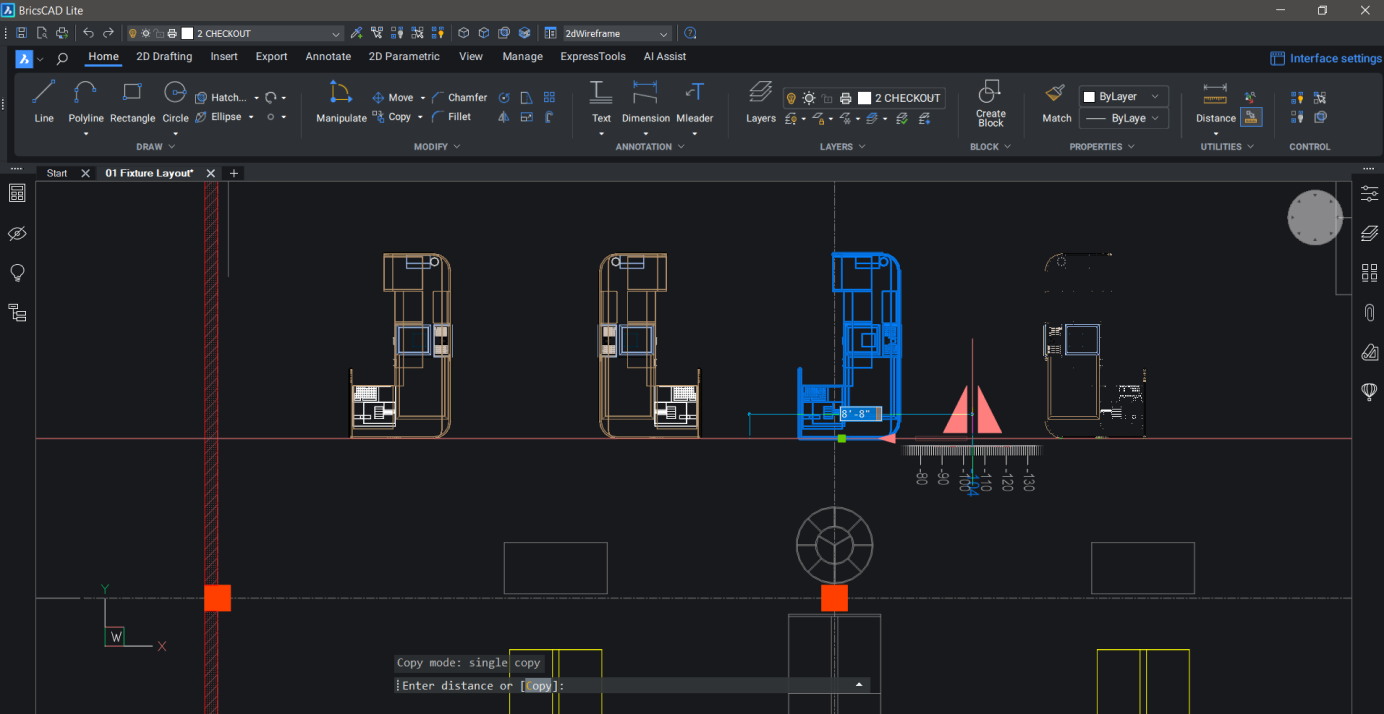

Bricscad V9™ - Enabling solutions
Bricscad V9 - based on IntelliCAD - is the 2D and 3D CAD platform by preference for users who want to extend their number of professional CAD seats or just want to replace other too expensive CAD licenses.
Bricscad V9 reads and writes the DWG format and offers compatibility with AutoCAD® 2009. Bricscad V9 has a very recognizable intuitive user interface and requires no extra training.
| Software details | |
| Version: |
v9.1.10-1 for Windows v6.0.0020-1 for Linux |
| Languages: |
and other languages.
|
| License: | 30 days trial |
| File size: | 65 Mb |
Benefits overview
Bricscad V9 is a milestone version. It is probably the best DWG CAD alternative platform offering a complete and recognizable feature set to professional users.
Things like a multiline text editor, Reference Edit, Associative Dimensioning, Wipe-out and Transparency are just a brief selection of a long list of recent added new features and improvements. The completeness of the feature set can stand now any comparison. Bricscad V9 is also a milestone version because for the first time it can support all DWG applications, including applications developed with ARX.
Enabling applications
Thanks to the extended list of compatible API's available (LISP, SDS, COM, BRX), Bricscad V9 is now chosen by more than hundred of application developers so far to port their AutoCAD® based application to. Each application extends Bricscad V9 feature set to a new level.
Enabling solutions
Applications in main domains, such as AEC, GIS, Mechanical and Civil Engineering lift the Bricscad platform to the highest professional level. With a constant growing number of available engineering applications the Bricscad platform offers real solutions for the job to be done.
Enabling choices
By enabling DWG based solutions in every engineering domain Bricsys now finally can offer freedom in the decision process. As from Bricscad V9 on, the DWG world does have a real choice. Bricscad V9 combines professional engineering solutions with a fair and transparent pricing model, and a user friendly upgrade policy.
Worldwide presence
Bricscad is worldwide leader in DWG alternative CAD. Bricscad V9 - today available in 13 languages - offers an international platform for applications. Bricsys - the company behind Bricscad - assists developers actively with the porting of regional and international applications. Together with the application developers, Bricsys is building an international DWG based engineering community.
High quality support
In addition to its technological strength, Bricsys delivers high quality support to each user, each developer, every day and everywhere. Bricsys’ customers are leaders in their field and require a zero tolerance support. Bricsys eliminates barriers between its technical teams and the users of its products. Bricsys customers - anywhere on the globe - can communicate their support requests directly with the Bricsys support team.
Pricing
And finally, yes we know that our pricing is one of the main reasons why most people ultimately prefer our technology. Comparable quality for far less money. Download V9 and try it out for free for the next 30 days. We are confident…
Bricscad V9 functionality
Version 9 of Bricscad comes with several new features and improvements: Associative Dimensions, Reference Edit, a multiline text editor, Quick Select, Wipe Out and many more. Thanks to the BRX API you can recompile and run existing ARX code without adaptations.
Reference Editing
The Refedit tool allows to edit the content of external references (Xrefs) and block inserts from within the current drawing, which is referred to as in-place reference editing. RefEdit either works on a portion of the reference which you edit or on the entire drawing or all entities in the block. Nested blocks are detected automatically and presented in a tree view. A preview of each block or Xref helps you to select the correct object. The changes are saved back to the Xref source drawing or the block definition in the current drawing
Associative Dimensions
Dimensions are updated automatically when the geometry has changed. You can even dimension Model Space entities in Paper Space and see them being updated when you modify the entities in Model Space. Dimensions can now be linked to entity snap points such as endpoints, midpoints and perpendicular. Associative dimensioning applies to both linear and angular dimensions.
Multiline Text Editor
With the brand new in-place WYSIWYG multiline text editor you can create and edit multi-line text in the drawing itself instead of separate editing window. As a result you can now adjust the width of the text box or the font size the as you create or edit the text and see the effect in your drawing.
Quick Select
Using Quick Select you can specify filters, such as entity type, color, linetype or any other entity property, to compose a selection set. After composing the filter criteria you can choose to add the matching entities to a new selection set, add the entities to the current selection set or remove them from the current selection. Quick Select applies to the entire drawing or to a previously created selection.
Wipe Out
A wipeout is a polygonal area that hides the underlying objects using the current background color. Most commonly wipeouts are used to mask part of a drawing for clarity. For example, you may want to add text to a complicated part of a drawing. A wipeout could be used then to mask an area behind the text increase the readability of the text.
Drawing Explorer with Layer States
Layer states let you save and restore configurations of layer properties and states. You might want a layer to display in blue sometimes and green at other times, or you need some layers to be off or frozen or locked when editing a specific part of a drawing. After spending a lot of time adjusting all layer settings you can use layer states to save your settings. You can save multiple layer states in a each drawing.
Settings Manager
In the Settings Dialog you can check or modify the current value of all settings. The settings can be viewed alphabetically or categorized, grouping related settings in a tree view. The built-in search feature lets you find settings quickly and intuitively. For each setting you get a short description, whether the setting is global or drawing specific and, if possible, a graphical preview.
Key features
NEW FUNCTIONS
- Associative Dimensions
- Reference Edit
- Mtext Editor
- Quick Select
- Wipe Out
- Performance improvements
- BRX API: recompile and run existing ARX code without adaptations
- Added DIMREGEN command to update the locations of all associative dimensions
- LAYON, LAYOFF, LAYFRZ, LAYTHW, LAYLCK, LAYULK, LAYISO, LAYUNISO commands in new layer utilities toolbar
- TRANSPARENCY command
- TXTEXP command for exploding text
- COPYBASE and PASTEBLOCK commands
- AUDIT command
- XATTACH command for attaching xrefs
- Statusbar has been reimplemented. The statusbar is now customizable
- Documentation: Check out the new command reference, included in the help. The developer reference is brought up to date to the V9 COM interface
DWG COMPATIBILITY
- Highly compatible with DWG 2007 file format
- Support for DWG versions 2.5 to 2009
- CUI menus and toolbars
- ECW image support
- Fast LISP engine with +450 VLAX functions support
- Highly compatible ADS/SDS API
- New highly compatible COM API
- BRX/ARX support
PRODUCTIVITY
- Powerful Drawing Explorer
- Dockable Properties Bar
- Consolidated Settings Manager
- Customize dialog and editor
- Full ACIS (3D solids) modeling
- Visual Basic for Applications (VBA)
Comparison chart
| Bricscad V9 | Bricscad V6 | AutoCAD | |||
= New feature
|
Pro | Classic | Linux | 2009 | LT |
| Files | |||||
|---|---|---|---|---|---|
| Natively uses DWG 2007 file format |
|
|
2000 |
|
|
| DWG version 2.5 to 2009 compatible |
|
|
to 2004 |
|
|
| Support for DWGCODEPAGE |
|
|
|
|
|
| Support for DWT files (Drawing templates) |
|
|
|
|
|
| Drawing recovery |
|
|
|
|
|
| Export DWG to PDF |
|
|
|
|
|
| Export to DWF 2D & 3D |
|
|
|
|
|
| Xrefs in-place editing |
|
|
|
|
|
| User File Manager |
|
|
|
|
|
| Commands | |||||
| Industry standard commands |
|
|
|
|
|
| Command Line |
|
|
|
|
|
| 3D surface commands |
|
|
|
|
|
| Interface | |||||
| Dockable Properties toolbar |
|
|
|
|
|
| Edit multiple drawings (MDI) |
|
|
|
|
|
| Extended Drawing Explorer |
|
|
|
|
|
| New Drawing wizard |
|
|
|
|
|
| Object Properties toolbar |
|
|
|
|
|
| Searchable Settings Manager |
|
|
|
|
|
| Context menu |
|
|
|
|
|
| Customization | |||||
| CUI menus and toolbars |
|
|
|
|
|
| Visual menu customization |
|
|
|
|
|
| Customizable Status bar |
|
|
|
|
|
| 3D | |||||
| ACIS viewing |
|
|
|
|
|
| Full ACIS modeling & editing |
|
|
|
|
(2) |
| Layouts | |||||
| Multiple paper spaces |
|
|
|
|
|
| Lock layout viewports |
|
|
|
|
|
| Snap & Track | |||||
| eSnap |
|
|
|
|
|
| Snap- and eSnap- from |
|
|
|
|
|
| SnapTrack |
|
|
|
|
|
| Polar tracking |
|
|
|
|
|
| Apparent & extended intersection snap |
|
|
|
|
|
| Text | |||||
| Multi-language character set |
|
|
|
|
|
| TrueType fonts |
|
|
|
|
|
| Spelling |
|
|
|
|
|
| Find & replace |
|
|
|
|
|
| In-place WYSIWYG MTEXT editor |
|
|
|
|
|
| MTEXT via internal or external editor |
|
|
|
|
|
| Text exploding (TXTEXP command) |
|
|
|
|
|
| Raster images | |||||
| Image menu |
|
|
|
|
|
| Image clipping |
|
|
|
|
|
| Raster image support |
|
|
|
|
|
| Support for ECW and JPEG2000 |
|
|
|
|
|
| Transparency support |
|
|
|
|
|
| Other functionalities | |||||
| Real time pan & zoom |
|
|
|
|
|
| Non-rectangular viewports |
|
|
|
|
|
| Associative dimensions |
|
|
|
|
|
| Layers toolbar |
|
|
|
|
|
| Layer States Manager |
|
|
|
|
|
| Hatch editing |
|
|
|
|
|
| Quick Select tool |
|
|
|
|
|
| Edit properties of multiple entities |
|
|
|
|
|
| COPYBASE / PASTEBLOCK commands |
|
|
|
|
|
| Lineweights (display and print) |
|
|
|
|
|
| Wipe out |
|
|
|
|
|
| Table support | (1) | (1) |
|
|
|
| True colors |
|
|
|
|
|
| User Profiles Manager |
|
|
|
|
|
| Printing | |||||
| CTB color table files |
|
|
|
|
|
| STB style table files |
|
|
|
|
|
| PC3 printer configuration files |
|
|
|
|
|
| PLOT command |
|
|
|
|
|
| Programming | |||||
| ActiveX, including in-place editing |
|
|
|
|
|
| Entity data interface |
|
|
|
|
|
| Script recorder |
|
|
|
|
|
| New higly compatible LISP engine |
|
|
|
|
|
| LISP vl-, vlr-, vla- and vlax- support |
|
|
|
|
|
| LISP encryption |
|
|
|
|
|
| Solutions Development System (SDS/ADS) |
|
|
|
|
|
| New DCL engine |
|
|
|
|
|
| New higly compatible COM API |
|
|
|
|
|
| Visual Basic for Applications (VBA) |
|
|
|
|
|
| VBA DVB projects support |
|
|
|
|
|
| BRX (Bricscad Runtime eXtension) |
|
|
|
ARX |
|
| DRX (DwgDirect) support |
|
|
|
|
|
| CUI menu files support |
|
|
|
|
|
| Legacy menu MNU and MNS file support |
|
|
|
|
|
| Menu Diesel expressions |
|
|
|
|
|
| Visual Studio 2005 (VC8) compatible |
|
|
|
|
|
| Unicode C/C++ interface |
|
|
|
|
|
| Licensing | |||||
| Single |
|
|
|
|
|
| Volume |
|
|
|
|
|
| Network |
|
|
|
|
|
| Academic |
|
|
|
|
|
(1) View only
(2) Partial
System requirements
- Microsoft Windows NT / 2000 / XP / Vista.
- Intel® Pentium® III 1 Ghz processor or faster, or compatible processor.
- Minimum RAM - Besides the memory used by the Operating System a minimum 256 MB of RAM should be available.
- Recommended RAM - We recommend 1 Gb of RAM or more.
- Hard Drive: 200 MB, 100 MB for program files, 100 MB free space
- Display requirements: 1024x768 XGA with true color (minimum)
Documentation
Bricscad uses the highly compatible Open Design Alliance libraries to read/write DWG files.


and other languages.
= New feature