
What is BricsCAD®?
A set of professional CAD and modeling tools made for designers, innovators and engineers. Without compromise.
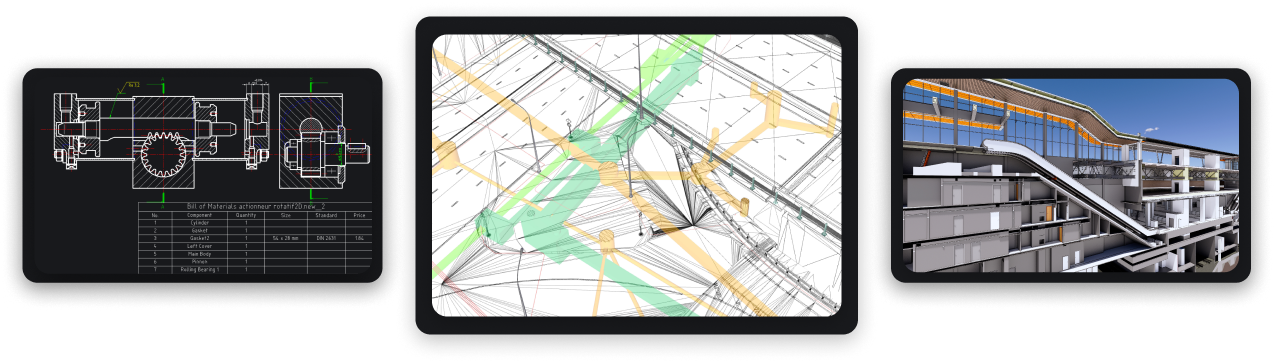


One Design Platform for everyone
All product levels of BricsCAD are built on a single design platform offering 6 functional toolsets



Design Platform

2D drafting

3D modeling

Civil & Surveying

Point Clouds

BIM

Mechanical
Available in
Powerful design platform
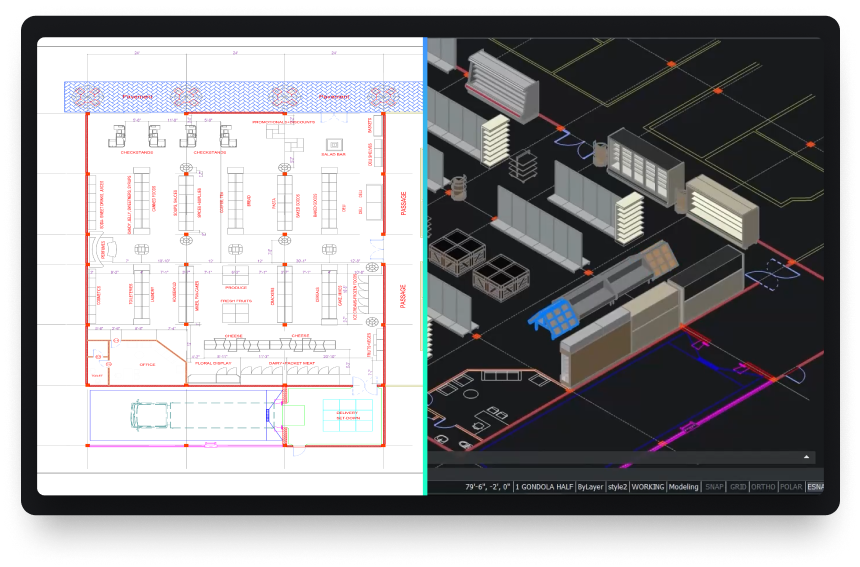
BricsCAD is a modern, high-performance DWG-based CAD platform that accelerates your 2D & 3D design and drafting workflows.
- BricsCAD downloads and installs quickly, offering familiar CAD tools that will have you working comfortably in an hour
- Innovative AI-powered features in BricsCAD can help you go from design to deliverable in record time
Make BricsCAD your own
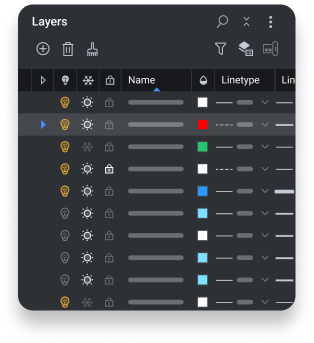
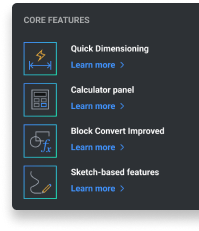
BricsCAD offers a rich application ecosystem and powerful customization options to supercharge user workflows


Add industry-specific toolsets with 3rd party applications
Extend your design reach with hundreds of industry-specific solutions that run on BricsCAD.

Build on BricsCAD via LISP, .NET or BRX APIs
Design and build your own workflow automation tools using BricsCAD’s compatible APIs.


Interoperability without compromise
BricsCAD lets you exchange design data freely across all project stakeholders and all major file formats.

Default supported file formats
*included in BricsCAD Lite, Pro, BIM, Mechanical and Ultimate
 DWG
DWG
 AutoCAD
 DXF
DXF
 DWT
DWT
 ACIS SAT
 PDF
PDF
 Micro Station
 Colada
 JPEG
JPEG
 TIFF
TIFF
 Draftsight
 Wavefront
Extra BIM file formats
*included in BricsCAD BIM and Ultimate
 Rhino
Rhino
 Sketchup
 Revit
Revit
 IFC
IFC
Extra 3D & Mechanical file formats
*requires an extra-cost module Communicator for BricsCAD
 Parasolid
 CATIA
CATIA
 Creo
3D PDF
Creo
3D PDF
 Solidworks
 Inventor
 STEP
STEP
 IGES
IGES
 Siemens_NX
 ACIS
ACIS
 STL
STL
 Solid Edge
Out-of-the-box integrations
*Vault and Projectwise require BricsCAD Maintenance
 Bricsys 24/7
 Vault
Vault
 Projectwise